

Can I keep receiving calls and SMS on my home number while using Gohub eSIM for data?
Yes, installing a Gohub eSIM does not change or remove your existing phone number. Your eSIM simply adds a new cellular line to your device, running alongside your physical SIM.
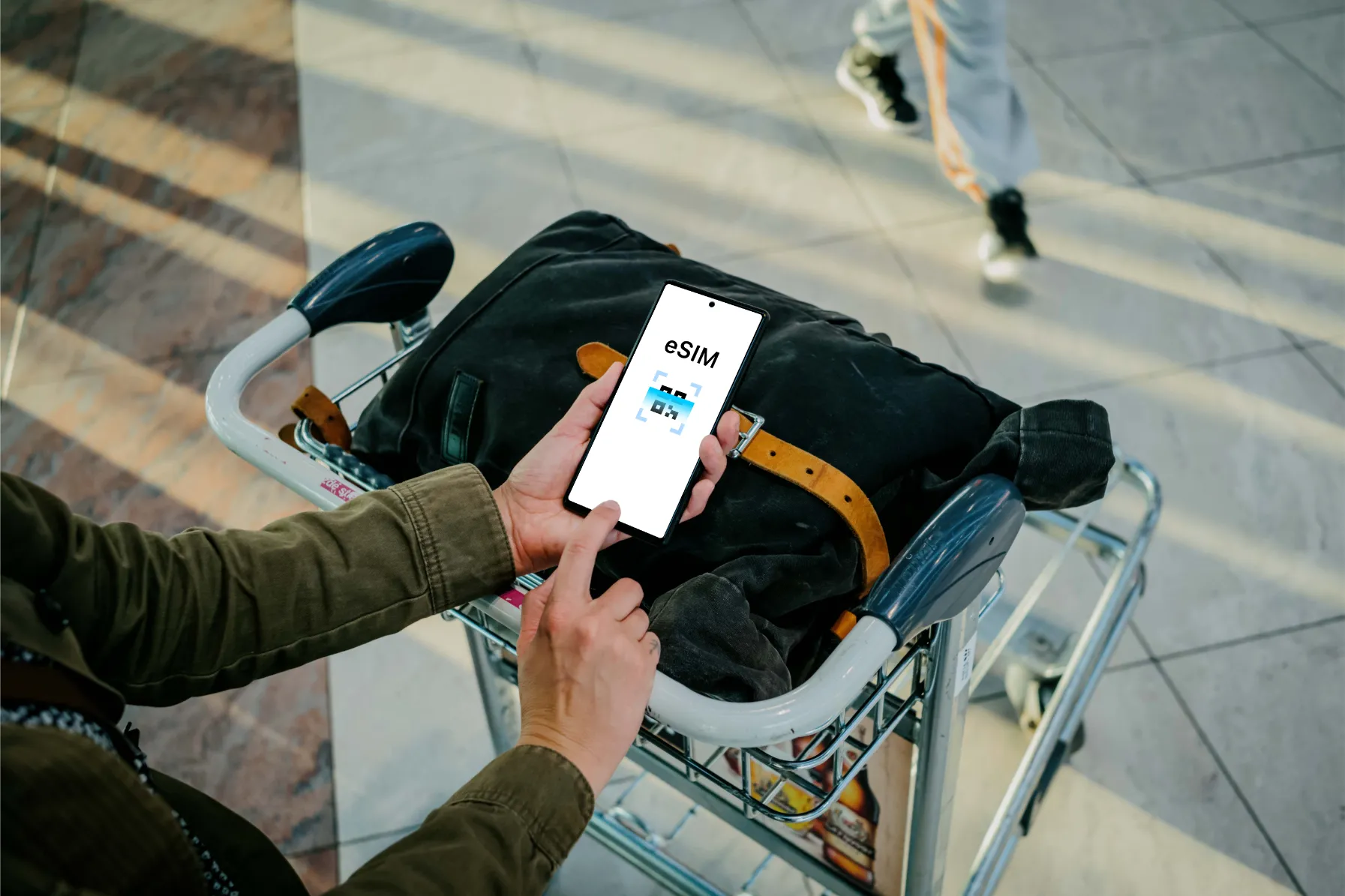
If your Gohub plan is data-only:
Your physical SIM stays active as normal. You keep receiving calls and SMS on your usual number, while the eSIM handles your mobile data abroad. Nothing changes for your home number.
If your Gohub plan includes a phone number:
Your eSIM comes with its own separate number. You can choose to use that line for calls and texts as well - but your original number stays on your device unless you remove the physical SIM yourself.
Important note about roaming charges:
Even when using a Gohub eSIM for data, your primary SIM line may still be active in the background. Depending on your home carrier's policies, simply having your primary SIM enabled abroad can trigger roaming charges - even if you're not actively using it for data.
To avoid unexpected charges, we recommend:
- Turning off Data Roaming for your primary SIM line while abroad
- Or contacting your home carrier to confirm their roaming policy before you travel
📌 Want to set your Gohub eSIM as the default data line? See How do I set my Gohub eSIM as the default data line?
📌 Want to control which SIM handles calls and which handles data? See How do I choose which SIM handles calls and which handles data?