

Thailand eSIM
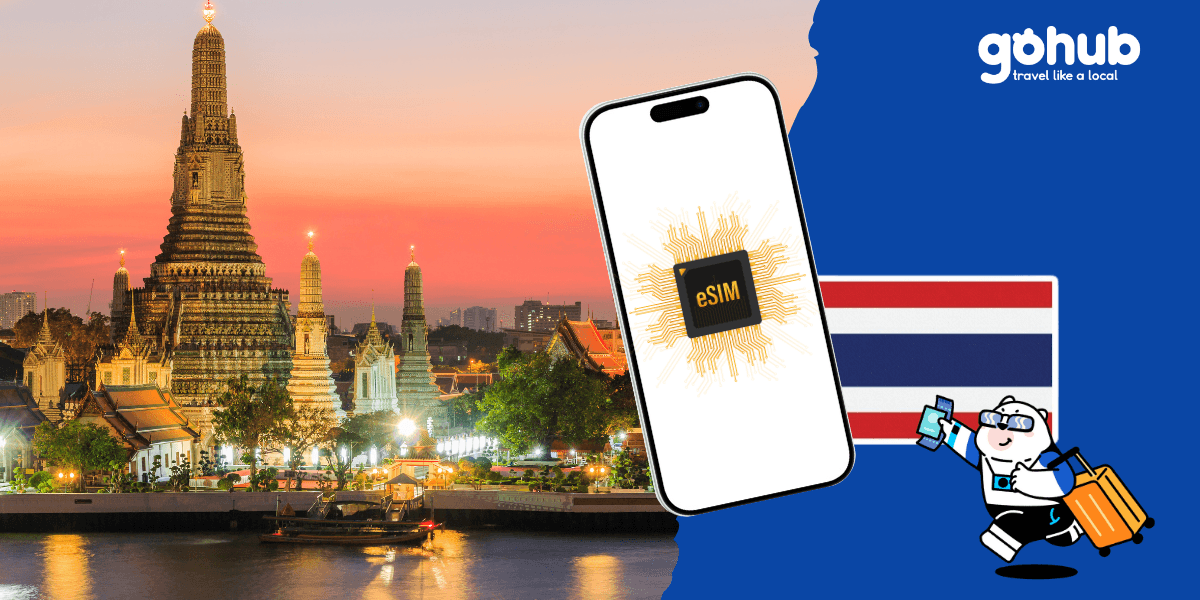
Thailand eSIM
Enjoy fast, reliable internet with trusted local networks worldwide.

Trusted by 500K+ happy global customers since 2018
Enjoy fast, reliable internet with trusted local networks worldwide.
happy global customers since 2018

Get an eSIM data plan for Thailand
3 days
5 days
7 days
15 days
30 days
Make sure your device is and network-unlocked.

About Gohub Thailand eSIM
A morning exploring Bangkok, an afternoon in Chiang Mai or a few days by the sea in Phuket — every Thailand itinerary looks a little different. Gohub's Thailand eSIM gives you a way to take mobile data along, so you can spend less time looking for Wi-Fi and more time enjoying the places you came to see.
Explore Thailand with your travel essentials close at hand
Some of the most useful moments online happen between the highlights of a trip: checking the route to your hotel, finding a restaurant you saved or sending your location to a friend. A travel data connection helps you keep those small details moving while you are out exploring.
Use Google Maps to find your next stop, open your booking confirmations on the go, or message your travel companions when plans change. If you use ride-booking apps such as Grab, having mobile data also makes it easier to check pickup details and follow your journey.
From city breaks to a longer escape
A short stay in Bangkok might revolve around neighbourhood walks, food stops and a busy schedule of reservations. A longer holiday could take you north to Chiang Mai before heading south to Phuket or Krabi. Think about where mobile data will fit into your own days, rather than choosing a plan on trip length alone.
For a city break, you may mainly want maps, messaging and booking apps between stops. If your trip includes long transfers, frequent photo uploads or time working from a laptop, your data needs may be different. Downloading maps and entertainment ahead of time can help keep more of your allowance available while you travel.
Choose data that matches your travel style
The best fit is a plan that matches both your time in Thailand and the way you use your phone. Compare the options above by validity, data allowance and speed policy. An unlimited plan may still have a separate high-speed allowance, so look at what happens after that allowance is used.
Maps and messages usually place different demands on a connection from video calls, streaming or sharing data with another device. If you plan to use a laptop or travel with a second device, check whether your selected package supports hotspot sharing. Network availability and performance depend on the package and local conditions.
A little preparation for the road ahead
Keep your accommodation address, important booking details and an offline map saved on your phone, especially when your itinerary takes you to remote areas or includes time at sea. Mobile coverage can change as you move between cities, rural routes and islands.
Planning your arrival? Read our Bangkok airport internet guide for more travel context, or explore the Thailand eSIM guide as you put your itinerary together.
How does the Gohub eSIM for Thailand work?

Choose your destination and duration
Select your destination and number of days to get your Gohub eSIM
Remember check your device compatibility before purchase.

Receive your eSIM instantly
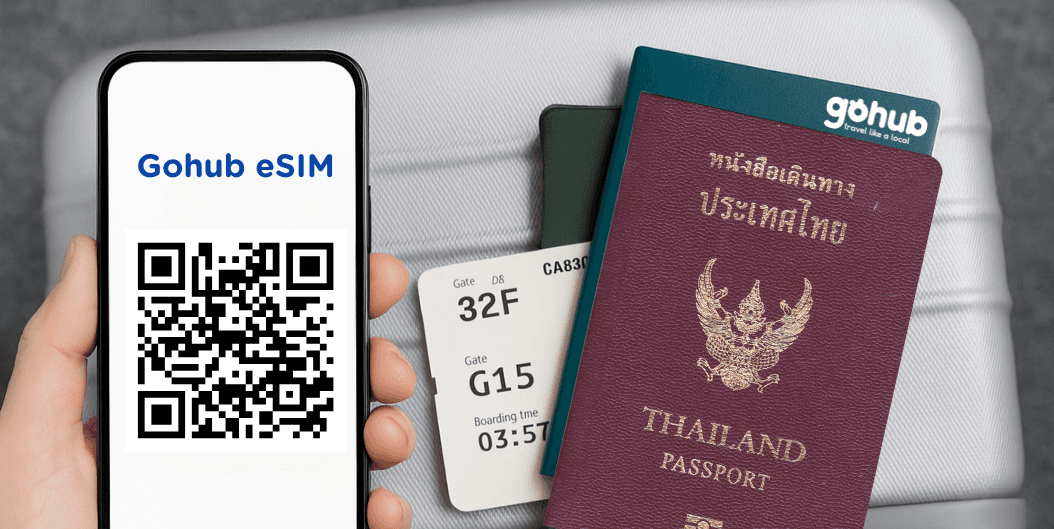
Your QR code or manual installation code will be sent to your email.
💌 Quick and easy setup, just scan and go!

Activate and enjoy your trip
Install your eSIM before your journey, and activate data when you arrive at your destination to stay connected seamlessly.

Download our app for support
Get instant support, manage your eSIM, and track your data usage with our mobile app.