

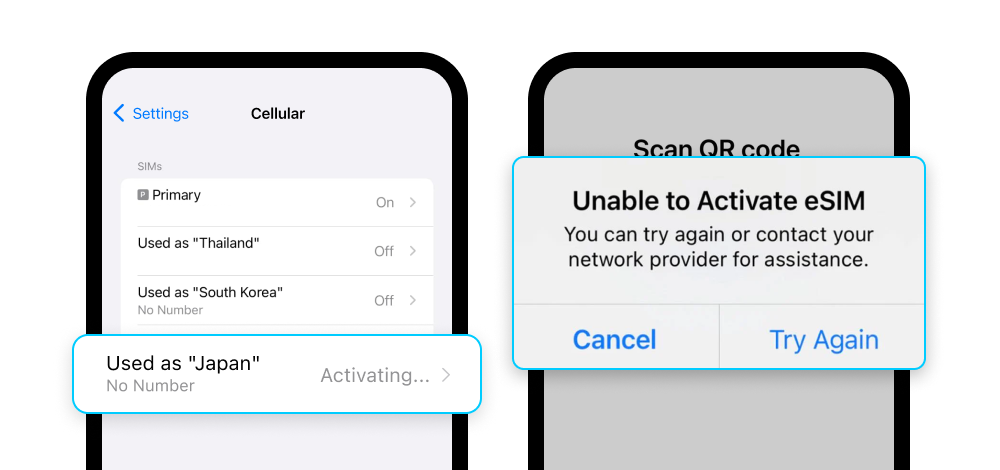
My eSIM shows "Activating..." or "Unable to Activate eSIM". Is this normal?
Yes, this is completely normal - especially if you're still in your home country.
Your eSIM needs to connect to a mobile network in your destination country to fully activate. Without that signal, it will show "Activating..." or "Unable to Activate eSIM" - but this doesn't mean anything is wrong.
Once you arrive at your destination:
- Turn on Mobile Data
- Turn on Data Roaming
→ See: What do I need to do when I arrive at my destination to start using my eSIM?
Your eSIM will activate automatically and start working.
If you're already at your destination and still seeing this message, try:
- Make sure both Mobile Data and Data Roaming are turned on
- Restart your phone, or wait 5-10 minutes - some networks take a little longer to connect
If it still doesn't activate after these steps, contact Gohub via WhatsApp.