

I'm getting the error "Cellular Plans From This Carrier Cannot be Added
This error almost always means your device is carrier-locked, meaning it can only work with your home carrier's network, and cannot install eSIMs from other providers like Gohub.
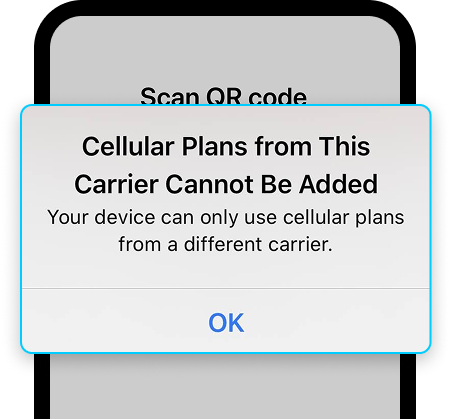
1. Check if your device is carrier-locked Go to Settings → General → About → Carrier Lock. If it shows anything other than "No SIM restrictions", your device is locked. Contact your carrier to request an unlock before proceeding.
2. Check if your device fully supports eSIM Even if your model is listed as eSIM-compatible, some regional versions don't support it. Confirm directly in your settings: go to Settings → Mobile Service and look for "Add eSIM". If the option isn't there, your device doesn't support eSIM.
3. Check your internet connection A weak or unstable connection can interrupt the installation. Try switching to a different Wi-Fi network and scanning the QR code again.
4. Restart your device Restart your phone and try the installation again. Make sure your iOS is up to date.
If you've confirmed your device is unlocked and fully supports eSIM but the error still appears, contact Gohub via WhatsApp - our team will check your eSIM profile directly.