

eSIM at Heathrow Airport: Mobile Data on Arrival

Some links in this article are affiliate links. If you book through them, Gohub may earn a small commission at no extra cost to you.
1. Quick Answer
Yes, you can use an eSIM at Heathrow Airport as soon as you land. Your phone must support eSIM and be carrier-unlocked, the plan should be installed before you fly, and you switch the eSIM line on after touchdown. Most phones then connect to a UK network within a few minutes of leaving airplane mode.
For most international travelers, the smoothest setup is to buy and install a UK eSIM before flying, then turn it on after landing at Heathrow. This helps you avoid roaming fees, airport queues, and relying only on public WiFi when you need maps, ride-hailing, hotel details, train schedules, or family messages right away.

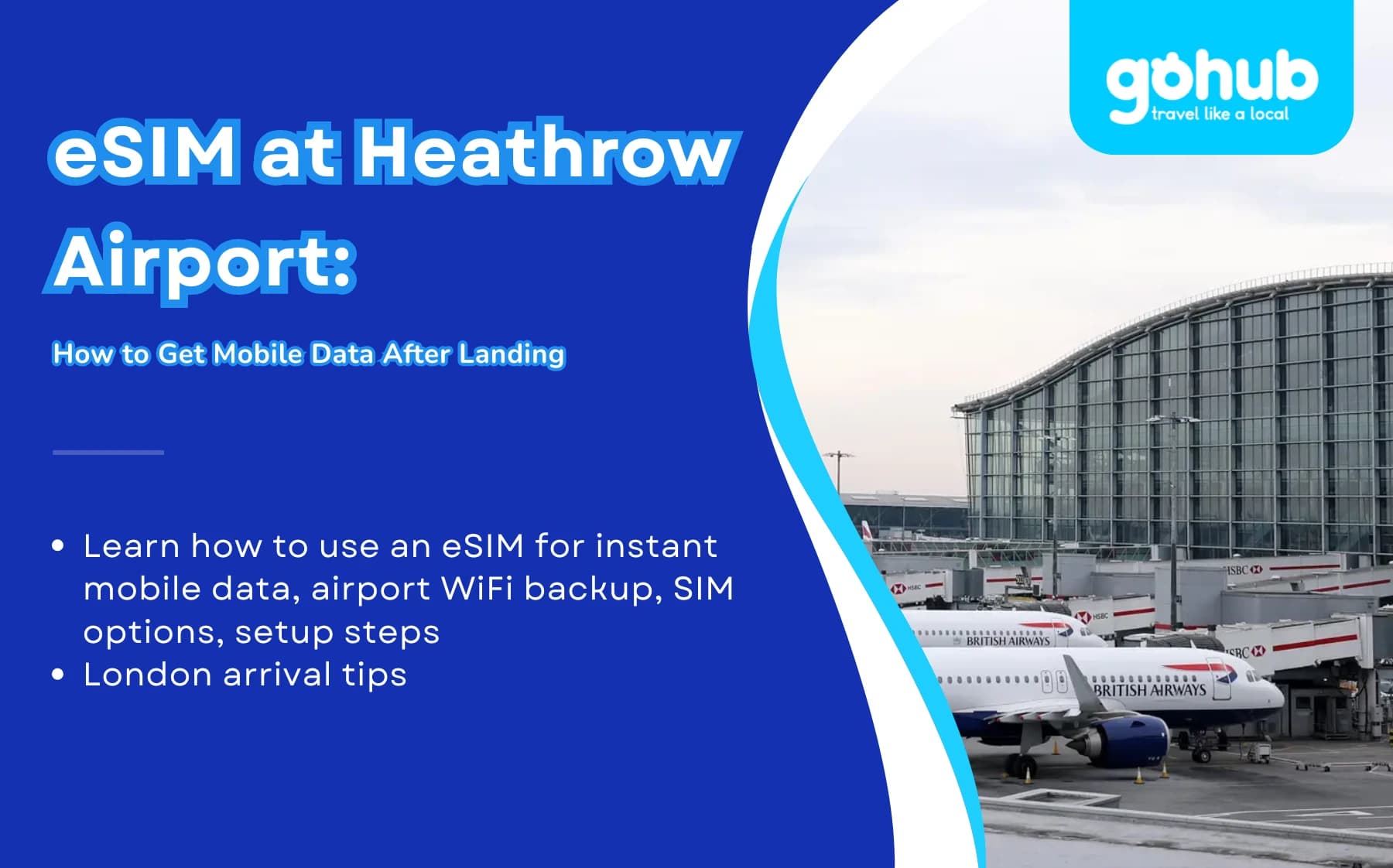
Heathrow International Airport terminal on arrival
Heathrow offers free Wi-Fi in every terminal, which can be useful as a backup. You can also buy SIM or eSIM options at the airport through providers such as Sim Local, but availability, prices, and opening hours may vary by terminal and time of arrival. Check Heathrow’s official Wi-Fi page and Heathrow’s official Sim Local listing before you travel.
2. eSIM at Heathrow Airport: Summary Table
A travel eSIM installed before departure is the quickest way to get mobile data at Heathrow. Free terminal Wi-Fi works as a backup, airport SIM shops suit travelers whose phones lack eSIM, and roaming suits people who want zero setup and accept the cost. The table compares the five options.
Option | Best for | Main benefit | Watch out for |
|---|---|---|---|
Travel eSIM | Travelers who want data immediately after landing | Install before departure and connect after arrival | Requires eSIM-compatible, unlocked phone |
Heathrow WiFi | Short airport use or backup connection | Free WiFi available at Heathrow | Only covers the terminals, not your onward journey |
Airport SIM/eSIM shop | Travelers who prefer in-person purchase | Can buy after arrival | May involve queues, opening hours, and terminal availability |
International roaming | Travelers who want zero setup | Uses your home carrier | Can be expensive depending on your plan |
Local physical SIM | Longer UK stays needing calls/SMS | Local number may be available | Requires physical SIM swap and setup time |
3. Why You Need Mobile Data After Landing at Heathrow
You need mobile data at Heathrow because most of the first hour after landing runs through your phone: messaging your hotel, opening travel documents, booking a ride and checking trains into London. Terminal Wi-Fi covers part of that, but only while you are inside the building.
You may need internet access to:
Message your hotel or host
Open digital travel documents
Check immigration or arrival instructions
Use Google Maps, Apple Maps, or Citymapper
Book Uber, Bolt, taxi, or airport transfer
Check Heathrow Express, Elizabeth line, or Underground routes
Contact family, colleagues, or your travel group
Access email, work apps, or cloud documents
Airport WiFi can help while you are still inside the terminal. But once you move toward baggage claim, arrivals, train platforms, taxi areas, or your hotel, having your own mobile data usually works better.
For travelers heading into London or continuing around the UK, reviewing UK eSIM plans before departure can make your arrival smoother.
4. Can You Use an eSIM Immediately After Landing at Heathrow?
Yes. In most cases, you can use your eSIM within minutes of landing at Heathrow, provided it is already installed and set as your data line. Gohub’s guide on what to do when you arrive and the arrival video guide cover the steps.
The best setup is:
Buy your UK eSIM before departure.
Install the eSIM while you still have stable WiFi.
Keep your travel eSIM turned off until your trip starts if instructed by your provider.
After landing, turn off airplane mode.
Enable the eSIM for mobile data.
Turn on data roaming for the eSIM line if required by the plan.
Wait a few minutes for the phone to connect to a UK network.
Some travelers may connect before reaching immigration or baggage claim. Others may need a few minutes, especially inside airport buildings or during busy network periods.
Connection quality depends on your eSIM provider, network partner, phone model, settings, terminal area, and network congestion. If you want to check UK coverage by area, the Ofcom mobile coverage checker is a useful official tool.
5. Can You Buy a SIM or eSIM at Heathrow Airport?
Yes, Heathrow has SIM-related services at the airport. Heathrow’s official website lists Sim Local stores across Terminals 2, 3, 4, and 5, with opening hours shown on the official listing. Heathrow also has a dedicated page for UK SIMs and phones at Heathrow, which references SIM and eSIM options for visitors.
Buying at the airport can work if:
You forgot to buy an eSIM before departure
Your phone is not eSIM-compatible
You prefer in-person help
You need a physical SIM card
However, buying after arrival may not be ideal if you land late, arrive during peak hours, are in a hurry, or need data before finding the shop.
For many travelers, installing an eSIM before flying is still the safer option because you can test installation while you have stable WiFi at home, then activate data after landing.
6. Airport WiFi vs eSIM vs Roaming vs Local SIM
For most visitors, a travel eSIM gives the best mix of cost and coverage after landing at Heathrow. Airport Wi-Fi is free but stays inside the terminals, roaming is easy but can be expensive, and an airport SIM card suits travelers whose phones do not support eSIM.
Option | Pros | Cons | Best use case |
|---|---|---|---|
Heathrow WiFi | Free, useful inside the airport, good backup | Public network, may require registration, less useful after leaving airport | Checking messages or installing an eSIM if needed |
Travel eSIM | No physical SIM, can install before travel, keeps your home SIM active | Needs compatible unlocked phone | Travelers who want mobile data right after landing |
International roaming | Very easy, keeps your regular number and plan | Can be expensive depending on home carrier | Short trips where cost is not a concern |
Airport SIM card | In-person purchase, can include local UK number | Requires queue, shop availability, physical SIM swap | Longer stays or travelers needing calls/SMS |
Regional eSIM | Useful for multi-country Europe trips | Coverage and allowance vary by plan | Travelers visiting the UK plus Europe |
Heathrow’s official Wi-Fi page says Wi-Fi is available throughout the terminals and free to use after a quick registration during your time at the airport. That makes it useful as a backup, but not a full replacement for mobile data once you start moving around London.
If you are weighing cost against ease of setup, this guide on international roaming vs eSIM can help you decide whether roaming or eSIM makes more sense for your trip.
7. Recommended eSIM Data by Traveler Type
How much data you need depends on trip length and how much you stream or work online. A weekend of maps and messaging fits in 5–10 GB, while a week of daily navigation and photo uploads usually needs 10–20 GB. Hotspot users and remote workers should look at daily or unlimited plans.
Traveler type | Suggested data | Typical usage |
|---|---|---|
Short layover or 1–2 days in London | 3GB–5GB | Messaging, maps, transport checks |
Weekend tourist | 5GB–10GB | Maps, social media, light browsing |
One-week UK trip | 10GB–20GB | Daily navigation, messaging, photos, research |
Business traveler | 10GB–20GB+ | Email, video calls, hotspot, work apps |
Digital nomad or heavy user | 20GB+ or unlimited-style plan | Remote work, hotspot, streaming |
UK plus Europe trip | Regional Europe eSIM | Cross-border travel |
Do not choose only by price. Check:
Data allowance
Validity period
UK coverage
Whether hotspot is supported
Whether the plan is UK-only or Europe-wide
Activation policy
Refund or troubleshooting support
Whether your phone supports eSIM
If your trip is only in England, Scotland, Wales, or Northern Ireland, a UK eSIM plan is usually the most direct option. Gohub’s UK plans on the Three network start at $4.90 for 5 GB over 3 days, and the EE Unlimited 30-day plan ($78.80) adds a UK phone number with unlimited local calls and texts. If Heathrow is your first stop before France, Italy, Spain, Germany, or other European destinations, compare Europe eSIM plans instead. For a side-by-side look at data, validity and price, compare UK eSIM plans in our full UK guide.
8. Setup Checklist Before Flying to Heathrow
Before you fly, complete this checklist:
Confirm your phone is unlocked (how to check for a carrier lock).
Buy the right UK or Europe eSIM plan.
Install the eSIM using stable WiFi before departure: see the iPhone install guide (iPhone video guide) or the Android install guide (Android video guide).
Save the QR code or installation instructions offline.
Label the eSIM line clearly, for example “UK Travel”.
Keep your primary SIM active if you need bank OTPs or calls.
Turn off data roaming on your home SIM to avoid accidental roaming charges.
Know whether your travel eSIM requires data roaming to be turned on.
Download offline maps as backup.
Save your hotel address and transfer details.
If you are unsure whether your device supports eSIM, check this guide to eSIM-compatible phones before purchasing.
9. How to Activate Your eSIM After Landing at Heathrow
To activate a pre-installed eSIM at Heathrow, turn off airplane mode, set the travel eSIM as your mobile data line and turn on data roaming for that line. Most phones connect within a few minutes. Gohub’s on-arrival guide walks through each setting.
After your aircraft lands at Heathrow:
Turn off airplane mode.
Open mobile or cellular settings.
Select your travel eSIM as the mobile data line.
Keep your home SIM for calls or SMS if needed.
Turn on data roaming for the eSIM line if your provider requires it.
Wait a few minutes for the eSIM to connect.
Open a browser or maps app to test mobile data.
If it does not connect, restart your phone.
If you have signal bars but no internet, check the APN settings using Gohub’s fixes for iPhone (iPhone APN video) or Android (Android APN video).
Use Heathrow WiFi as backup if you need to contact support.
Avoid deleting the eSIM profile unless your provider tells you to. Many eSIM QR codes can only be installed once.
10. Getting from Heathrow to Central London: Why Data Helps
This is not a full airport transport guide, but mobile data is especially useful when choosing your route from Heathrow to London.
Common options include:
Heathrow Express to Paddington
Elizabeth line to central and east London
London Underground Piccadilly line
Coach or bus services
Taxi, Uber, Bolt, or pre-booked transfer
Heathrow’s official transport pages are the best source for route changes, fares, and service updates. Check the official Heathrow transport guide before you travel, especially if you arrive late at night or during rail disruption.
With an active eSIM, you can compare routes in real time, check platform changes, message your hotel, and share your ETA after landing.
11. UK Entry and ETA Note
Some travelers need a visa or Electronic Travel Authorisation before traveling to the UK. This depends on nationality, passport, and travel purpose.
This article focuses on airport connectivity, not immigration advice. Before flying, use the UK government entry requirements checker or GOV.UK ETA guidance to confirm what you need.
12. Arrival Connectivity Checklist
Before leaving Heathrow, check that:
Your eSIM has signal.
Mobile data is working.
Your home SIM is not using expensive roaming data.
Google Maps or Citymapper can load routes.
Your hotel address is saved.
Your ride-hailing or transfer app is logged in.
You can receive important SMS or app messages.
Your battery is charged enough for the journey.
Heathrow WiFi is available as backup if needed.
A simple rule: install before flying, activate after landing, and test before leaving the airport.
13. Final Tips for Heathrow Arrivals
If Heathrow is your first stop in the UK, you can review UK eSIM plans before departure and choose a data allowance that fits your trip length. For multi-country itineraries, compare Europe eSIM plans so you do not need to switch plans after leaving the UK.
Using an eSIM at Heathrow Airport is one of the easiest ways to get mobile data shortly after landing. Heathrow WiFi is useful inside the terminal, and airport SIM options may be available, but installing your eSIM before departure gives you more control when you arrive.
For most travelers, the best setup is simple: choose a UK or Europe eSIM before flying, install it on stable WiFi, activate it after landing, and test your connection before leaving the airport.
That way, you can use maps, transport apps, hotel messages, ride-hailing, and travel documents as soon as your London trip begins.
Frequently Asked Questions
1. Can I use an eSIM at Heathrow Airport?
Yes. You can use an eSIM at Heathrow Airport if your phone supports eSIM, is unlocked, and your travel eSIM plan includes UK coverage.
2. Should I install my eSIM before landing at Heathrow?
Yes. It is better to install your eSIM before departure while you have stable WiFi. After landing, you can enable the eSIM and connect to a UK mobile network.
3. Does Heathrow Airport have free WiFi?
Yes. Heathrow offers free WiFi in the terminals after registration. It is useful as a backup, but it only covers the terminals, so you need mobile data once you leave.
4. Can I buy an eSIM at Heathrow Airport?
Heathrow’s official website lists SIM and eSIM-related options, including Sim Local. Availability, store location, and opening hours can vary, so check Heathrow’s official pages before arrival.
5. Is airport WiFi enough after landing at Heathrow?
Airport WiFi may be enough for short use inside the terminal. For maps, ride-hailing, hotel messaging, and transport after leaving Heathrow, an eSIM is usually more practical.
6. Can I use a UK eSIM across London and the rest of the UK?
Most UK eSIM plans are designed for use across the United Kingdom, but coverage depends on the provider, network partner, device, location, and congestion.
7. Is an eSIM cheaper than international roaming?
Often, yes. Travel eSIM plans are usually more predictable than pay-per-use roaming, but the final comparison depends on your home carrier’s roaming package and your data needs.
8. Why is my eSIM not working after landing at Heathrow?
Common reasons include airplane mode still being on, the wrong data line selected, data roaming disabled for the eSIM, poor indoor signal, APN settings, or the plan not being activated yet. Restart your phone, then follow Gohub’s fixes for iPhone or Android if you have signal but no internet.
9. Can I keep my home number while using a travel eSIM?
Yes, most dual-SIM phones let you keep your home SIM active for calls or SMS while using the eSIM for mobile data.
10. Do I need a UK eSIM or Europe eSIM for Heathrow?
Choose a UK eSIM if your trip is mainly in the United Kingdom. Choose a Europe eSIM if Heathrow is only your first stop before visiting other European countries.
Airport services, shop locations, transport routes, opening hours, fares, WiFi policies, entry requirements, and mobile coverage can change. Always confirm time-sensitive details through official sources such as Heathrow, GOV.UK, transport operators, your airline, and your eSIM provider before traveling.

Loves technology and looks at eSIMs from a technical angle. Dylan writes clear, practical guides on how travel eSIMs work, which networks they use and how to choose the right plan for your trip.
View all articles →Related articles

Best eSIM for India 2026: 5 Options Compared
Which eSIM is best for India in 2026? Compare Gohub, Airalo, Holafly, Nomad and Ubigi on price, networks and data, plus the Kashmir and Ladakh coverage gap.

Best eSIM for the UK 2026: 5 Options Compared
Which eSIM is best for the UK in 2026? Compare Gohub, Airalo, Holafly, Nomad and Ubigi on price, networks, unlimited data and UK phone numbers.

Best eSIM for the Philippines 2026: 5 Options
Which eSIM is best for the Philippines in 2026? Compare Gohub, Airalo, Holafly, Nomad and Ubigi on price, networks and data limits, plus SIM rules.

Best eSIM for South Korea 2026: 6 Options Compared
Which eSIM is best for South Korea in 2026? Compare Gohub, Airalo, Holafly, Nomad, Ubigi and SK Telecom on price, speed limits and Korean numbers.
Best eSIM for China in 2026: 5 Providers Compared
Which eSIM is best for China in 2026? Compare Gohub, Airalo, Holafly, Nomad and Ubigi on price, daily speed limits and Google and WhatsApp access.

Best eSIM for Japan in 2026: 8 Options Compared
Which eSIM is best for Japan in 2026? Compare Gohub, Airalo, Holafly, Nomad, Saily, Ubigi and pocket WiFi on price per day, network and daily data caps.