

Arriving in Thailand: How to Get Internet at Bangkok Airport

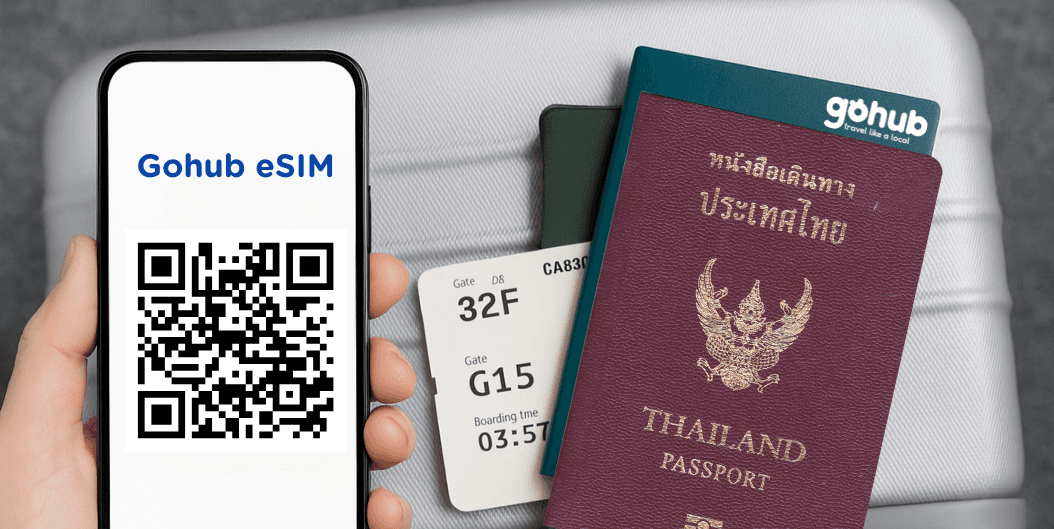
Introduction: The Airport Drop-Off
You’ve just landed at Suvarnabhumi Airport after a long-haul flight. Your legs are stiff, your phone battery is already lower than you’d like, and all you want is to get through immigration and into the city as quickly as possible. You shuffle out of the cabin, eyes half-closed, mentally preparing for the long walk ahead.
Then it hits you: no internet.
No signal. No Grab. No way to message your hotel or open Google Maps. You try connecting to the airport Wi-Fi, but it keeps timing out. You glance over at the SIM card kiosks and see long lines of confused, equally exhausted travelers clutching their passports and phones.
Sound familiar?
Whether it’s your first time in Thailand or your fifth, arriving without internet can be more than just inconvenient. It can seriously slow you down, increase stress after an already long journey, or worse, leave you stranded and overpaying for last-minute solutions you did not plan for.
Bangkok is exciting, vibrant, and chaotic in the best way, but it is not the easiest city to navigate without connectivity. Transport apps, maps, hotel check-ins, and even basic communication depend heavily on having mobile data.
But here’s the good news. Getting internet at Bangkok’s airport does not have to be a hassle. In this guide, you’ll learn every realistic option available, what works well, what does not, and which solution most travelers find easiest and least stressful. Hint: the best option can be set up before you even leave home.
👉 Want more tips? Don’t miss:

Why Getting Internet at the Airport Matters
The moment you step off the plane in a new country, especially somewhere as fast-paced as Bangkok, there are a few essentials you want sorted immediately. Food can wait. Sightseeing can wait. Internet cannot.
Here’s why having internet right after landing matters more than most people expect.
Booking a Ride
Most travelers rely on ride-hailing apps like Grab or Bolt to get from the airport into the city. These apps help avoid confusing transport routes, language barriers, and overcharging taxis. Without internet, you are forced to rely on limited options or negotiate prices while tired and jet-lagged.
Finding Your Hotel or Airbnb
Hotel addresses in Bangkok can be tricky, especially if you are staying in smaller streets or residential areas. If you cannot remember the address or need updated check-in instructions from your host, you will need an internet connection to access booking confirmations or messages.
Navigating with Google Maps
Bangkok is massive. Streets, alleys, BTS stations, and exits can be confusing even for experienced travelers. Live navigation (or offline maps) helps you choose the fastest route, avoid traffic, and make sense of public transport options. Without it, getting lost becomes very easy.
Messaging Friends, Family, or Hosts
Letting someone know you arrived safely is a small thing that brings peace of mind. You may also need to contact your hotel, tour operator, or travel companion. Without data, you are completely cut off during the most critical arrival window.
Handling Unexpected Situations
Flight delays, luggage issues, hotel changes, or last-minute plan adjustments happen more often than we like to admit. When something goes wrong, internet access becomes your lifeline to rebook, reschedule, or get help quickly.
Bottom line: No internet means wasted time, unnecessary stress, and avoidable problems. Starting your Thailand trip connected sets the tone for everything that follows.
What Are Your Options for Getting Internet at Bangkok Airport?
Once you land at Suvarnabhumi or Don Mueang Airport, there are several ways to get online. Some options are convenient but limited. Others work well but come with trade-offs. Let’s break them down.
Option 1: Free Airport Wi-Fi
Most major areas of Bangkok’s airports offer free public Wi-Fi.
Pros:
Free, easy to find, and useful for quick tasks like checking messages or email.
Cons:
Often slow, requires registration, sessions are time-limited, and security is not ideal for sensitive activities.
Verdict: Fine for emergencies or quick setup tasks, but not reliable for your entire arrival or journey into the city.
Option 2: Buy a Physical SIM Card at the Airport
SIM card kiosks from providers like AIS, dtac, and TrueMove H are available in arrival halls.
Pros:
Local data plans, staff usually speak English, and setup is done for you.
Cons:
Queues can be long, passport registration is required, and you must remove your existing SIM card.
Verdict: A solid backup option, but often slower and more expensive than planning ahead
Wondering how it compares? Read:
👉 eSIM vs SIM vs Nano SIM
Option 3: Rent a Pocket Wi-Fi Device
Pocket Wi-Fi devices are sometimes used by families or groups traveling together.
Pros:
Multiple devices can connect at once, and no SIM swap is needed.
Cons:
The device is bulky, needs constant charging, and rental costs add up quickly.
Verdict: Practical for groups, but inconvenient for solo travelers or short trips.
Option 4: Roaming from Your Home Network
Your phone may automatically connect to roaming once you land.
Pros:
No setup required and works immediately.
Cons:
Roaming is expensive, often limited in speed, and can result in unexpected charges.
Verdict: Only suitable as a very short-term emergency solution.
Option 5: Install an eSIM Before You Fly
An eSIM is a digital SIM you install on your phone before traveling.
Pros:
No physical SIM needed, no airport queues, instant connection upon landing, and local data rates.
Cons:
Your phone must support eSIM.
Verdict: The best choice for most travelers. Simple, fast, and stress-free.
Comparison: Which Option Wins?
Option | Setup Speed | Cost | Reliability | Ease of Use | Rating |
|---|---|---|---|---|---|
Free Wi-Fi | Medium | Free | Low | Easy | ⭐⭐☆☆☆ |
Physical SIM | Medium | Medium | High | Moderate | ⭐⭐⭐☆☆ |
Pocket Wi-Fi | Medium | High | High | Inconvenient | ⭐⭐☆☆☆ |
Roaming | High | Very High | Medium | Easy | ⭐⭐☆☆☆ |
eSIM (GoHub) | Very High | Affordable | Very High | Very Easy | ⭐⭐⭐⭐⭐ |
eSIM clearly wins when you consider speed, convenience, and overall value.
How to Set Up a Thailand eSIM Before Your Flight
Setting up an eSIM is straightforward and takes only a few minutes.
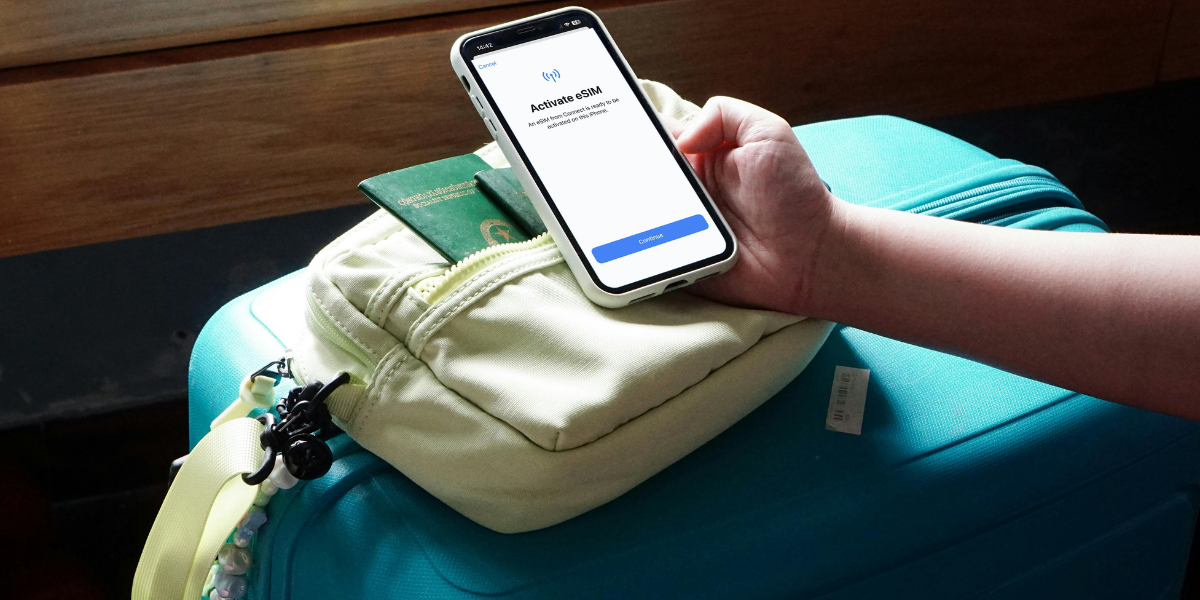
Step 1: Check Device Compatibility
Most iPhones from XS and newer support eSIM, and recent Android models like Samsung Galaxy and Google Pixel support eSIM too.
Check in Settings, then About, and look for “Digital SIM” or “eSIM.”
Step 2: Choose a Trusted Provider
Look for a provider that offers fast local speeds, transparent pricing, and reliable support. GoHub provides instant delivery and 24/7 multilingual customer service.
Step 3: Purchase and Receive Your eSIM
After purchase, you receive a QR code or activation code with clear instructions. You can choose when your plan starts.
Step 4: Install the eSIM
Scan the QR code or enter the activation details manually in your phone’s settings.
Tip: Install it before boarding while you still have stable Wi-Fi.
Step 5: Land and Go Online
Once you turn off airplane mode in Thailand, your phone connects automatically.
No Internet? Here’s What to Do
If something goes wrong, stay calm.
Use Airport Wi-Fi
It’s slow but enough to install an eSIM or message someone.
Buy a SIM on Arrival
Use airport kiosks as a backup if needed.
Use Offline Tools
Travel apps and offline maps, screenshots, and translation apps can help bridge the gap.
Ask for Help
GoHub offers 24/7 support, even via airport Wi-Fi.
Quick FAQ – Internet at Bangkok Airport
Do I need a passport to buy a SIM at the airport?
Yes. It’s required by Thai law.
Is airport Wi-Fi reliable?
It works, but it’s slow and often unstable.
Can I use my physical SIM and eSIM together?
Yes, if your phone supports dual SIM.
Does a GoHub eSIM include a phone number?
No, it’s data-only — but WhatsApp and similar apps still work.
What if I forget to install my eSIM?
Use airport Wi-Fi to set it up — GoHub support is available 24/7.
Is eSIM slower than a regular SIM?
Nope! Same speed, less hassle.
Final Thoughts: Land Ready, Travel Easy
Getting internet at Bangkok airport doesn’t have to be a headache.
You could wait in long SIM card lines. You could fumble with public Wi-Fi. You could pay outrageous roaming fees.
Or you could just install an eSIM before your flight and land connected.
With a GoHub eSIM, you get:
Fast, local internet the second you touch down
No SIM swaps, no queues, no paperwork
Plans designed for travelers with amazing value
24/7 multilingual support, just in case
So here’s the move: install your GoHub Thailand eSIM before takeoff, and land in Thailand 100% ready.
No stress. No delays. Just pure travel mode.
Related Articles:

Hi! Mình là Lala Wren, một content creator yêu xê dịch và đam mê chia sẻ trải nghiệm thực tế cho cộng đồng Gohub. Trong nhiều năm qua, mình đã đặt chân đến Thái Lan, Hàn Quốc, Nhật Bản, Singapore, Malaysia, Bali và nhiều điểm đến thú vị khác trên khắp châu Á. Cùng mình tìm hiểu tất tần tật từ khâu chuẩn bị eSIM, Visa, lịch trình và địa điểm nổi bật cho chuyến đi sắp tới của bạn nhé!
View all articles →Related articles
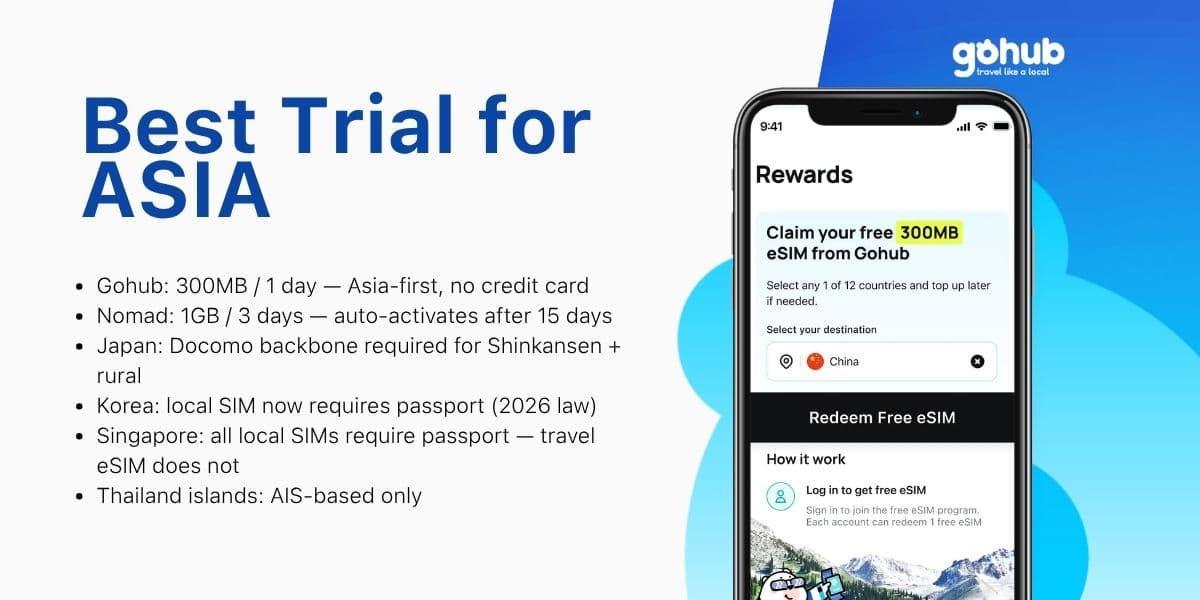
Free eSIM Asia 2026: Best Trial for Japan, Korea, Thailand and Singapore
Traveling to Japan, Korea, Thailand, or Singapore? Compare free eSIM trials by destination, trip length, and KYC requirements — find the right option for your Asia itinerary.
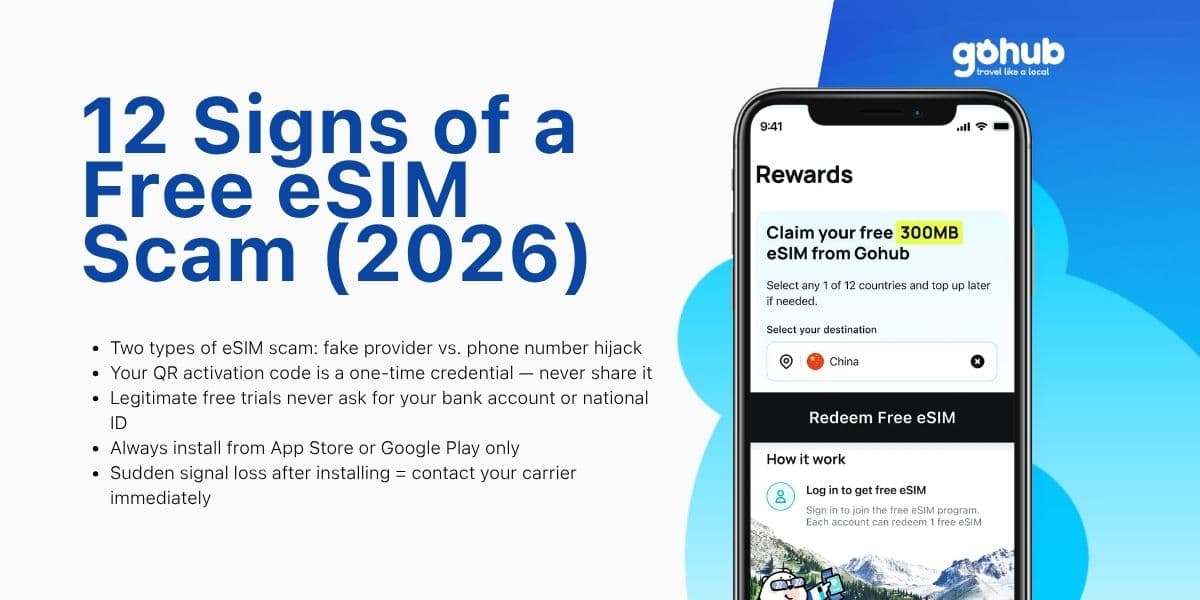
12 Signs of a Free eSIM Scam and How to Protect Yourself (2026)
Fake QR codes, "free unlimited" traps, SIM swap attacks — learn the 12 warning signs of a free eSIM scam and how to verify any provider before you install. Updated March 2026.
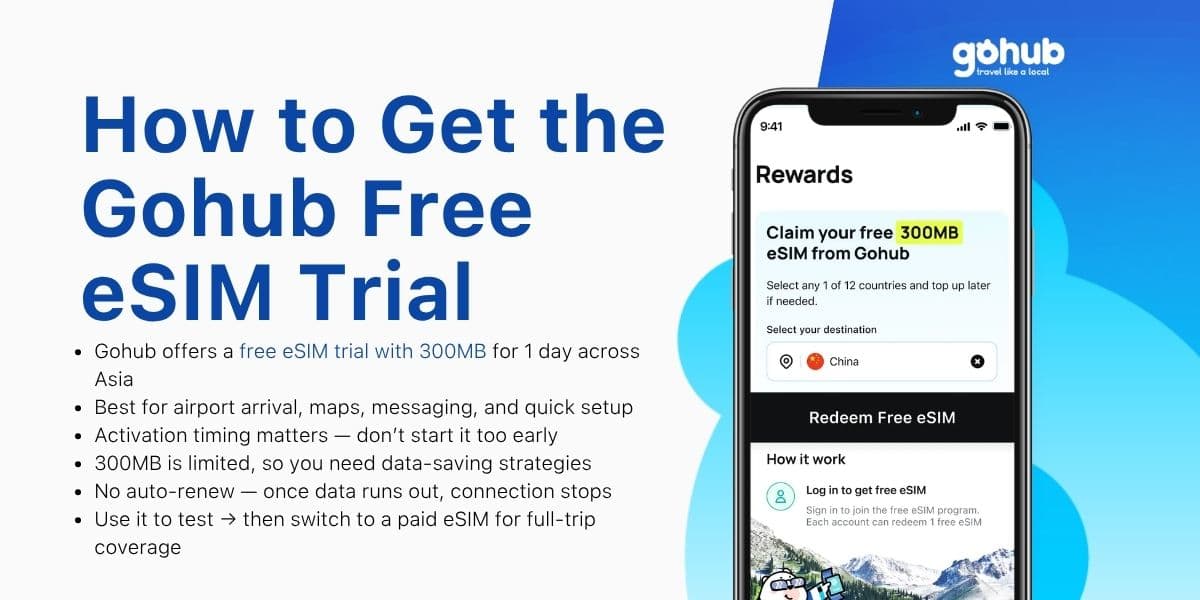
How to Get Gohub Free eSIM Trial (300MB/1 Day for Asia)
Get a Gohub free eSIM trial with 300MB for 1 day across Asia. Learn how to activate, use data efficiently, and avoid common setup issues.
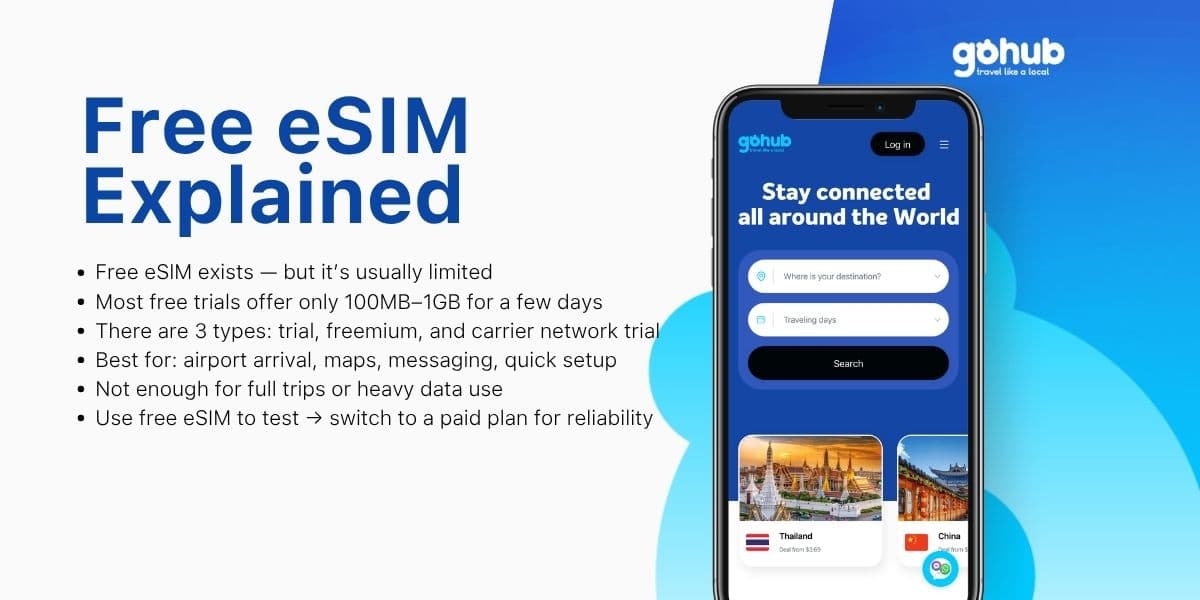
Free eSIM Explained: Is a Free eSIM Trial Really Free? (2026)
What is a free eSIM? Learn the difference between eSIM trials, freemium eSIMs, and carrier network trials before you use one for travel.
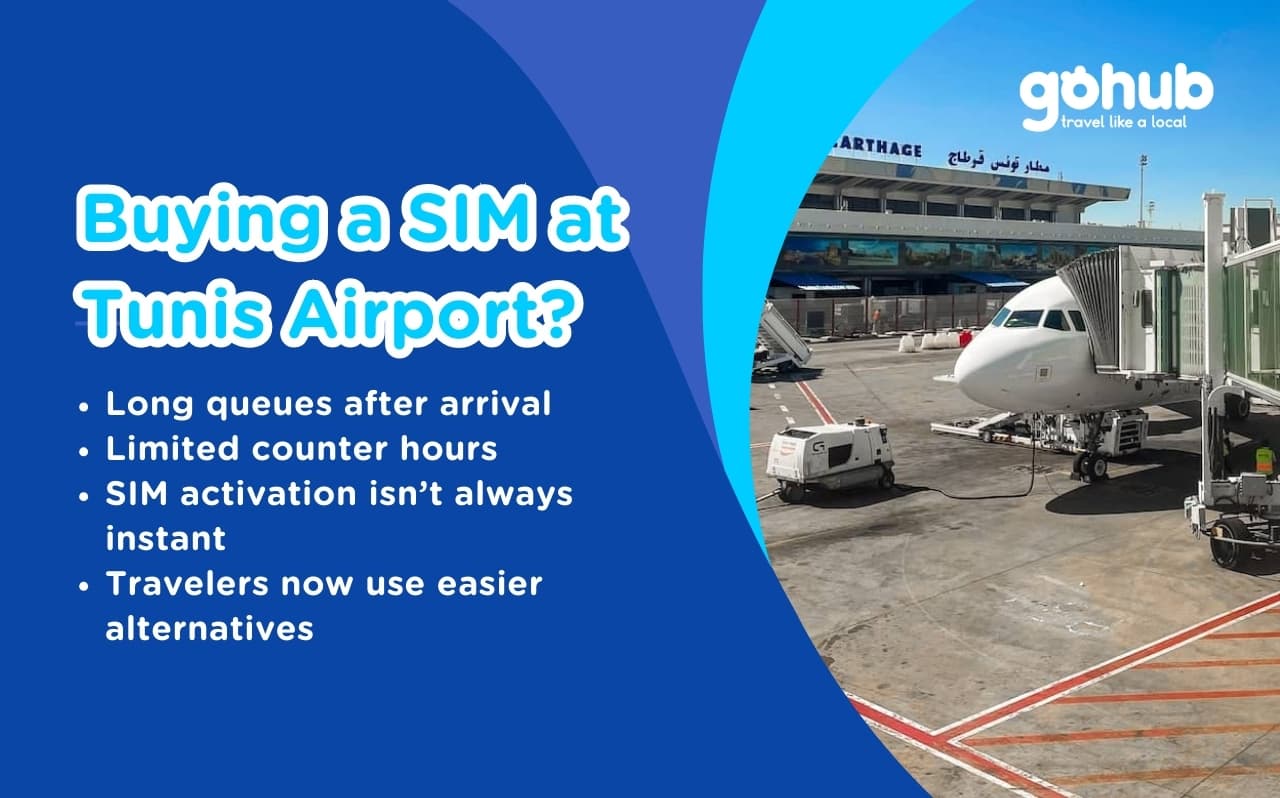
Tunis Airport SIM vs eSIM (2026): How to Get Internet Fast After Landing
Avoid long queues and SIM activation problems at Tunis Airport. Discover better connectivity options for travelers to Tunisia in 2026.
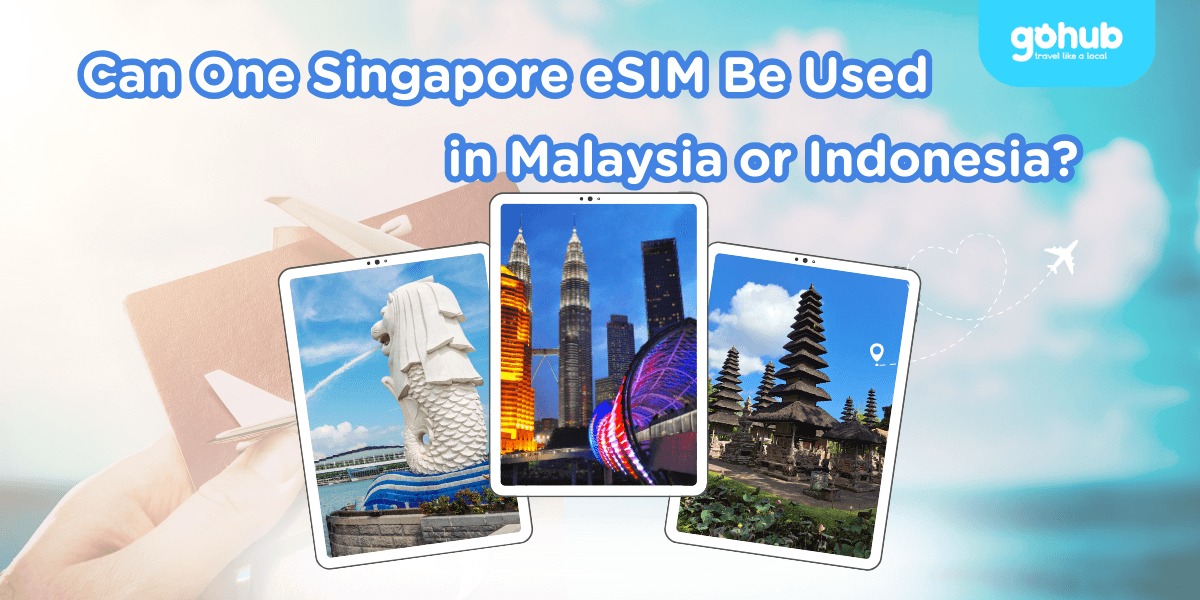
Can One Singapore eSIM Be Used in Malaysia or Indonesia? Coverage & Data Explained
Singapore eSIM Malaysia Indonesia: learn when one regional eSIM covers all three countries, how data limits work, and when separate plans make sense.