



Åland Islands eSIM
Åland Islands eSIM
Enjoy fast, reliable internet with trusted local networks worldwide.

Trusted by 500K+ happy global customers since 2018
Enjoy fast, reliable internet with trusted local networks worldwide.
happy global customers since 2018

Get an eSIM data plan for Åland Islands
Åland Islands eSIM plans: $30.06, valid 30 days.
30 days
Make sure your device is and network-unlocked.

1-Hour eSIM Replacement
Åland Islands eSIM for Travelers – Fast Data, Easy Setup, Instant Activation
Stay connected the moment you arrive in Mariehamn and across the Åland Islands with Gohub’s Åland Islands travel eSIM. Enjoy convenient mobile data access without swapping your physical SIM card or paying expensive roaming fees during your trip.
Whether you are visiting for sightseeing, ferry travel, business, cycling holidays, or Nordic island exploration, Gohub’s Åland Islands eSIM helps you stay connected for maps, messaging, social media, and essential travel apps throughout your journey.
Why choose Gohub’s Åland Islands eSIM:
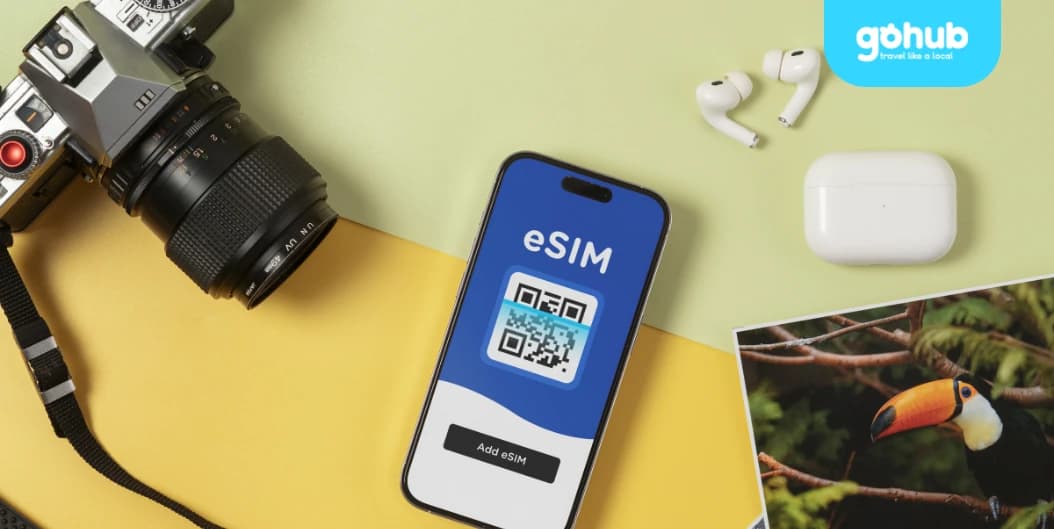
Instant activation. Scan a QR code and get online within minutes after arrival.
No physical SIM swap. Keep your home SIM active for calls, SMS, and OTP verification.
Reliable local coverage. Stable mobile data access in Mariehamn, ferry terminals, hotels, cafés, and populated island areas.
Fast mobile data. Smooth performance for Google Maps, WhatsApp, Instagram, YouTube, email, and browsing.
Flexible plans. Suitable for short Nordic trips, cruises, and longer regional travel across Scandinavia.
Hotspot ready. Share your internet connection with laptops and travel companions when supported by your device.
Easy installation. Receive the QR code instantly by email and install before departure or after arrival.
Responsive customer support. Assistance is available before and during your trip if needed.
How it works:
Choose an Åland Islands eSIM plan based on your travel duration and data needs.
Receive your QR code instantly after purchase.
Install the eSIM on your compatible phone while connected to Wi-Fi.
Enable the eSIM line and mobile data roaming to start using internet access in the Åland Islands.
Before you buy:
Ensure your phone supports eSIM and is carrier-unlocked.
Install the eSIM before departure whenever possible.
Coverage may vary in remote island or offshore areas compared to populated locations.
Check your selected plan’s validity period and activation policy before purchase.
Download offline maps and essential travel apps before island travel for additional convenience.
Need help choosing a plan?
Not sure which Åland Islands eSIM fits your trip best? Consider your travel duration, expected data usage, and whether your itinerary includes ferry travel between islands or nearby Nordic countries. If you still need help, Gohub’s support team is ready to assist.Emily
How does the Gohub eSIM for Åland Islands work?

Choose your destination and duration
Select your destination and number of days to get your Gohub eSIM
Remember check your device compatibility before purchase.

Receive your eSIM instantly
Your QR code or manual installation code will be sent to your email.
💌 Quick and easy setup, just scan and go!
Activate and enjoy your trip
Install your eSIM before your journey, and activate data when you arrive at your destination to stay connected seamlessly.

Download our app for support
Get instant support, manage your eSIM, and track your data usage with our mobile app.