



Thailand eSIM
Thailand eSIM
Enjoy fast, reliable internet with trusted local networks worldwide.

Trusted by 500K+ happy global customers since 2018
Enjoy fast, reliable internet with trusted local networks worldwide.
happy global customers since 2018

Get an eSIM data plan for Thailand
3 days
5 days
7 days
15 days
30 days
Make sure your device is and network-unlocked.

1-Hour eSIM Replacement
Thailand eSIM for Travelers – AIS & True Networks, Easy Setup, Instant QR Delivery
Connects Directly to Thailand’s Local Networks
Gohub’s Thailand eSIM connects directly to local AIS or True networks (the network depends on your plan and is listed in Plan details), not international roaming. Stay online in Bangkok, Pattaya, Phuket, Chiang Mai and other covered areas.
High-Data Plans at Competitive Prices
Choose from Thailand eSIM plans with generous data and competitive prices, plus selected promotions. Skip expensive roaming fees. Availability and prices may vary.
Stay Connected with Your Favorite Apps in Thailand
Use Google Maps, ride-hailing apps, TikTok, Facebook and Instagram across Thailand, subject to network coverage.
Thai Phone Number Available on Selected Plans
Selected plans include a Thai phone number to receive local calls and SMS. To make outgoing calls or send SMS, complete passport verification (KYC) and top up credit at a True/dtac store or airport counter.
Flexible Thailand eSIM Data Plans for Every Trip
From a weekend in Bangkok to weeks in Phuket or Chiang Mai, compare plans by data and validity. Each plan’s Plan details show when your days start counting.
Instant Delivery and 1-Hour Replacement
Get your eSIM QR code by email right after payment. If you hit an activation or usage issue, enjoy 1-hour replacement and 24/7 support.
How to Install and Activate Your Thailand eSIM

Choose your destination and duration
Select your destination and number of days to get your Gohub eSIM
Remember check your device compatibility before purchase.

Receive your eSIM instantly
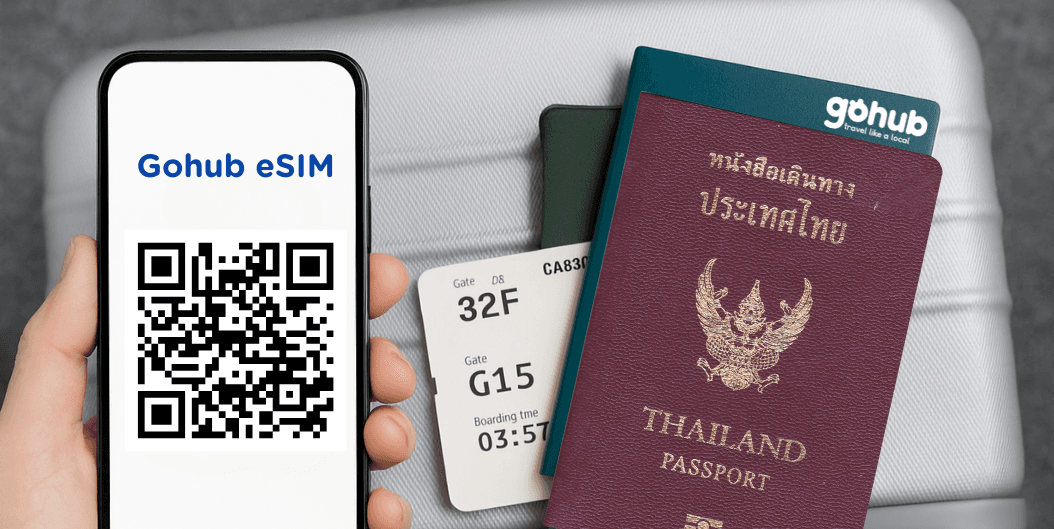
Your QR code or manual installation code will be sent to your email.
💌 Quick and easy setup, just scan and go!
Activate and enjoy your trip
Install your eSIM before your journey, and activate data when you arrive at your destination to stay connected seamlessly.

Download our app for support
Get instant support, manage your eSIM, and track your data usage with our mobile app.


How Much Data Do You Need for a Trip to Thailand?
Think about what you’ll do online each day, then pick a plan that covers your whole stay in Thailand. Matching the plan to your habits helps your data go further.
1GB/day or 5GB
Maps, Grab & messages
Enough for a short trip if you mainly use Google Maps, book rides on Grab, chat on LINE and rely on hotel Wi-Fi for big downloads.
10GB
Browsing, photos & social media
Choose more data if you post photos, watch short videos and move between Bangkok, Chiang Mai and Phuket on a trip of up to about 10 days.
35–50GB or Unlimited
Video calls, streaming & hotspot
Choose a larger allowance if you stream video, take video calls or share data with a laptop. Unlimited plans give you 500MB of high-speed data a day, then 10 Mbps, still fast enough for HD streaming and video calls.
Travel tip: save app updates and automatic photo backups for Wi-Fi to make your data go further.
Frequently asked questions
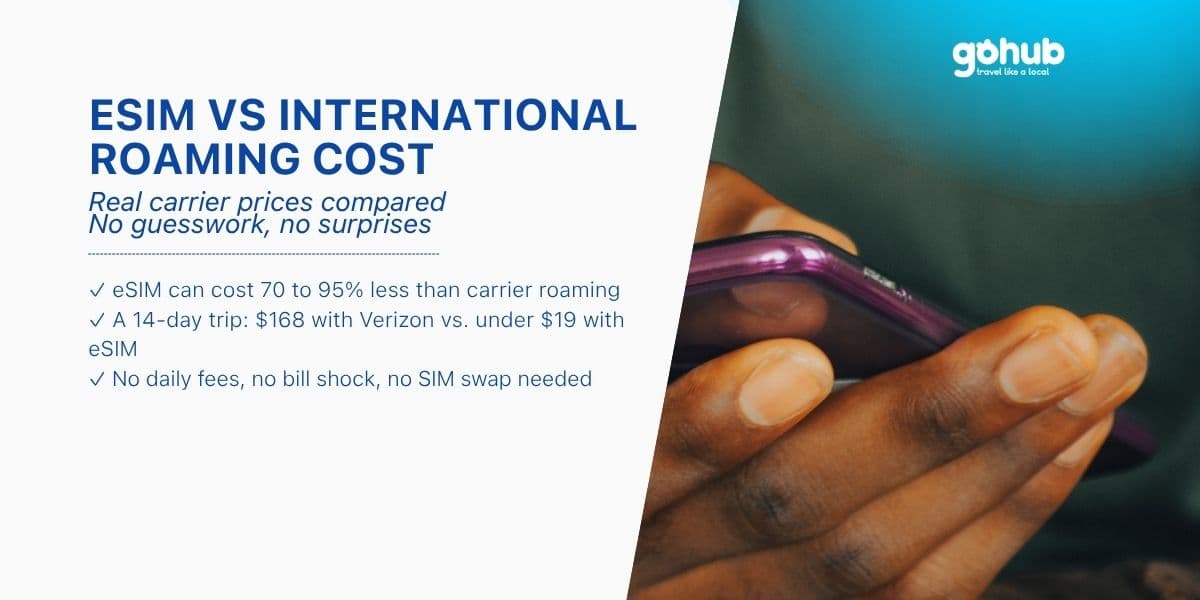
An eSIM is a digital SIM built into your phone. Scan the QR code Gohub emails you to get local data in Thailand, with no SIM swap and no roaming fees.
Most recent phones do, including iPhone XS/XR and later, Samsung Galaxy S20 and later and Google Pixel 3 and later, as long as they're unlocked. Check with our supported devices checker.
Scan the QR code from your email while on Wi-Fi
On iPhone, go to Settings > Cellular > Add eSIM.
On Android, go to Settings > Connections > SIM Manager (Samsung) or Settings > Network & Internet > SIMs (Pixel and others).
When you arrive in Thailand, turn on the eSIM line and data roaming to connect.
It depends on the plan. Check Plan details before installing. If your plan starts on install, install it just before you fly.
No need for data-only plans, which you can buy and install online. Plans that include a Thai phone number need KYC registration, so keep your passport handy.
Some plans do. Selected plans include a Thai number that can receive calls and SMS. To make calls or send SMS, complete passport verification (KYC) and top up credit at a True/dtac store or airport counter. Data-only plans have no number, so use WhatsApp or LINE over mobile data.
Yes. Hotspot works on Gohub Thailand eSIM plans.
Yes. Your eSIM connects to AIS or True, depending on your plan, with the strongest signal in Bangkok, Phuket, Chiang Mai and other cities. Some plans don't cover Pattani, Narathiwat, Yala and parts of Songkhla, so check Plan details.
Don't delete it, because the QR code works only once. Check you're on Wi-Fi, your phone is unlocked and data roaming is on, then restart your phone. Still stuck? Contact our 24/7 support.
An eSIM is easier: there's no device to carry, charge or return. A pocket WiFi connects several devices, but an eSIM can share data through hotspot too.