

¿Tiene el Apple Watch eSIM? Modelos Celulares, Operadores y la Realidad del Viaje

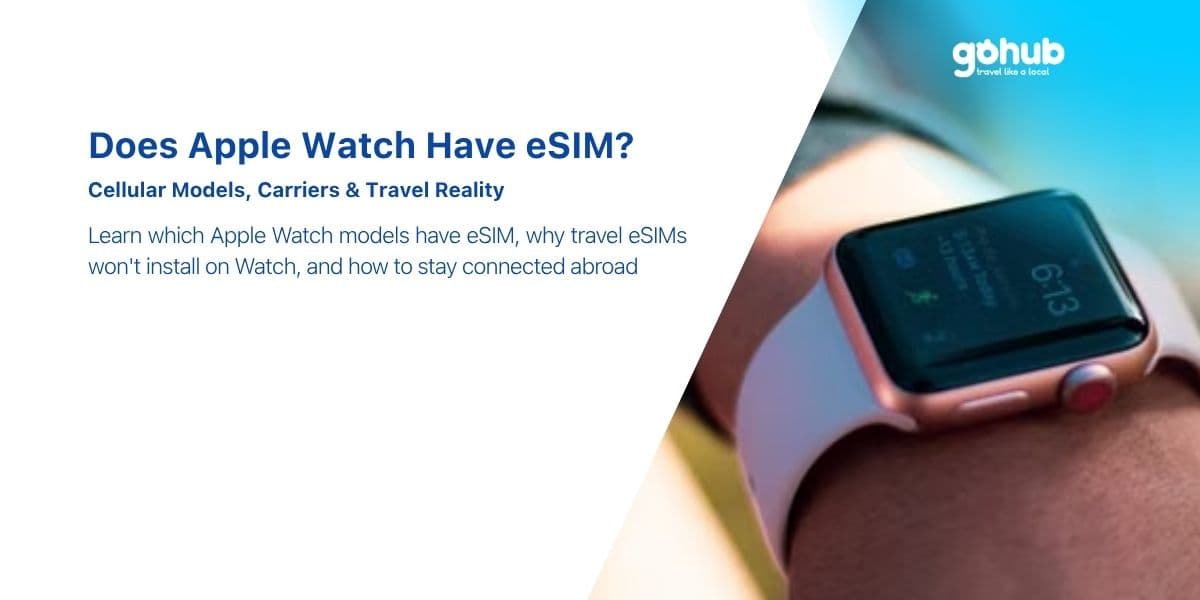
Sí, pero solo los modelos GPS + Cellular, y no de la forma en que la mayoría de la gente espera. Un Apple Watch con conectividad celular sí contiene una eSIM. Lo que no hace es aceptar una eSIM de viaje de un proveedor como Gohub, Airalo o Holafly. La eSIM del Watch está bloqueada al plan móvil que emite tu propio operador, como un complemento a la línea de iPhone con la que está emparejado.
Esa es la versión honesta, y es la respuesta que necesitas antes de comprar un plan para un viaje, no después. La buena noticia: existe una configuración que mantiene un Apple Watch completamente utilizable en el extranjero, no cuesta nada extra y no requiere ninguna configuración. Esta guía cubre qué modelos tienen el hardware, por qué las eSIM de viaje no se pueden usar en el Watch, qué sigue funcionando cuando aterrizas y cómo obtener mapas, mensajes y música en tu muñeca en el extranjero.
Respuesta rápida
- Modelos GPS + Cellular: tienen una eSIM. Los modelos solo GPS no la tienen y nunca la tendrán; la radio celular está ausente del hardware.
- La eSIM del Watch debe provenir de tu propio operador, añadida como un plan a la línea de iPhone con la que está emparejado. La mayoría de los operadores cobran una tarifa mensual.
- Las eSIM de viaje no se pueden instalar en el Apple Watch. No hay una ruta de escaneo de QR o entrada manual en watchOS para perfiles de terceros.
- En el extranjero, los planes de Watch del operador generalmente no tienen roaming; consulta con tu operador antes de confiar en ello.
- Lo que funciona en su lugar: una eSIM de viaje en el iPhone. El Watch se conecta a través de él, y casi todo sigue funcionando.
Solo los modelos GPS + Cellular llevan una eSIM
Apple vende la mayoría de los modelos de Watch en dos versiones: GPS y GPS + Cellular. Se ven casi idénticos, tienen precios diferentes y solo uno de ellos tiene un módem y una eSIM en su interior.
Cómo saber cuál tienes en tu muñeca
- Abre la app Watch en tu iPhone > General > Información y busca una fila de Modelo y EID. Un EID significa que hay una eSIM, lo que indica un modelo celular.
- En el propio Watch: Ajustes > General > Información, desplázate hasta EID.
- Indicadores físicos: los modelos celulares de aluminio históricamente llevaban un anillo de color en la Digital Crown; los modelos de acero inoxidable, titanio y Ultra son celulares por defecto. La parte trasera de la caja también está marcada como GPS + Cellular.
- La comprobación del Centro de control: un Watch celular muestra un icono de barras de señal celular verde en el Centro de control. Sin icono, sin módem.
Como regla general: cada Serie desde la Serie 4 en adelante y cada generación de Apple Watch SE se ha ofrecido en una versión GPS + Cellular, y cada Apple Watch Ultra es celular por defecto. Comprar un modelo solo GPS y esperar añadir conectividad celular más tarde no es posible; la radio y la eSIM están físicamente ausentes, exactamente de la misma manera que el iPhone SE original nunca podrá obtener eSIM a través de una actualización.
La eSIM del Watch debe provenir del mismo operador que tu línea de iPhone
Esta es la razón estructural por la que las eSIM de viaje no funcionan en el Apple Watch, y vale la pena entenderla en lugar de simplemente aceptarla.
Un Apple Watch con conectividad celular no tiene una suscripción móvil independiente. Utiliza la compartición de número: el Watch lleva el mismo número de teléfono que el iPhone emparejado, por lo que las llamadas y los mensajes suenan en ambos. Ese acuerdo debe ser provisto por el operador que posee el número. Prácticamente:
- Tu operador debe soportar planes para Apple Watch. Muchos lo hacen; muchos operadores más pequeños y de prepago no.
- El plan se añade a través de app Watch > Celular > Configurar datos móviles, lo que te lleva al propio flujo del operador.
- Generalmente cuesta una tarifa mensual además de tu plan de iPhone.
- No puedes mezclar operadores: un Watch emparejado con un iPhone en el Operador A no puede tomar un plan celular del Operador B.
Debido a que no existe una ruta para "añadir un perfil de terceros" en watchOS, un proveedor de viajes no tiene dónde colocar un perfil, independientemente de lo buena que sea su cobertura o de cuánto quieras pagar por ella.
La parte honesta: las eSIM de viaje no se pueden instalar en el Apple Watch
Si has visto un sitio que anuncia una "eSIM para Apple Watch", léelo con atención. Casi siempre se trata de una de estas tres cosas:
- Una eSIM de viaje para el iPhone, de la que el Watch se beneficia indirectamente — preciso, pero redactado de forma imprecisa.
- Una oferta de operador en un país específico, vinculada a un número local.
- Un anuncio que simplemente no es cierto. Nuestra lista de señales de advertencia también se aplica aquí: 12 señales de una estafa de eSIM gratuita.
Gohub no vende una eSIM para Apple Watch, y preferimos decirlo en nuestro propio blog antes que aceptar un pedido que no se puede cumplir. Nuestra base de datos de compatibilidad es la misma historia contada en datos: enumera teléfonos y tabletas celulares, que es donde realmente se pueden instalar perfiles de terceros: consulta dispositivos compatibles o realiza una comprobación en el verificador de dispositivos. La regla general sobre dónde se puede y no se puede usar una eSIM de terceros se encuentra en ¿Puedo usar una eSIM en varios dispositivos?
Qué significa eso cuando aterrizas en el extranjero: qué sigue funcionando y qué no
Esta es la parte que realmente decide tu viaje, y es mucho menos dramática de lo que suena "sin eSIM de viaje".
Qué sigue funcionando, sin ninguna configuración
- Todo, siempre y cuando tu iPhone esté contigo. El Watch se comunica con el iPhone a través de Bluetooth (aproximadamente 10 metros) y a través de una red Wi-Fi compartida. Mensajes, llamadas enrutadas a través del teléfono, mapas y navegación, Apple Pay, traducciones, tarjetas de embarque, notificaciones, todo funciona bien.
- Apple Pay funciona incluso cuando el Watch está completamente sin conexión; las tarjetas se almacenan en el dispositivo.
- Seguimiento de entrenamientos, rutas GPS, frecuencia cardíaca, sueño — todo es local del Watch, no se necesita conexión. Tu carrera por una costa desconocida se registra de la misma manera.
- Música, podcasts y mapas sin conexión descargados y almacenados en el Watch antes de la salida.
- Redes Wi-Fi conocidas. El Watch hereda las credenciales de Wi-Fi del iPhone, por lo que las redes de hoteles y cafeterías a las que se ha unido el teléfono también están disponibles para el Watch.
Qué no funciona
- Datos móviles en el propio Watch mientras estás en el extranjero, a menos que tu operador admita explícitamente el roaming del Watch en ese país; la mayoría no lo hacen, y los que sí, a menudo lo restringen a una lista corta de destinos. Pregunta antes de volar; no asumas.
- Dejar el iPhone en el hotel y salir solo con el Watch. Sin roaming del operador para el Watch y sin Wi-Fi, el Watch está sin conexión: no hay mensajes, no hay llamadas, no hay mapas en tiempo real. El seguimiento de la actividad física sigue funcionando.
- Instalar cualquier plan de datos de viaje directamente en el Watch. Como se mencionó anteriormente.
Para la abrumadora mayoría de los viajeros, la primera lista es todo el viaje. El Watch es una pantalla complementaria para un teléfono que de todos modos llevas contigo.

Usar el Watch junto con la conexión de tu teléfono
Un consejo común en línea es "conectar el Watch al punto de acceso de tu iPhone". Esto merece una aclaración, porque malinterpreta cómo funciona el par:
- Tu propio iPhone emparejado: no se necesita punto de acceso. El Watch ya se conecta a través de él mediante Bluetooth o una red Wi-Fi compartida. Activar el Punto de Acceso Personal no cambia nada para el Watch.
- El teléfono de un acompañante: si estás lejos de tu propio iPhone, el Watch puede unirse a una red Wi-Fi manualmente — Ajustes > Wi-Fi en el Watch — incluyendo un punto de acceso personal emitido por el teléfono de otra persona, siempre que tengas la contraseña. Útil en un apuro, limitado en la práctica.
La configuración sencilla, y la que recomendamos: pon una eSIM de viaje en el iPhone y deja que el Watch la use. El teléfono obtiene datos locales a precios locales; el Watch obtiene todo lo que necesita a través del teléfono; nada en el Watch necesita configuración. Si tu iPhone es un modelo reciente, la instalación tarda minutos — consulta la guía del iPhone 13, la guía del iPhone 12 o el tutorial de instalación genérico.
La única configuración que vale la pena cambiar antes de volar
En el Watch: Ajustes > Celular > desactiva la línea celular durante la duración del viaje, si tienes un plan de Watch con tu operador. Esto evita que el Watch intente conectarse a redes extranjeras, lo que ahorra batería y, en los raros casos en que se permite el roaming, ahorra en la factura. Vuelve a activarlo cuando llegues a casa.
Qué modelos de Series y Ultra son compatibles con la conectividad celular
Cada generación de Apple Watch desde la Serie 3 ha ofrecido una opción celular, y la lista práctica para un dispositivo que aún comprarías hoy se ve así:
| Familia de modelos | Opción celular | eSIM |
|---|---|---|
| Apple Watch Series 4 y posteriores | Sí, como GPS + Cellular | Solo en la versión celular |
| Apple Watch SE (todas las generaciones) | Sí, como GPS + Cellular | Solo en la versión celular |
| Apple Watch Ultra (todos los modelos) | Celular de serie | Sí |
| Cualquier modelo solo GPS | No | No |
| Apple Watch Series 3 celular | Descatalogado y ya no recibe actualizaciones de watchOS | Sí, pero tratar como legado |
Un uso más de la eSIM del Watch que vale la pena conocer: la Configuración Familiar permite configurar un Watch celular para un niño o un familiar mayor que no tiene un iPhone propio, con su propio número en tu cuenta de operador. Todavía requiere un plan de operador y aún no puede aceptar una eSIM de viaje.
Una configuración de viaje práctica para propietarios de Apple Watch
- Antes del viaje: descarga mapas sin conexión, listas de reproducción y podcasts en el Watch mientras estás conectado a la Wi-Fi de casa.
- Instala una eSIM de viaje en el iPhone en casa, a través de Wi-Fi — no cuesta nada instalarla con antelación y el plan normalmente comienza cuando se conecta por primera vez en el extranjero — consulta ¿Puedo instalar mi eSIM antes de mi viaje? Las reglas de activación difieren según el tipo de plan, así que consulta ¿Cuándo comienza mi plan eSIM? para el plan que compres.
- Configura el iPhone correctamente: eSIM de viaje como línea de datos, Conmutación de datos móviles desactivada, roaming de datos de la línea de casa desactivado. Tutorial en ¿Cómo configuro mi eSIM de Gohub como línea de datos predeterminada?
- Desactiva la línea celular del Watch durante el viaje.
- Mantén el Bluetooth activado en ambos dispositivos — ese es el enlace que hace que todo funcione.
- A la llegada: confirma que el iPhone tiene datos, y el Watch lo seguirá en segundos.
Presupuesto de datos: un Watch añade muy poco por sí mismo, porque el trabajo pesado lo hace el teléfono. Un día de viaje normal sigue estando en el rango de 500MB–1.5GB — calcula el tamaño con la calculadora de datos de viaje, monitorízalo con esta guía, y recarga en un minuto si te quedas sin datos.
Preguntas frecuentes
¿Tiene eSIM el Apple Watch?
Los modelos celulares sí. Los modelos solo GPS no tienen radio celular ni eSIM.
¿Puedo poner una eSIM de Gohub u otra de viaje en mi Apple Watch?
No. watchOS no tiene una ruta para instalar perfiles eSIM de terceros. Pon la eSIM de viaje en tu iPhone; el Watch la usa a través del teléfono.
¿Funcionará mi Apple Watch en el extranjero?
Sí, siempre que tu iPhone emparejado esté cerca o estés en una red Wi-Fi que el Watch conozca. El uso celular independiente en el extranjero depende de que tu operador admita el roaming del Watch, lo cual la mayoría no hace.
¿Necesita el Apple Watch su propio número de teléfono?
No, comparte el número del iPhone emparejado a través de tu operador. La Configuración Familiar es la excepción, donde el Watch obtiene su propia línea en tu cuenta.
¿Puedo usar Apple Pay en el Watch en el extranjero?
Sí, y funciona sin conexión. La aceptación sin contacto en el destino es la única limitación.
¿Debería comprar el modelo celular si viajo mucho?
Solo si quieres independencia del teléfono en casa — funciona sin el iPhone, llamadas desde la piscina. Para viajar específicamente, el modelo celular rara vez justifica su tarifa mensual, porque normalmente no tendrá roaming.
¿Qué pasa con la eSIM en iPad o relojes Android?
Los iPads celulares sí aceptan eSIM de viaje, a diferencia del Watch — consulta la lista de dispositivos compatibles. Los relojes Wear OS siguen el mismo patrón vinculado al operador que el Apple Watch.
En resumen
El Apple Watch tiene una eSIM en sus modelos celulares, y esa eSIM pertenece a tu operador. Para viajar, la pregunta que vale la pena responder no es "¿cómo consigo un plan de viaje en mi Watch?" — es "¿cómo consigo datos locales baratos en mi iPhone?", porque eso es en lo que el Watch ha estado confiando todo el tiempo.
Reclama una eSIM gratuita de Gohub para el iPhone y prueba toda la cadena en casa: teléfono con el perfil de viaje, Watch conectado, mensajes llegando a tu muñeca. Luego elige el plan para tu destino — Japón, Corea del Sur, Europa, Estados Unidos, o cualquier otro lugar.
Divulgación: Gohub es nuestro propio producto. En esta pregunta en particular, eso juega a tu favor: la respuesta que tenemos que dar es que no podemos venderte lo que viniste buscando.
Escrito por el equipo editorial de Gohub y revisado por el Soporte de eSIM de Gohub, quienes responden regularmente preguntas sobre la compatibilidad del Apple Watch. El hardware y el comportamiento del operador se verifican con la documentación celular publicada por Apple para el Apple Watch y con la base de datos de dispositivos compatibles de Gohub. Los planes de Watch del operador y las reglas de roaming varían según el operador; confírmalo con el tuyo antes de viajar. Última actualización: septiembre de 2026.

Hi! Chúng mình là Gohub Team Gohub là nhà bán eSIM du lịch hàng đầu Việt Nam và là người bạn đồng hành đáng tin cậy của hàng triệu du khách trong mỗi chuyến đi. Với niềm yêu thích du lịch và công nghệ, team luôn mong muốn mang đến cho bạn những hành trình mượt mà nhất. Chúng mình chia sẻ nhiều mẹo du lịch thực tế, kinh nghiệm được rút ra từ những chuyến đi khắp châu Á đến châu Âu và giới thiệu các giải pháp eSIM tiện lợi để bạn luôn kết nối mọi lúc mọi nơi. Mục tiêu của Gohub Team là giúp bạn tự tin chuẩn bị, thoải mái khám phá và tận hưởng từng khoảnh khắc trong chuyến đi của mình.
Ver todos los artículos →Related articles
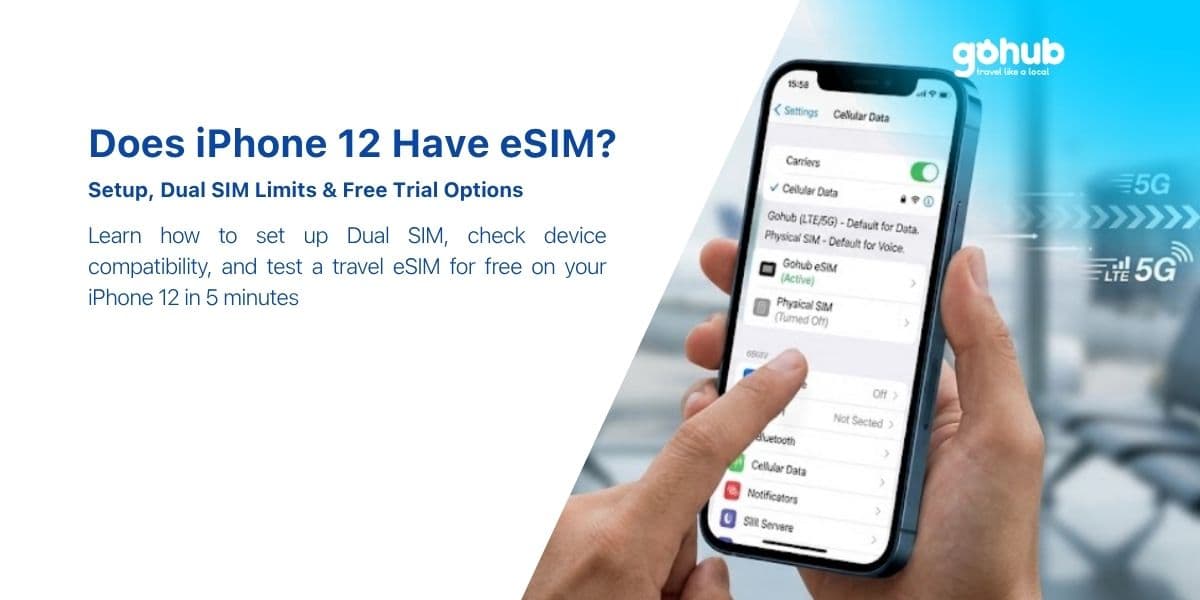
¿Tiene el iPhone 12 eSIM? Configuración, Límites de Dual SIM y Opciones de Prueba Gratuita
Sí, todos los modelos de iPhone 12 son compatibles con eSIM, excepto las variantes de China continental y Hong Kong. Aquí tienes la configuración en 5 minutos, los límites de Dual SIM y cómo probar una eSIM de viaje gratis.
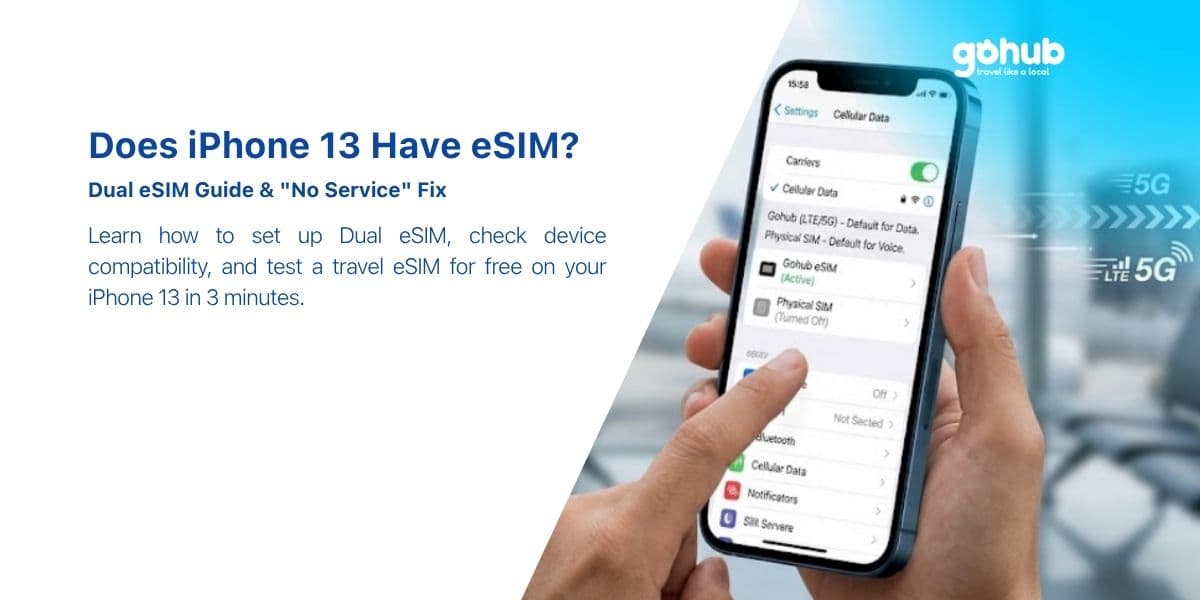
¿Tiene el iPhone 13 eSIM? Cómo añadir una antes de viajar
Sí, y el iPhone 13 es el primer iPhone que ejecuta dos eSIM a la vez. Aquí te explicamos cómo añadir una eSIM de viaje antes de volar, qué configuración elegir y cómo solucionar el problema de "Sin servicio" después de aterrizar.
¿Tiene el iPhone SE eSIM? Qué generación necesitas realmente
El iPhone SE de 2ª generación (2020) y el de 3ª generación (2022) son compatibles con eSIM. El de 1ª generación (2016) no lo es, y no hay solución. Aquí te explicamos cómo saber qué SE tienes en tus manos, en 10 segundos.