

How does an eSIM work?
When you buy an eSIM plan, your provider sends you a QR code. You scan it with your phone, and the plan is downloaded directly onto your device's built-in chip - no physical card needed. That chip is reprogrammable, meaning it can store and switch between different mobile plans digitally. Once activated, your eSIM connects to a local carrier network at your destination, just like a regular SIM would - but without any of the hassle of finding a store or swapping cards.
Breaking it down step by step
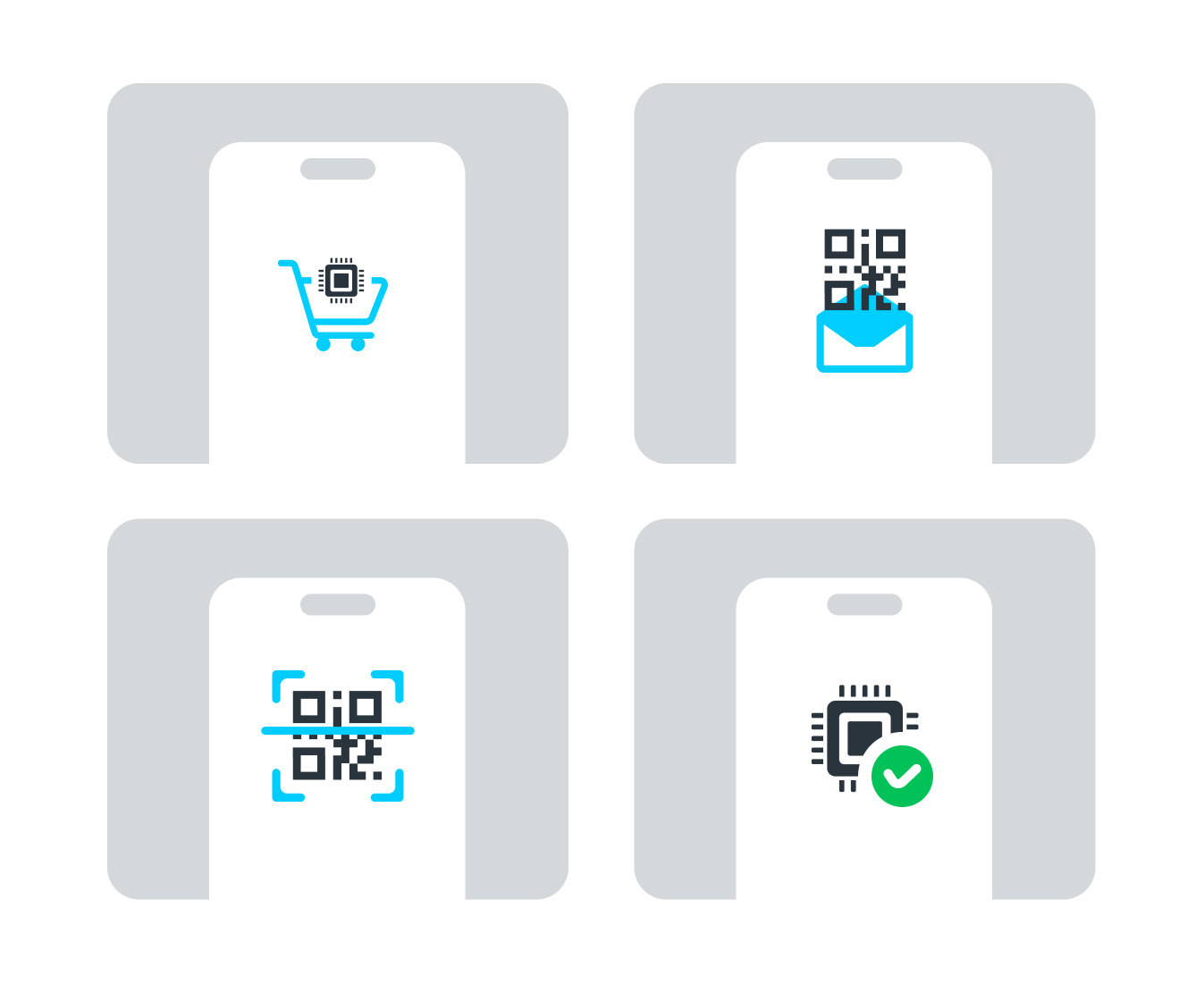
- Purchase: You choose a plan on the Gohub website or app and complete your order
- Receive: Gohub sends you a QR code via email or directly in the app
- Download: You scan the QR code in your phone's settings, and the plan profile is downloaded onto your device's embedded chip
- Activate: Once installed, your eSIM is ready to connect to a local carrier network at your destination
- Use: When you arrive, turn on Data Roaming and your eSIM connects automatically
What makes it "reprogrammable"?
Unlike a physical SIM which is locked to one carrier profile, your device's embedded chip can hold multiple eSIM profiles at once - each tied to a different carrier or plan. Switching between them is as simple as toggling a setting on your phone, no card swapping required. This is what makes eSIM especially powerful for travelers who move between countries.
What if I don't have a QR code scanner?
Most modern smartphones can scan QR codes directly through the camera or through the eSIM setup menu in Settings. If for any reason QR scanning isn't available on your device, eSIM plans can also be installed manually by entering an activation code - no camera needed.