

eSIM At Narita Airport: Stay Connected From The Moment You Land

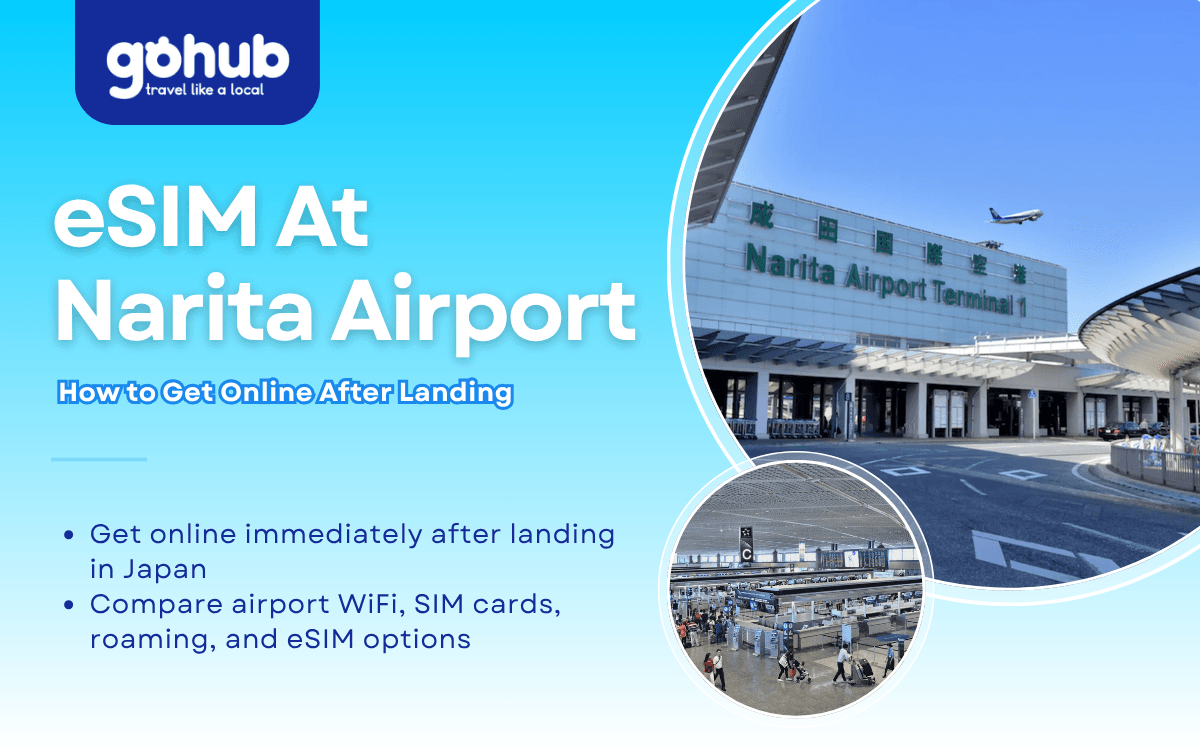
Arriving at Narita International Airport is often the first step of a trip to Tokyo and the rest of Japan. Whether you are visiting for tourism, business, study, or a connecting journey, mobile data can make the arrival process much easier.
An eSIM lets you connect to a Japanese mobile network without swapping a physical SIM card, searching for a counter after a long flight, or depending only on airport WiFi.
1. Quick Answer
Yes, you can use an eSIM at Narita Airport shortly after landing if your device supports eSIM and your plan has been installed before departure.
Once you arrive, turn off airplane mode, enable your travel eSIM, select it for mobile data, and turn on data roaming if your provider requires it. Activation speed may vary depending on your provider, device settings, network partner, terminal location, and local congestion.
Narita Airport provides free WiFi through the “FreeWiFi-NARITA” network, according to Narita Airport’s free WiFi information. Airport WiFi is useful as a backup, but a travel eSIM is usually more convenient once you leave the airport.
2. Summary Table
Topic | Quick Answer |
|---|---|
Can I use an eSIM at Narita Airport? | Yes, if your device and plan support it. |
Should I install it before flying? | Yes, installation is easier with stable WiFi. |
Does Narita Airport have free WiFi? | Yes, FreeWiFi-NARITA is available. |
Can I buy SIM cards at Narita Airport? | Yes, but vendors and hours can vary. |
Is eSIM cheaper than roaming? | Often, but it depends on your home carrier. |
Can I keep my home number? | Usually yes on dual-SIM devices. |
Can I use it across Japan? | Generally yes, depending on provider and network partner. |
3. Why You Need Mobile Data at Narita Airport
Many travelers need internet access before leaving the airport.
Common arrival tasks include:
Booking airport transportation.
Contacting hotels or hosts.
Accessing reservation confirmations.
Using Google Maps or Apple Maps.
Checking train schedules.
Translating Japanese text.
Messaging family, friends, or colleagues.
Accessing digital tickets and travel documents.
According to Narita Airport's free WiFi information, wireless internet is available throughout much of the airport, but connection quality and convenience may vary depending on location and demand. Having mobile data available immediately provides a more consistent connection throughout your journey.
If Japan is your main destination, reviewing Japan eSIM plans before departure can help you avoid setup delays after landing.

Traveler using an eSIM after arriving at Narita Airport.
4. Can You Use An eSIM Immediately After Landing?
Yes. Most travelers can use an eSIM at Narita Airport shortly after arrival if the eSIM has already been installed and the plan includes Japan coverage.
The typical process is:
Purchase your Japan eSIM before travel.
Install the eSIM profile on your phone.
Arrive at Narita Airport.
Turn off airplane mode.
Enable the eSIM if required.
Select the eSIM as your mobile data line.
Turn on data roaming if your provider requires it.
Wait for network registration.
Activation is usually quick, but it is not instant for every traveler. Performance depends on your eSIM provider, device compatibility, phone settings, network partner, airport location, and temporary congestion.
Before traveling, verify your device using this guide to eSIM-compatible phones.
5. Can You Buy SIM Cards or eSIMs at Narita Airport?
Yes. Narita Airport lists cellular phone, WiFi rental, and SIM card sales locations across its terminals. Travelers should check the official Narita Airport cellular phone, WiFi rental, and SIM card sales page for current locations before travel.
Buying connectivity at the airport may be useful if:
Your phone does not support eSIM.
You forgot to arrange mobile data before departure.
You prefer in-person assistance.
You need a physical SIM card.
However, airport purchases can involve queues, limited product options, or store-hour restrictions. Installing an eSIM before departure is usually the smoother option for travelers who want mobile data immediately after landing.
6. Airport WiFi vs eSIM vs Roaming vs Local SIM
Feature | eSIM | Airport WiFi | Local SIM | International Roaming |
|---|---|---|---|---|
Works shortly after landing | Yes | Yes, inside airport areas | After purchase/setup | Yes |
Requires physical SIM | No | No | Yes | No |
Works outside airport | Yes | No | Yes | Yes |
Keep home number | Usually | Yes | Usually no | Yes |
Setup before travel | Yes | No | No | Usually no |
Cost predictability | Generally good | Free | Medium | Varies by carrier |
Airport WiFi is useful for quick messages or troubleshooting. A local SIM can work well for longer stays, but it requires purchase and setup after arrival. International roaming is convenient, but costs vary significantly by home carrier and plan.
For a deeper cost comparison, see international roaming vs eSIM.
7. Recommended Data by Traveler Type
Traveler Type | Recommended Data |
|---|---|
Airport layover | 1GB–3GB |
Weekend visitor | 5GB–10GB |
One-week vacation | 10GB–15GB |
Business traveler | 15GB–20GB |
Digital nomad | 20GB+ |
Multi-city Japan trip | 20GB+ |
Most travelers use data for maps, messaging, transportation apps, translation tools, social media, and booking confirmations. Streaming video and video calls can use much more data, so choose a larger plan if you expect heavy usage.
For travelers visiting Tokyo, Kyoto, Osaka, Hiroshima, and other regions, Japan eSIM plans can help provide connectivity throughout the country, depending on provider coverage and network partners.
8. Setup Checklist Before Flying
Before departure:
Confirm your device supports eSIM.
Check that your phone is carrier-unlocked.
Install the eSIM profile using stable WiFi.
Save activation instructions offline.
Update your phone software if needed.
Check whether data roaming must be enabled.
Keep a copy of your QR code or manual setup details.
Download offline maps as a backup.
Charge your device before arrival.
If your itinerary extends beyond Japan, compare Asia eSIM plans for broader regional coverage across supported countries.
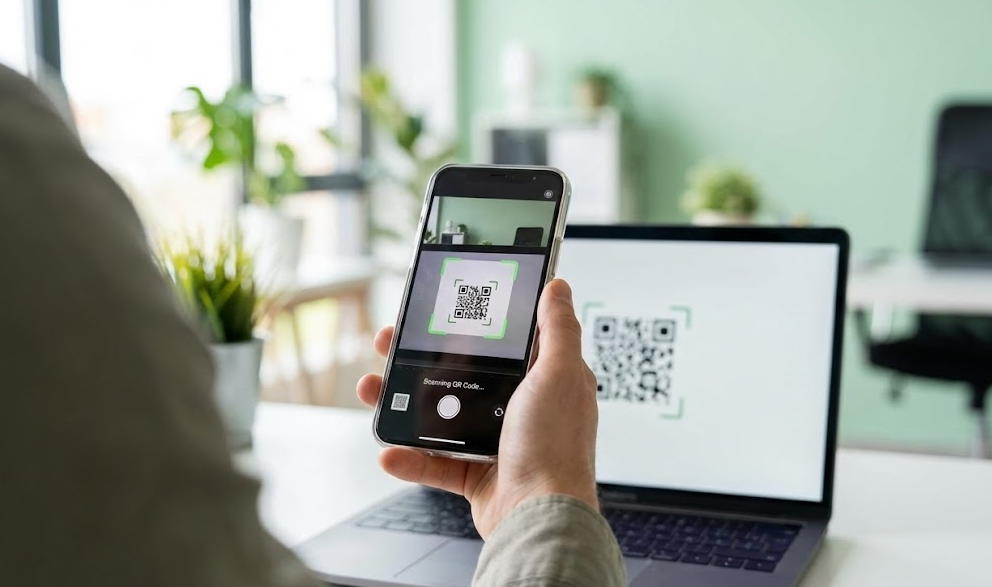
Tourists activate eSIMs using QR codes before arriving in Tokyo
9. Activation Steps After Landing
Once you arrive at Narita Airport:
Turn off airplane mode.
Enable your installed eSIM.
Assign mobile data to the eSIM line.
Enable data roaming if required by your provider.
Wait for network registration.
Test internet access.
Open maps or messaging apps to confirm connectivity.
If activation does not work immediately, restart your device, check that the correct data line is selected, and confirm any APN instructions from your eSIM provider. Use Narita Airport WiFi as a backup if you need to access setup instructions or support.
10. Getting from Narita Airport to Tokyo
This article focuses on connectivity, not transportation planning. Still, mobile data becomes useful immediately when you need to check routes into Tokyo.
Popular options include:
Narita Express.
Keisei Skyliner.
Keisei line services.
Airport buses.
Taxi and ride-hailing services.
Narita Airport states that rail access is available via the Narita Sky Access line, Keisei line, and JR line. Check the official Narita Airport rail access page for current rail information before departure.
With mobile data active, you can compare routes, check platform updates, contact your hotel, and share your arrival time.
11. Japan Entry Requirements Note
Entry requirements vary by nationality, passport, and travel purpose. This article is not a visa guide, so keep this step simple: before flying, review the Japan Ministry of Foreign Affairs visa information or your nearest Japanese embassy or consulate.
12. Arrival Connectivity Checklist
Before leaving the airport:
Confirm mobile data is active.
Verify that the eSIM has signal.
Test Google Maps or your preferred navigation app.
Open your hotel reservation.
Check train, bus, taxi, or ride-hailing apps.
Save important addresses offline.
Turn off unwanted roaming on your home SIM if needed.
Keep airport WiFi as a backup option.

Traveler using mobile data after leaving Narita Airport for Tokyo.
If you prefer to avoid airport SIM counters and reduce reliance on public WiFi, reviewing Japan eSIM plans before departure can help you get connected more smoothly after landing at Narita Airport.
For multi-country itineraries across Asia, Asia eSIM plans may be useful if your trip continues beyond Japan.
Using an eSIM at Narita Airport is one of the simplest ways to access mobile data shortly after arriving in Japan.
Rather than searching for a SIM card counter or relying only on airport WiFi, travelers can install an eSIM before departure and activate it after landing. Whether you are visiting Tokyo for a few days or exploring multiple cities across Japan, mobile connectivity can make your arrival more efficient and less stressful.
FAQ
1. Can I use an eSIM immediately after landing at Narita Airport?
Yes. Most travelers can connect shortly after landing if the eSIM has been installed before departure.
2. Can I buy an eSIM at Narita Airport?
Some providers may offer eSIM-related services at the airport, but availability varies. Installing an eSIM before travel is generally more convenient.
3. Does Narita Airport have free WiFi?
Yes. Free WiFi is available in many airport areas according to Narita Airport's official WiFi information.
4. Should I install my eSIM before landing?
Yes. Installing the eSIM before departure usually allows for faster activation after arrival.
5. Is airport WiFi enough for my trip?
Airport WiFi can help immediately after landing, but it does not provide continuous connectivity once you leave the airport.
6. Can I use my eSIM throughout Japan?
Generally yes, depending on your provider, network partner, device compatibility, and local network conditions.
7. Is eSIM cheaper than international roaming?
Many travelers find eSIM plans more cost-effective than traditional roaming charges, though pricing depends on your home carrier.
8. Why is my eSIM not working after landing?
Common causes include incorrect APN settings, disabled mobile data, delayed network registration, or device compatibility issues.
9. Can I keep my home phone number while using an eSIM?
Many dual-SIM devices allow you to keep your primary number active while using an eSIM for data.
10. Will my eSIM work on the train from Narita to Tokyo?
Coverage is generally available along major transportation routes, although speeds may vary depending on network conditions and congestion.
Airport services, WiFi availability, telecom vendors, transportation options, operating hours, entry requirements, and connectivity policies may change. Travelers should verify the latest information through Narita Airport, official transport operators, Japanese government sources, and their eSIM provider before departure.

Yêu thích công nghệ. Từ góc nhìn kỹ thuật, chia sẻ những nội dung dễ hiểu giúp người dùng nắm rõ cách eSIM hoạt động và chọn được eSIM phù hợp.
View all articles →Related articles
eSIM at Abu Dhabi Airport (AUH): Setup, Cost & Best Plans 2026
Zayed International Airport now hands out a free 10GB SIM for 24 hours. How it works, where it falls short, and when a UAE eSIM plan is still worth it.
Best eSIM for Vietnam in 2026: 8 Options Compared
Which eSIM is best for Vietnam in 2026? Compare Gohub, Airalo, Holafly, Nomad, Ubigi and local SIMs on price, data, coverage and registration.
Best eSIM for USA Travel in 2026: 5 Providers Compared
Which eSIM is best for the USA in 2026? We compare Gohub, Airalo, Holafly, Nomad and Ubigi on price, network, hotspot and US numbers, plus setup steps.
How to Use TikTok in China with a Gohub eSIM
Learn how to set up your Gohub eSIM and adjust TikTok settings before traveling to China for reliable access throughout your trip.
Internet in Vietnam for Tourists: The Complete 2026 Guide
Compare eSIM, SIM cards, and WiFi options for Vietnam. See which carrier holds up in Sapa and the Mekong Delta, data needs, and setup tips for 2026.
Internet in South Korea for Tourists: The Complete 2026 Guide
Heading to Korea? Compare eSIM, tourist SIM cards, and pocket WiFi rental, plus why KTX and Seoul's subway have some of the fastest connections anywhere