

eSIM at Kuala Lumpur Airport: How to Get Online After Landing

1. Quick Answer
Yes. You can use an eSIM at Kuala Lumpur International Airport (KLIA) immediately after landing if your device supports eSIM and your plan has already been installed.
For many international travelers arriving in Malaysia, using an eSIM is one of the fastest ways to access mobile data without searching for a SIM card counter or relying solely on airport WiFi. Once your plane lands, you can connect to mobile data, open maps, book transportation, contact hotels, and access travel documents within minutes.
According to KLIA's official airport WiFi information, WiFi is available throughout the airport terminals, although access methods and service availability may change over time. Mobile data remains useful after leaving the airport and throughout your trip.
2. eSIM at Kuala Lumpur Airport: Summary Table
Option | Best For | Main Benefit | Limitation |
|---|---|---|---|
Travel eSIM | Most international travelers | Online immediately after landing | Requires eSIM-compatible phone |
Airport WiFi | Short airport use | Free internet access | Limited to airport areas |
Airport SIM Purchase | Travelers needing assistance | Local support available | May require waiting |
International Roaming | Convenience | Uses existing carrier | Often more expensive |
Local SIM Card | Longer stays | Local network access | Requires physical SIM |
3. Why You Need Mobile Data at Kuala Lumpur Airport
Most travelers need internet access shortly after arrival.
Common tasks include:
Booking Grab rides
Contacting hotels or hosts
Checking connecting flights
Using Google Maps
Accessing digital boarding passes
Managing work communications
Translating local information
Staying connected with family
While airport WiFi can be helpful inside the terminal, mobile data generally provides a more convenient experience throughout Malaysia. Travelers visiting Malaysia can explore available Malaysia eSIM plans
4. Why Many Travelers Choose an eSIM Before Flying
Many visitors prefer to install their eSIM before departure rather than searching for connectivity options after landing.
Benefits include:
No SIM card swapping
No waiting at airport counters
Immediate access to data
Ability to keep your home number on supported devices
Easier setup before travel
If you are visiting several countries during the same trip, a regional plan may also be worth considering.

Traveler using eSIM after arriving at Kuala Lumpur Airport
5. Can You Use an eSIM Immediately After Landing?
Yes. Most travelers can connect within a few minutes after arrival if:
The eSIM is already installed.
The phone is carrier-unlocked.
The plan includes Malaysia coverage.
Activation instructions have been followed correctly.
Typical activation process:
Turn off airplane mode.
Enable the travel eSIM.
Select it as your mobile data line.
Enable data roaming if required by the provider.
Wait for network registration.
Network performance generally depends on:
Device compatibility
Network partner
Terminal location
Temporary congestion
Coverage and speeds may vary depending on provider, device, network partner, and local conditions.
6. Can You Buy a SIM or eSIM at Kuala Lumpur Airport?
Yes. KLIA has telecom retailers and SIM card services available within the airport. Availability, operators, terminal locations, and opening hours may change, so travelers should verify information through the official KLIA airport services directory before departure.
Buying a SIM at the airport may be useful if:
Your device does not support eSIM.
You forgot to arrange connectivity before travel.
You prefer face-to-face assistance.
However, many travelers choose to install an eSIM before departure to avoid delays after landing.
7. Airport WiFi vs eSIM vs Roaming vs Local SIM
Feature | eSIM | Airport WiFi | Roaming | Local SIM |
|---|---|---|---|---|
Works After Landing | Yes | Inside airport | Yes | After purchase |
Physical SIM Required | No | No | No | Yes |
Keep Home Number | Usually | Yes | Yes | Usually No |
Queue Required | No | No | No | Often |
Cost Control | Generally Good | Free | Depends on carrier | Usually Good |
Works Outside Airport | Yes | No | Yes | Yes |
For a deeper comparison, read our guide to international roaming vs eSIM
8. Recommended Data by Traveler Type
Traveler Type | Suggested Data |
|---|---|
Airport Layover | 1GB–3GB |
Weekend Visitor | 5GB–10GB |
One-Week Trip | 10GB–20GB |
Business Traveler | 10GB–20GB |
Digital Nomad | 20GB+ |
Southeast Asia Multi-Country Trip | Regional Plan |
Travelers visiting several countries may benefit from a regional plan rather than purchasing separate plans for each destination. Explore available Asia eSIM plans
9. Setup Checklist Before Flying
Before your flight:
Confirm your phone supports eSIM.
Ensure the device is unlocked.
Purchase and install your eSIM.
Save setup instructions offline.
Download offline maps.
Save hotel information.
Store transportation details.
Review activation instructions.
You can also review our guide to eSIM-compatible phones
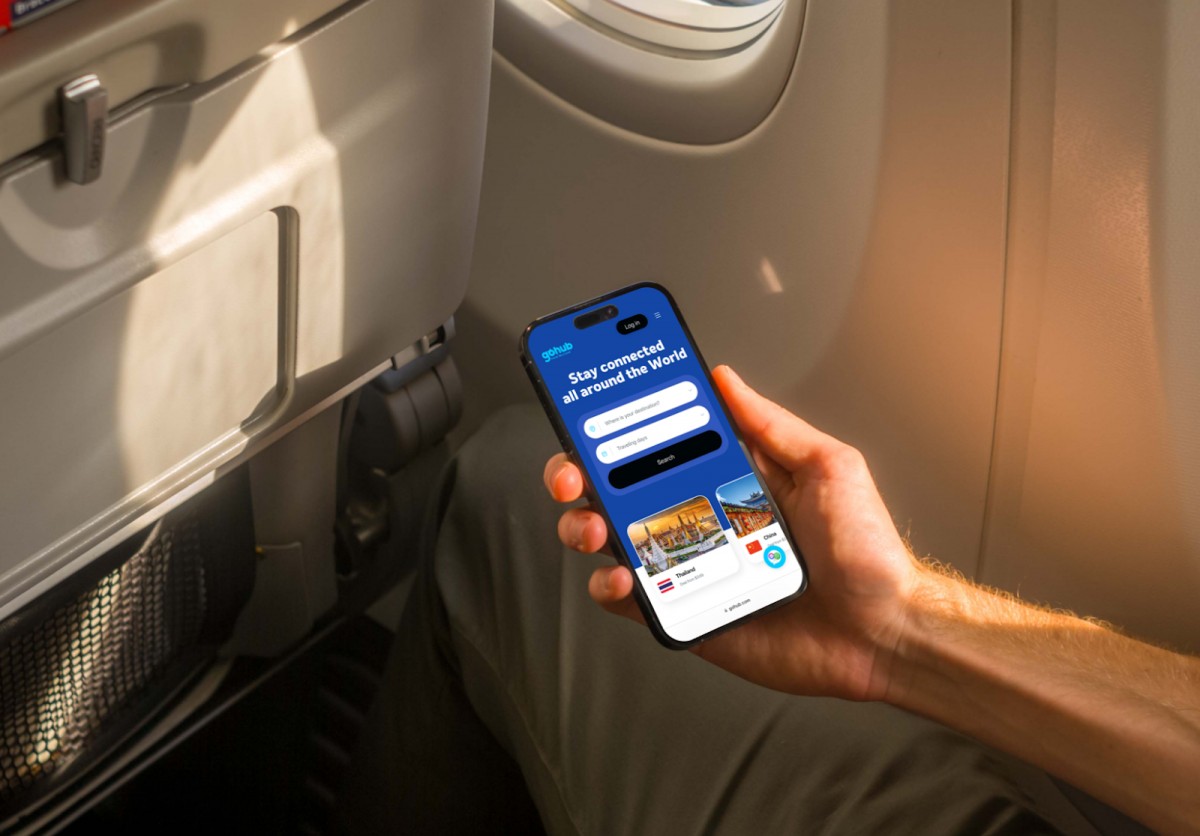
Installing an eSIM before flying to Malaysia
10. How to Activate Your eSIM After Landing
After arriving at Kuala Lumpur Airport:
Turn off airplane mode.
Open mobile network settings.
Enable the travel eSIM.
Select it as your mobile data line.
Enable data roaming if required.
Wait for network registration.
Confirm internet access.
If the connection does not work immediately:
Restart your phone.
Verify activation timing.
Check network settings.
Use airport WiFi temporarily if troubleshooting is required.
11. Getting from Kuala Lumpur Airport to the City
This article focuses on connectivity rather than transportation, but mobile data becomes useful immediately after arrival.
Popular transportation options include:
KLIA Express
Airport taxis
Grab
Airport buses
Travelers should verify schedules and routes through the official KLIA transportation guide before travel.
Having mobile data allows you to compare routes, contact accommodations, and monitor transportation updates in real time.

Using mobile data while traveling from KLIA to Kuala Lumpur
12. Malaysia Entry Requirements Note
Entry requirements vary depending on nationality, passport type, and travel purpose.
This article focuses on airport connectivity rather than immigration procedures. Travelers should verify the latest information through the Malaysia Digital Arrival Card (MDAC) portal and relevant government authorities before departure.
13. Arrival Connectivity Checklist
Before leaving the airport:
Confirm your eSIM is connected.
Test internet access.
Open maps and navigation apps.
Verify hotel booking details.
Confirm transportation apps are working.
Test messaging services.
Save important addresses offline.
Disable unnecessary roaming on your primary SIM if required.
Completing these steps before leaving the terminal can help prevent connectivity issues later.

Kuala Lumpur Airport Arrival Transfer
If Malaysia is your primary destination, reviewing available Malaysia eSIM plans before departure can help simplify your arrival experience and reduce dependence on airport WiFi.
Travelers visiting multiple countries in the region may prefer an Asia-wide plan for additional flexibility.
Using an eSIM at Kuala Lumpur Airport is one of the easiest ways to get online shortly after landing.
While airport WiFi and local SIM counters remain available, many travelers prefer the convenience of installing an eSIM before departure and activating it after arrival.
Whether you are visiting Kuala Lumpur, traveling throughout Malaysia, or continuing across Southeast Asia, having mobile data ready when you land can make the start of your trip significantly smoother.
FAQ
1. Can I use an eSIM immediately after landing at Kuala Lumpur Airport?
Yes. Most travelers can connect within minutes after enabling their eSIM and turning off airplane mode.
2. Can I buy an eSIM at Kuala Lumpur Airport?
SIM-related services are generally available at KLIA, although locations and availability may change.
3. Does Kuala Lumpur Airport offer free WiFi?
Yes. WiFi is generally available throughout KLIA terminals.
4. Should I install my eSIM before arriving in Malaysia?
Yes. Installing your eSIM before departure is usually the easiest way to get connected immediately after landing.
5. Is airport WiFi enough for my trip?
Airport WiFi can be useful inside the terminal, but most travelers prefer mobile data once they leave the airport.
6. Can I use my eSIM throughout Malaysia?
Most Malaysia eSIM plans provide nationwide coverage, depending on the provider and network partner.
7. Is an eSIM cheaper than international roaming?
Often yes, although actual costs depend on your home carrier and usage patterns.
8. Why is my eSIM not working after landing?
Common causes include incorrect settings, delayed activation, airplane mode remaining enabled, or temporary network registration issues.
9. Can I keep my home number while using an eSIM?
Yes. Many modern smartphones support dual SIM functionality.
10. Should I choose a Malaysia eSIM or an Asia eSIM?
Choose a Malaysia eSIM if Malaysia is your only destination. An Asia eSIM may be more convenient for multi-country travel.
Airport services, WiFi availability, telecom retailers, transportation schedules, entry requirements, and network performance may change over time. Always verify time-sensitive information through Kuala Lumpur International Airport, transportation operators, government authorities, and your eSIM provider before travel.

Yêu thích công nghệ. Từ góc nhìn kỹ thuật, chia sẻ những nội dung dễ hiểu giúp người dùng nắm rõ cách eSIM hoạt động và chọn được eSIM phù hợp.
View all articles →Related articles
eSIM at Abu Dhabi Airport (AUH): Setup, Cost & Best Plans 2026
Zayed International Airport now hands out a free 10GB SIM for 24 hours. How it works, where it falls short, and when a UAE eSIM plan is still worth it.
Best eSIM for Vietnam in 2026: 8 Options Compared
Which eSIM is best for Vietnam in 2026? Compare Gohub, Airalo, Holafly, Nomad, Ubigi and local SIMs on price, data, coverage and registration.
Best eSIM for USA Travel in 2026: 5 Providers Compared
Which eSIM is best for the USA in 2026? We compare Gohub, Airalo, Holafly, Nomad and Ubigi on price, network, hotspot and US numbers, plus setup steps.
How to Use TikTok in China with a Gohub eSIM
Learn how to set up your Gohub eSIM and adjust TikTok settings before traveling to China for reliable access throughout your trip.
Internet in Vietnam for Tourists: The Complete 2026 Guide
Compare eSIM, SIM cards, and WiFi options for Vietnam. See which carrier holds up in Sapa and the Mekong Delta, data needs, and setup tips for 2026.
Internet in South Korea for Tourists: The Complete 2026 Guide
Heading to Korea? Compare eSIM, tourist SIM cards, and pocket WiFi rental, plus why KTX and Seoul's subway have some of the fastest connections anywhere