Loading page, please wait...
WhatsApp 24/7:+1 (302) 899-2888
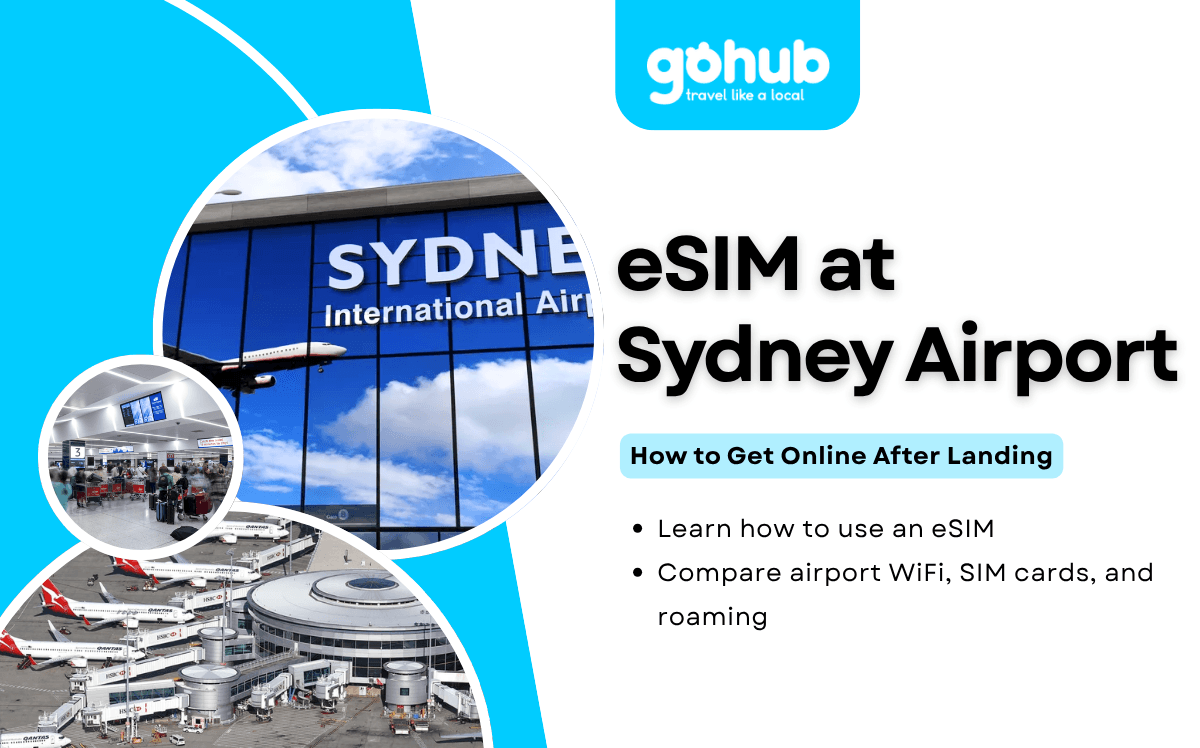
Arriving at Sydney Airport, also known as Sydney Kingsford Smith Airport, is often the first step of a trip to Sydney, New South Wales, or another Australian destination. Whether you are visiting for tourism, business, study, or a connecting journey, mobile data can make your arrival much easier.
An eSIM lets you connect to mobile data without swapping a physical SIM card, waiting at an airport counter, or relying only on public WiFi.
Yes, you can use an eSIM at Sydney Airport shortly after landing if your phone supports eSIM and your plan has been installed before departure.
Once you arrive, turn off airplane mode, enable your travel eSIM, select it for mobile data, and turn on data roaming if your provider requires it. Activation speed may vary depending on your provider, device settings, network partner, terminal location, and local congestion.
Sydney Airport provides free WiFi across its terminals. According to Sydney Airport’s official FAQ, travelers can connect by selecting “Sydney Airport Free WiFi” and following the on-screen instructions. Airport WiFi is useful as a backup, but a travel eSIM is usually more convenient once you leave the airport.
Topic | Quick Answer |
|---|---|
Can I use an eSIM at Sydney Airport? | Yes, if your device and plan support it. |
Should I install it before flying? | Yes, installation is easier with stable WiFi. |
Does Sydney Airport have free WiFi? | Yes, free WiFi is available across all terminals. |
Can I buy a SIM card at Sydney Airport? | Yes, SIM card services are available at T1 International. |
Is eSIM cheaper than roaming? | Often, but it depends on your home carrier. |
Can I keep my home number? | Usually yes on dual-SIM devices. |
Can I use it across Australia? | Generally yes, depending on provider and network partner. |
Should I choose Australia or APAC eSIM? | Australia eSIM for Australia-only trips; APAC eSIM for wider regional travel. |
Many international travelers need internet access before leaving the airport.
Common arrival tasks include:
Booking Uber, DiDi, taxi, or airport transfer.
Contacting hotels, hosts, or colleagues.
Accessing reservation confirmations.
Using Google Maps or Apple Maps.
Checking train, taxi, rideshare, or shuttle options.
Messaging family or travel companions.
Accessing banking, travel, and airline apps.
Using digital travel documents.
Airport WiFi can help during your first few minutes in the terminal. However, mobile data is more useful once you move toward baggage claim, customs exit, train access, taxi ranks, rideshare pickup, hotel shuttles, or your accommodation.
If Australia is your main destination, reviewing Australia eSIM plans before departure can help you avoid setup delays after landing.
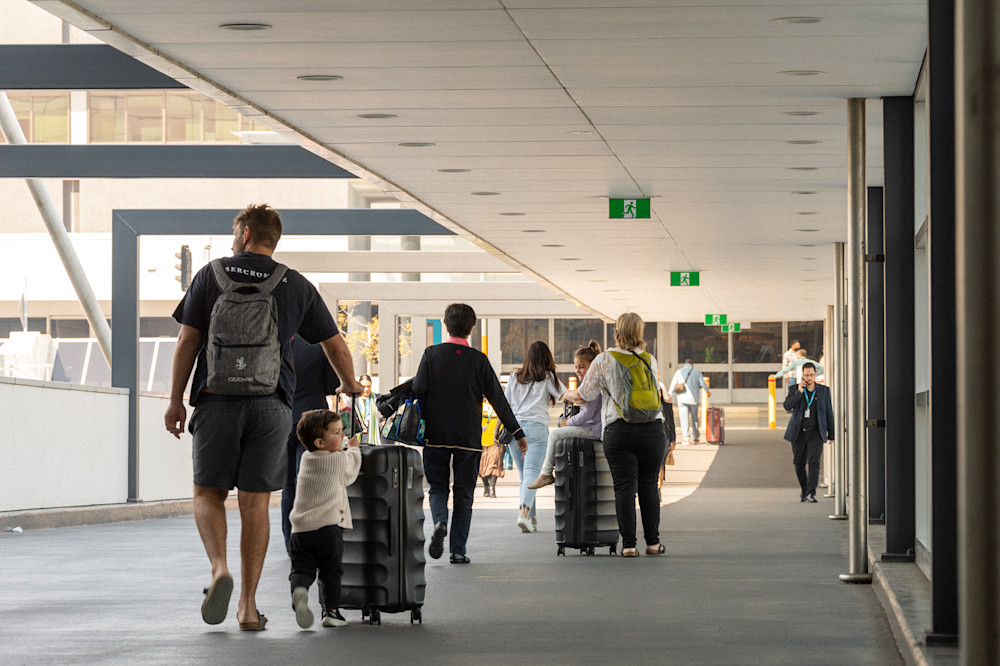
Traveler using an eSIM after arriving at Sydney Airport.
Yes. Most travelers can use an eSIM at Sydney Airport shortly after arrival if the eSIM has already been installed and the plan includes Australia coverage.
The typical process is:
Purchase your Australia eSIM before travel.
Install the eSIM profile on your phone using stable WiFi.
Arrive at Sydney Airport.
Turn off airplane mode.
Enable the travel eSIM if required.
Select the eSIM as your mobile data line.
Turn on data roaming if your provider requires it.
Wait for network registration.
Activation is usually quick, but it is not guaranteed to be instant for every traveler. Performance depends on your eSIM provider, device compatibility, phone settings, network partner, airport location, and temporary congestion.
Before traveling, verify your device using this guide to eSIM-compatible phones.
Yes. Sydney Airport lists SIM card and telecom services at T1 International. The airport’s official SIM Planet listing describes SIM Planet as a telecom retailer offering SIM card support and mobile solutions at T1 International Arrivals A.
Buying a SIM card at the airport may be useful if:
Your phone does not support eSIM.
You forgot to arrange mobile data before departure.
You prefer in-person assistance.
You need a physical SIM card.
You want help setting up connectivity after arrival.
However, airport purchases can involve queues, limited product options, registration steps, or store-hour restrictions. For travelers who want mobile data shortly after landing, installing an eSIM before departure is usually the smoother option.
Feature | eSIM | Airport WiFi | Local SIM | International Roaming |
|---|---|---|---|---|
Works shortly after landing | Yes | Yes, inside airport areas | After purchase/setup | Yes |
Requires physical SIM | No | No | Yes | No |
Works outside airport | Yes | No | Yes | Yes |
Keeps home number | Usually | Yes | Usually no | Yes |
Setup before travel | Yes | No | No | Usually no |
Cost predictability | Generally good | Free | Medium | Varies by carrier |
Queue required | No | No | Often | No |
Airport WiFi is useful for quick messages or troubleshooting. A local SIM can work well for longer stays, but it requires purchase and setup after arrival. International roaming is convenient, but costs vary significantly by home carrier and plan.
For a deeper cost comparison, see international roaming vs eSIM.
Traveler Type | Recommended Data |
|---|---|
Airport layover | 1GB–3GB |
Weekend visitor in Sydney | 5GB–10GB |
One-week Australia trip | 10GB–20GB |
Business traveler | 10GB–20GB |
Road trip traveler | 20GB+ |
Digital nomad | 20GB+ |
Australia and nearby destinations | 20GB+ or regional plan |
Most travelers use data for maps, messaging, rideshare, public transport, email, travel apps, and booking confirmations. Streaming video, hotspot use, and video calls can use much more data, so choose a larger plan if you expect heavy usage.
For travelers visiting Sydney, Melbourne, Brisbane, Perth, Adelaide, Cairns, or other Australian destinations, Australia eSIM plans can help provide connectivity throughout the country, depending on provider coverage and network partners.
If your itinerary continues to nearby destinations such as New Zealand, Fiji, or other countries in the wider region, compare APAC eSIM plans for broader regional coverage across supported destinations.
Before departure:
Confirm your device supports eSIM.
Check that your phone is carrier-unlocked.
Install the eSIM profile using stable WiFi.
Save activation instructions offline.
Update your phone software if needed.
Check whether data roaming must be enabled.
Keep a copy of your QR code or manual setup details.
Download offline maps as a backup.
Save your hotel address and transport details.
Charge your device before arrival.

Installing an Australia eSIM before flying to Sydney Airport.
Once you arrive at Sydney Airport:
Turn off airplane mode.
Enable your installed eSIM.
Assign mobile data to the eSIM line.
Enable data roaming if required by your provider.
Wait for network registration.
Test internet access.
Open maps, messaging, or rideshare apps to confirm connectivity.
If activation does not work immediately, restart your device, check that the correct data line is selected, and confirm any APN instructions from your eSIM provider. Use Sydney Airport WiFi as a backup if you need to access setup instructions or customer support.
This article focuses on connectivity, not transportation planning. Still, mobile data becomes useful immediately when you need to check routes into Sydney or beyond.
Popular options include:
Airport Link train.
Taxis.
Rideshare services.
Public buses.
Hotel shuttles.
Rental cars.
Private transfers.
Sydney Airport’s official transport options page states that the airport is about 13 minutes by train from the city, with trains running approximately every 10 minutes. The same airport transport page also explains where travelers can access trains, taxis, rideshare services, buses, and rental cars.
For rideshare users, Sydney Airport provides official taxi and rideshare information, including terminal-specific pickup details.
With mobile data active, you can compare routes, check train times, book a ride, contact your hotel, and share your arrival time.

Traveler using mobile data after leaving Sydney Airport.
Entry requirements vary by nationality, passport, trip duration, and travel purpose. This article is not a visa guide, so keep this step simple: before flying, review the Australian Department of Home Affairs page on entering Australia or check the official Australian visa list.
Before leaving the airport:
Confirm mobile data is active.
Verify that the eSIM has signal.
Test Google Maps or your preferred navigation app.
Open your hotel reservation.
Check train, taxi, bus, rideshare, shuttle, rental car, or transfer apps.
Save important addresses offline.
Turn off unwanted roaming on your home SIM if needed.
Keep airport WiFi as a backup option.
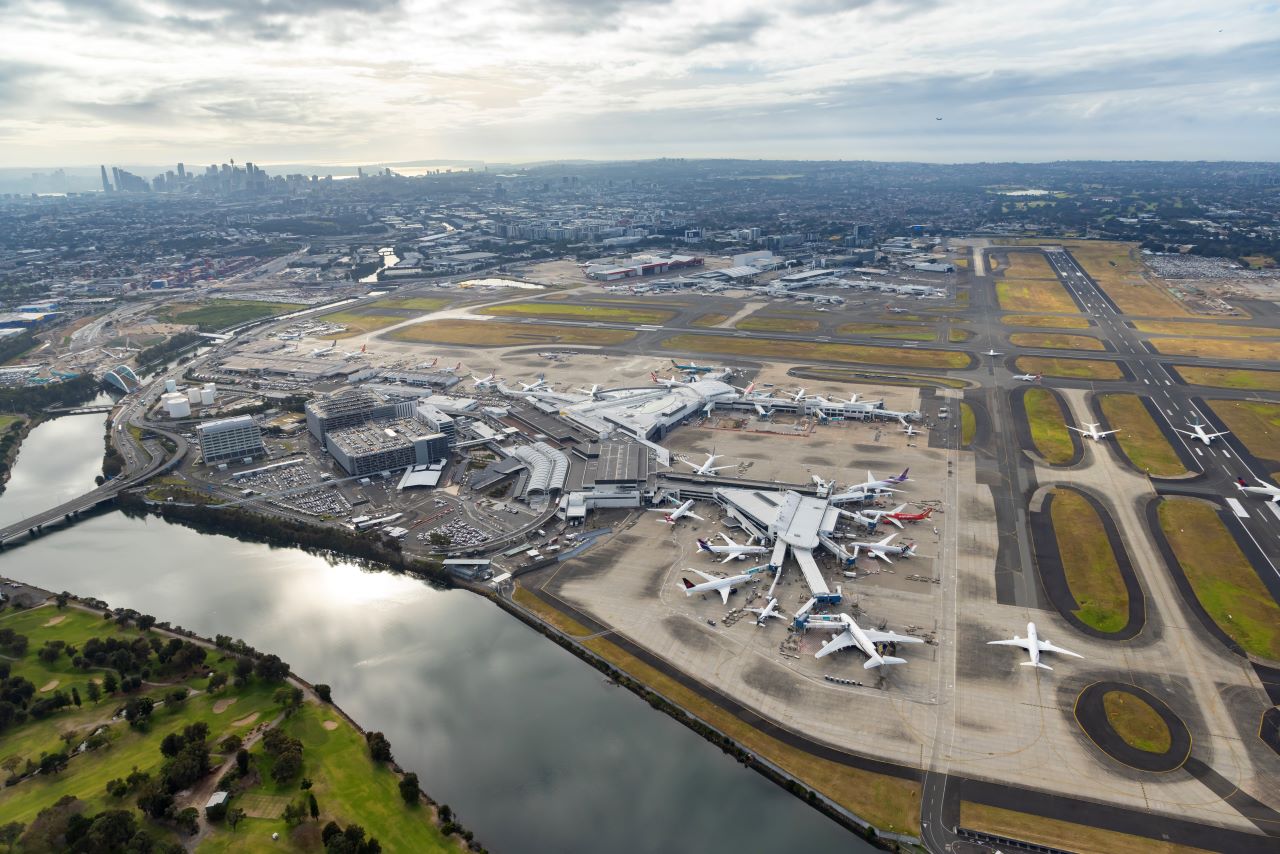
Sydney Airport is a 4-Star Airport
If you prefer to avoid airport SIM counters and reduce reliance on public WiFi, reviewing Australia eSIM plans before departure can help you get connected more smoothly after landing at Sydney Airport.
For multi-country itineraries across Australia and the wider Asia-Pacific region, APAC eSIM plans may be useful if your trip continues beyond Australia.
Using an eSIM at Sydney Airport is one of the simplest ways to access mobile data shortly after arriving in Australia.
Rather than searching for a SIM card counter or relying only on airport WiFi, travelers can install an eSIM before departure and activate it after landing. Whether you are visiting Sydney for a few days, traveling around Australia, or continuing to nearby destinations, mobile connectivity can make your arrival more efficient and less stressful.
Yes. Most travelers can connect shortly after landing if the eSIM has been installed before departure and the plan includes Australia coverage.
SIM card and mobile connectivity services are available at Sydney Airport, but eSIM-specific availability can vary by provider, product, terminal area, and operating hours. Installing an eSIM before travel is usually more convenient.
Yes. Sydney Airport provides free WiFi across all terminals. Travelers can connect by selecting “Sydney Airport Free WiFi” and following the on-screen instructions.
Yes. Installing your eSIM before departure is usually easier because you can use stable WiFi and save setup instructions before flying.
Airport WiFi can help inside the terminal, but it will not provide continuous connectivity after you leave the airport. A travel eSIM is more practical for maps, transport, rideshare, and hotel communication.
Generally yes, if your eSIM plan includes Australia coverage. Actual performance depends on provider, device, network partner, location, and congestion.
Often, but not always. It depends on your home carrier’s roaming rates, your travel duration, and how much data you need.
Common causes include airplane mode still being enabled, the wrong data line selected, data roaming disabled, delayed activation, APN settings, or device compatibility issues.
Yes. Many dual-SIM phones allow you to keep your primary SIM active for calls or texts while using the eSIM for mobile data.
Choose an Australia eSIM if your trip is mainly within Australia. Choose an APAC eSIM if your itinerary includes multiple supported destinations in the wider region.
Airport services, WiFi availability, telecom vendors, transportation options, operating hours, entry requirements, and connectivity policies may change. Travelers should verify the latest information through Sydney Airport, official transport operators, Australian government sources, and their eSIM provider before departure.
Visiting Bali? Learn how to choose an eSIM for maps, ride-hailing, messaging, bookings, and mobile data without relying only on WiFi.

Visiting Bangkok? Learn how to choose an eSIM for maps, BTS/MRT, Grab, messaging, and mobile data without relying only on roaming or WiFi.
Landing at Taipei Taoyuan Airport? Learn how to use an eSIM, compare airport WiFi, SIM cards, and roaming, and get online after arrival.