

Loading page, please wait...
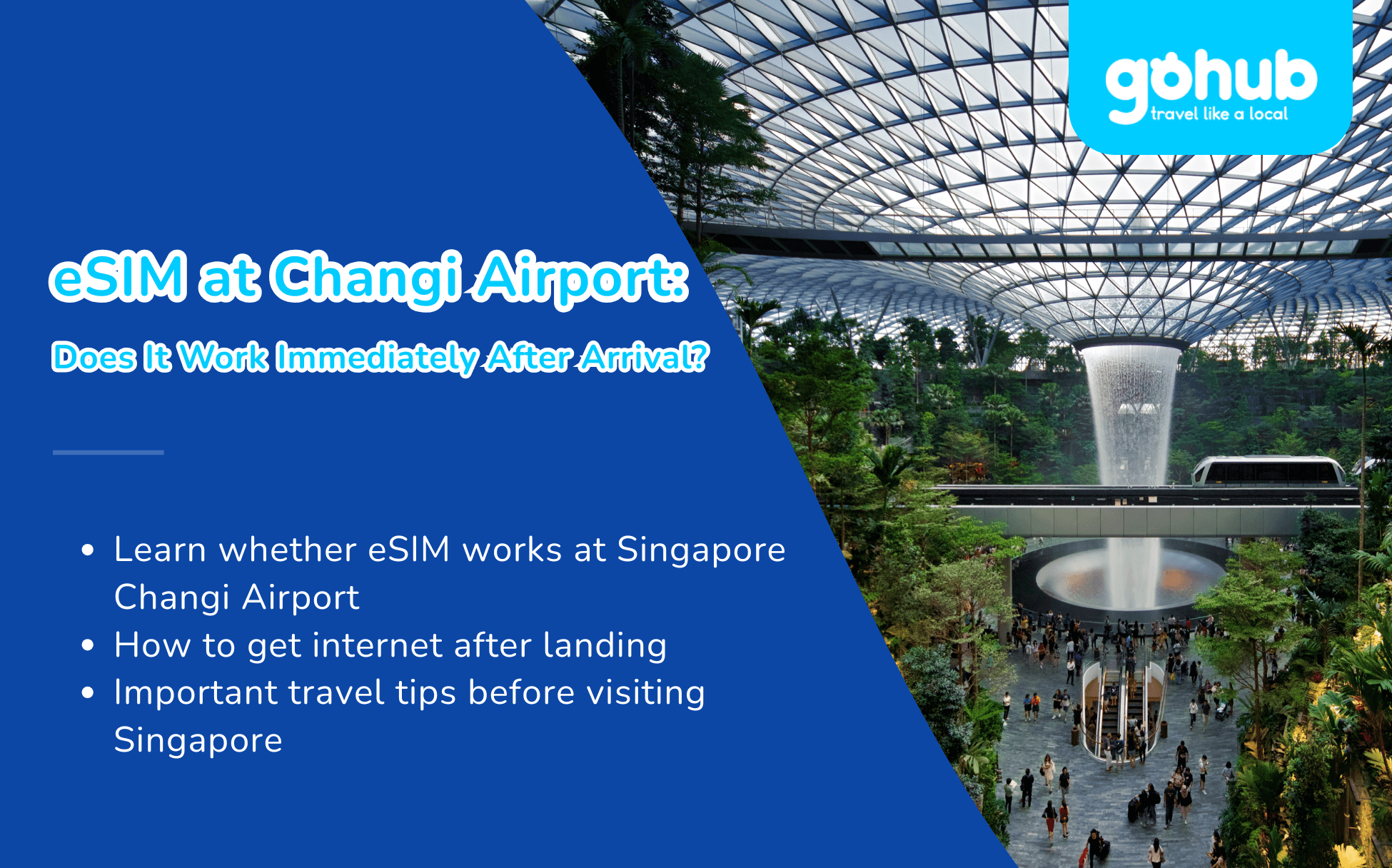
Changi is one of the world’s most convenient airports, but even here the first thing most travelers need after landing is a working internet connection. You may need to book a Grab, check your MRT route, message your hotel, open Google Maps, or tell family you have arrived.
Yes, a travel eSIM can work at Singapore Changi Airport within minutes of landing. If you install it before departure, you usually only need to turn off airplane mode, enable the eSIM line, and switch on data roaming for that line. In most cases, your phone can connect to a local Singapore network before or around the time you reach baggage claim.
Flying to Singapore? Get your Singapore eSIM ready before departure. Gohub offers instant QR delivery, easy setup, 24/7 support, and 1-hour eSIM replacement in supported cases, so you can skip airport SIM queues and connect right after landing.
This 2026 guide covers your real options at SIN: free #WiFi@Changi, tourist SIM counters, eSIM setup, transport into the city, Jewel Changi, and quick fixes if your eSIM does not connect.
With an eSIM installed before departure, you can get online shortly after landing at Changi Airport.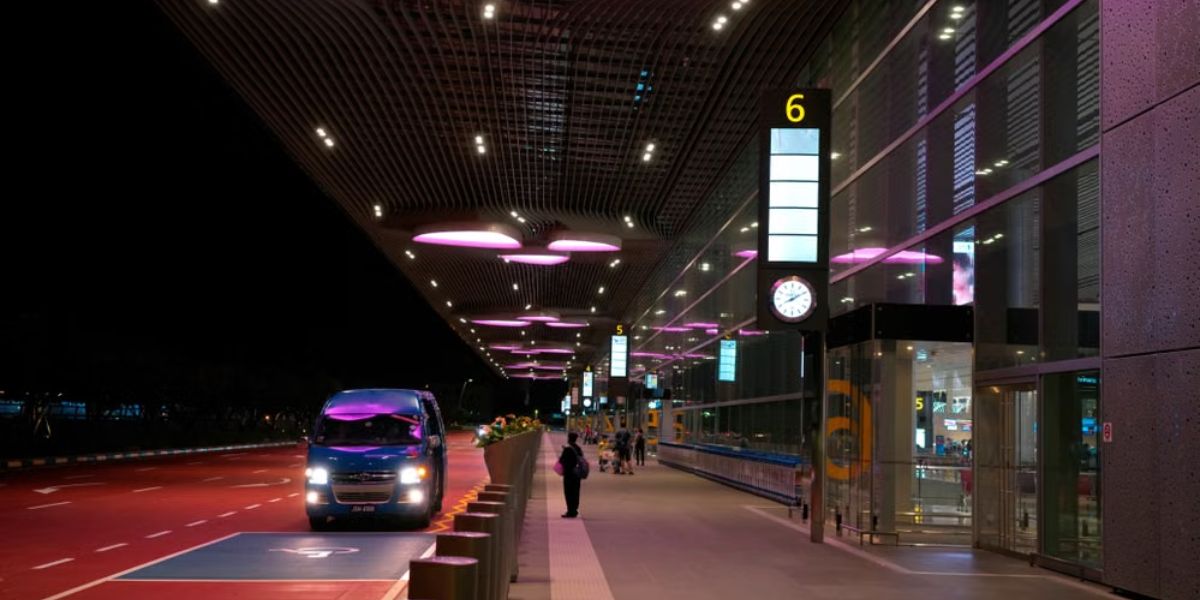
Yes. A Gohub Singapore eSIM can connect to a local Singapore network shortly after landing at any Changi terminal, from T1 to T4. The process usually takes 2 to 5 minutes:
Turn off airplane mode.
Enable your eSIM line in settings.
Turn on data roaming for the eSIM line.
Wait for your phone to register on the local network.
The most common mistake is forgetting to turn on data roaming for the travel eSIM. This does not mean roaming on your home SIM. Your home SIM and travel eSIM have separate settings, so make sure roaming is enabled only for the eSIM line you want to use for data.
Gohub Singapore eSIM plans use local partner networks in Singapore. The exact network operator can vary by plan, package type, and product update. Before purchase, check the Technical details tab on your selected Singapore eSIM plan for the current network operator, speed policy, hotspot support, activation window, and call/SMS availability. For example, some current Singapore plan details may display SIMBA as the network operator.
Not sure your phone supports eSIM? Check Gohub’s device checker before you buy. Most newer iPhones, Samsung Galaxy models, and Google Pixel phones support eSIM, but your phone must also be carrier-unlocked.
Two key settings matter after landing: airplane mode off and data roaming on for your eSIM line.
Option | Cost | Setup time | Works outside airport? | Best for |
|---|---|---|---|---|
Free WiFi Changi | Free | Quick setup via browser login page | No | Quick messages inside the airport |
Tourist SIM counters | Usually from around S$12, depending on operator and package | 15 to 30 minutes including queue and registration | Yes | Travelers who want a local SIM or local package |
Travel eSIM | Fixed online pricing | 2 to 5 minutes after landing if installed before departure | Yes | Most short trips, stopovers, holidays, and business travel |
There are three things worth knowing before you choose.
First, Changi Airport offers free WiFi in both public and transit areas through #WiFi@Changi. To connect, select the network, open your browser to access the login page, and follow the prompt. This is useful inside the airport, but it is not a complete travel data solution once you leave the terminal.
Second, Singapore’s airport tourist SIMs are genuinely good value. Changi Airport lists tourist SIM options from major operators such as Singtel, StarHub, and M1, with some packages starting around S$12. Buying a physical SIM in Singapore requires SIM registration, so travelers should expect to show a passport or valid ID.
Third, an eSIM avoids the airport queue. You buy online before your trip, receive the QR code or installation details by email, install it on WiFi, and enable it after landing. For most short-term visitors, this is the fastest way to get mobile data at Changi Airport.
Browse current Singapore eSIM plans before your flight so your setup is ready before you land. Always check the selected plan’s Technical details tab because network operator, speed policy, hotspot support, activation rules, and prices can change.
Feature | Travel eSIM | Tourist SIM at SIN |
|---|---|---|
Buy before arrival | Yes | Usually no, unless pre-ordered |
Airport queue | No | Often yes |
Airport SIM registration | No airport SIM counter paperwork | Usually required |
Keep your home SIM active | Yes | Only if your phone supports dual SIM |
Connection after landing | Usually 2 to 5 minutes | Often 15 to 30 minutes including queue and setup |
Multi-country Asia trip | Yes, with a regional Asia eSIM | Usually Singapore-only |
Best for | Short trips, stopovers, business travelers, families | Travelers who want a local tourist SIM package |
For most short Singapore trips, eSIM is the practical winner. You keep your home SIM active for calls, SMS, and banking OTPs while your eSIM handles mobile data in Singapore.
A tourist SIM can still make sense if you specifically want a local SIM package, a longer validity option, or your phone does not support eSIM.
Not sure which plan fits your Singapore trip? Browse Singapore eSIM plans and choose based on your travel days and data needs. Gohub’s Singapore eSIM options include plans for short stopovers, regular city trips, and longer stays.
Every plan is covered by Gohub’s 1-hour eSIM replacement policy in supported cases. If activation or usage issues cannot be resolved after troubleshooting, Gohub can provide a replacement eSIM within 1 hour under the policy.
Hopping to Malaysia, Thailand, Indonesia, Vietnam, or beyond after Singapore? A regional Asia eSIM can cover multiple countries on one plan, depending on your itinerary.
Option | Route | Good to know |
|---|---|---|
MRT | Take the train from Changi Airport MRT Station to Tanah Merah, then transfer to the East West Line toward the city | Cost-effective and easy if you do not have heavy luggage |
Grab / private hire | Book via app and head to the Arrival and Ride-Hailing pick-up points at T1, T2, T3, or T4 | Needs mobile data, which is why an active eSIM helps immediately |
Taxi | Taxi stands are available in the arrival areas of T1, T2, T3, and T4 | Convenient with luggage; airport surcharge and other surcharges may apply |
Airport transfer | Book through official airport transfer options or your hotel | Best for families, late arrivals, or travelers with large bags |
With mobile data active, you can compare transport options while you are still walking through arrivals. This helps you choose between MRT, Grab, taxi, or hotel transfer based on luggage, traffic, arrival time, and hotel location.
For many first-time visitors, Grab or taxi is the easiest option after a long flight. For light travelers, the MRT is reliable and budget-friendly.
Singapore’s public transport system supports contactless payment options, including Mastercard, Visa, mobile wallets, EZ-Link, NETS FlashPay, and the Singapore Tourist Pass.
That means you may not need to buy a local transit card immediately after landing. You can tap in with a supported contactless card, then check routes and transfer points on your phone.
The Rain Vortex in Jewel Changi Airport is the world’s tallest indoor waterfall and sits at the heart of Jewel. If you land with enough time, it is worth stopping before heading into the city.
With mobile data, you can check the Light & Music Showcase schedule, book Jewel attractions, message your hotel, and share photos without relying on airport WiFi.
Jewel’s Rain Vortex is a destination in itself. Mobile data helps you check show times and navigate Changi more easily.
Changi is large. T1, T2, and T3 are connected by Skytrain and walking routes, while T4 requires a shuttle connection. If you have a connection, airport transfer, or a meeting point in another terminal, live maps and the Changi app can save real time.
Having data before you leave the gate area helps you check terminal maps, pickup points, baggage information, and transport directions without waiting for WiFi.
Singapore is one of the easiest cities to travel with a phone. You may use mobile data for Grab, MRT route planning, attraction bookings, restaurant reservations, QR menus, e-payments, maps, and messaging.
A working data connection from minute one makes the whole city smoother, especially for first-time visitors.
Set up your eSIM while you still have stable WiFi. Do not wait until you are standing at the airport exit.
Before buying, confirm that your phone supports eSIM and is carrier-unlocked. You can start with Gohub’s device checker.
Choose a plan from Gohub’s Singapore eSIM page based on your trip length and data needs.
After purchase, Gohub sends the QR code or installation details by email. Install it while connected to stable WiFi at home, at your hotel, or before departure.
Do not delete the eSIM profile after installation. Most eSIM QR codes are single-use.
When you land in Singapore:
Turn off airplane mode.
Enable the Gohub eSIM line.
Set mobile data to the Gohub eSIM.
Turn data roaming on for the Gohub eSIM.
Keep data roaming off for your home SIM to avoid roaming charges.
For setup help, follow Gohub’s how to install eSIM guide.
Travel style | Suggested data for 4 to 7 days | Covers |
|---|---|---|
Light use | 3 to 5GB | Maps, WhatsApp, browsing, basic search |
Normal travel use | 8 to 15GB | Grab, Google Maps, MRT routes, social media, photo uploads, video calls |
Heavy use | 20GB+ | Reels, YouTube, hotspot, remote work, frequent uploads |
Digital nomad or content creator | Unlimited or high-data plan | Laptop hotspot, video calls, daily content uploads |
Most visitors on a 4 to 7 day Singapore trip are comfortable with 8 to 15GB. If you plan to stream video, use hotspot, work remotely, or upload daily short-form videos, choose 20GB or more.
Gohub’s Singapore eSIM options include short stopover plans, daily data plans, fixed GB options, and unlimited options for heavier use. Not sure about your usage? Estimate it with Gohub’s travel data calculator, and compare the cost with international roaming before your trip.
Work through these in order. The first two solve most cases.
Go to your mobile data settings and make sure data roaming is enabled for the Gohub eSIM.
Your phone may still be trying to use your home SIM for data. Set mobile data to the Gohub eSIM line.
A quick restart often forces your phone to register on the local network.
If automatic network selection does not work, manually select the supported local network shown in your selected plan’s Technical details or installation instructions. For some current Singapore plans, this may be SIMBA. Do not assume every Singapore plan uses the same network, because operators can vary by plan or product update.
Make sure your eSIM plan has started correctly and has not expired. Some plans start from the first connection to the local network, while others may follow the activation rules shown in your purchase details.
If you are still stuck, contact Gohub support. You can use #WiFi@Changi inside the terminal to reach support if your eSIM has not connected yet.
Yes. Singapore’s airport tourist SIMs are good value, but an eSIM wins on convenience.
Instead of queueing for a physical SIM, completing airport SIM registration, or relying on terminal WiFi, you can walk out with mobile data already working. You can book Grab, check MRT routes, open maps, retrieve hotel details, manage attraction tickets, and keep your home SIM active for OTPs and calls.
A tourist SIM still makes sense for longer stays, local SIM needs, or phones without eSIM support. But for short holidays, stopovers, family trips, business travel, and multi-country Southeast Asia itineraries, a travel eSIM is usually faster and more convenient.
Ready for Singapore? Get your Gohub Singapore eSIM before departure. Install it on WiFi, enable it when you land, and stay connected from Changi Airport to Marina Bay, Orchard Road, Chinatown, Sentosa, and beyond.
Planning to visit more than one country in the region? Compare Asia regional eSIM plans for Singapore, Malaysia, Thailand, Indonesia, Vietnam, and other popular destinations.
Important note: eSIM prices, network operators, speed policies, hotspot availability, activation rules, supported apps, and plan details can change over time. Before buying, always check the current Singapore eSIM page and the Technical details tab of your selected plan for the latest information.
Yes. A Singapore eSIM can connect to a local Singapore network within minutes of landing at Changi Airport, as long as your phone supports eSIM, is unlocked, and the eSIM has been installed correctly.
Yes. Changi Airport offers free WiFi in both public and transit areas through #WiFi@Changi. Select the network, open your browser to access the login page, and follow the prompt. It works inside the airport only.
Tourist SIM prices at Changi vary by operator and package. Changi Airport lists SIM options from major operators such as Singtel, StarHub, and M1, with some packages starting around S$12. SIM registration is mandatory in Singapore, so travelers should expect to show a passport or valid ID.
It depends on the package. Singapore tourist SIMs can be good value, especially if you want a local SIM package. A travel eSIM is usually better if you want to set up before departure, avoid airport queue time, keep your home SIM active, and connect shortly after landing.
Yes. Grab works in Singapore. Changi Airport also supports private hire services such as Grab, Gojek, Zig, Tada Mobility, Ryde, and Geolah. After booking in the app, head to the Arrival and Ride-Hailing pick-up point at your terminal.
Yes. This is one of the main benefits of eSIM. You can keep your home SIM active for calls, SMS, and banking OTPs while your travel eSIM handles mobile data in Singapore.
Yes. A Singapore eSIM is designed for mobile data across Singapore, including Changi Airport, MRT stations, shopping malls, hotels, hawker centres, Sentosa, and major tourist areas, subject to the selected plan’s local partner network and real-time network conditions.
Most travelers need around 8 to 15GB for a 4 to 7 day Singapore trip. Light users can manage with 3 to 5GB, while content creators, remote workers, and heavy hotspot users should choose 20GB or more.
Install it before you fly. Use stable WiFi at home or before departure, then enable the eSIM line and data roaming after landing. Do not delete the eSIM profile during your trip because many QR codes are single-use.
The most common reason is that data roaming is turned off for the eSIM line. Turn on data roaming for the travel eSIM, set mobile data to the eSIM, restart your phone, and manually select the supported network shown in your selected plan’s Technical details or installation instructions.
Choose a Singapore eSIM if your trip is only in Singapore. Choose an Asia regional eSIM if you will also visit Malaysia, Thailand, Indonesia, Vietnam, Japan, South Korea, or other nearby destinations during the same trip.
Gohub Singapore eSIM plans are data-only and do not include a local phone number for traditional calls or SMS. You can use internet-based apps such as WhatsApp, Telegram, FaceTime, Messenger, or other VoIP apps over your data connection.
Can One Singapore eSIM Be Used in Malaysia or Indonesia? — coverage and data explained for multi-country Southeast Asia trips.
eSIM at Kuala Lumpur Airport — next stop KL? Here's how to stay connected from the moment you land.
eSIM at Suvarnabhumi Airport — the same arrival playbook for Bangkok.
eSIM vs International Roaming Cost — see how much a travel eSIM saves versus your home carrier.
One eSIM, data in 200+ destinations. Activates in minutes.
Code applies to your first order.