Loading page, please wait...
WhatsApp 24/7:+1 (302) 899-2888

Paris is one of the world's most visited cities, attracting millions of travelers every year. Whether you're visiting the Eiffel Tower, exploring the Louvre Museum, shopping along the Champs-Élysées, or taking a day trip to Versailles, staying connected is essential.
For many travelers arriving at Charles de Gaulle Airport (CDG), one of the first questions is whether an eSIM will work immediately after landing or if it's necessary to buy a local SIM card at the airport.
The good news is that most France travel eSIMs can connect within minutes after arriving at Charles de Gaulle Airport, allowing you to access mobile data before leaving the terminal.
If you're planning a trip to France, this guide explains how eSIM works at CDG Airport, how to prepare before your flight, and what first-time visitors should know about mobile connectivity in Paris.

Traveler using eSIM at Charles de Gaulle Airport after landing
Yes. Most travelers can use their eSIM shortly after landing at Charles de Gaulle Airport.
Once your plane arrives, simply:
Turn off Airplane Mode
Enable your eSIM profile
Turn on Data Roaming
Allow the phone to connect to a French mobile network
If your eSIM was installed before departure, you can usually access mobile data before reaching baggage claim.
This means you can immediately use Google Maps, WhatsApp, Uber, and transportation apps without searching for airport Wi-Fi.
If you're new to eSIM technology, you can learn more about how eSIM works before your trip.
Option | Convenience | Setup Time | Best For |
|---|---|---|---|
Airport Wi-Fi | Medium | Immediate | Basic browsing and messaging |
Physical SIM Card | Medium | 15–40 minutes | Travelers who prefer local SIMs |
Travel eSIM | High | Few minutes | Instant connectivity after arrival |
Charles de Gaulle Airport provides free Wi-Fi, but public Wi-Fi is not always the most convenient solution.
Many travelers prefer having their own mobile connection for navigation, ride-hailing apps, and communication throughout the trip.
Before traveling, you can compare different international eSIM plans based on your destination and data needs.
One of the biggest benefits of eSIM is convenience.
Instead of finding a SIM card counter after a long flight, you can leave the airport immediately with internet access already available.
With mobile data active, you can:
Open Google Maps
Book an Uber
Contact your hotel
Navigate Paris Metro routes
Use WhatsApp
Upload Story updates
Make a Video Call
For short trips to Paris, eSIM is often the fastest and easiest way to stay connected from the moment you arrive.

Using Google Maps and Paris Metro with eSIM
Charles de Gaulle Airport is one of Europe's busiest airports.
Depending on your terminal, immigration queue, and baggage claim area, it can take significant time before reaching the airport exit.
Having internet access immediately helps you check transportation options and communicate with your accommodation while still inside the airport.
The Paris Metro is one of the fastest ways to travel around the city.
Many visitors use Google Maps daily to navigate Metro lines, transfers, and station exits.
Mobile data becomes extremely useful when navigating unfamiliar Metro stations and planning routes across Paris.
Whether you're traveling to Montmartre, the Louvre, or the Eiffel Tower, Google Maps is often your best travel companion.
Many travelers take the RER B train from Charles de Gaulle Airport into central Paris.
This route connects the airport with major areas such as:
Gare du Nord
Châtelet–Les Halles
Saint-Michel
Luxembourg
Having internet access helps you check train schedules, disruptions, and route changes during your journey.
Although taxis are available at Charles de Gaulle Airport, many visitors compare prices using Uber before leaving the terminal.
An active eSIM allows you to request a ride immediately without relying on public Wi-Fi.
This can be especially useful if you're arriving late at night or carrying heavy luggage.

Using Google Maps and Paris Metro with eSIM
Popular areas such as the Eiffel Tower, Louvre Museum, Notre-Dame Cathedral, and Champs-Élysées often involve a lot of walking.
Google Maps helps travelers navigate between attractions, restaurants, Metro stations, and hotels efficiently.
Many visitors use it dozens of times per day while exploring Paris.
Before purchasing an eSIM, make sure your smartphone supports eSIM technology.
Most modern iPhones, Samsung Galaxy devices, and Google Pixel phones support eSIM, but some older models do not.
Checking compatibility before purchase can prevent unnecessary issues later.
The best time to install your eSIM is before leaving your home country.
Stable Wi-Fi makes installation easier and reduces the chance of setup issues.
Installing before departure is strongly recommended for travelers arriving at Charles de Gaulle Airport.
After installation, keep the eSIM profile active.
Some providers do not allow the same QR code to be reused after deletion.
Keeping the profile installed until the end of your trip is usually the safest option.
One of the most common reasons eSIM fails to connect is that Data Roaming remains disabled.
If your eSIM doesn't work after landing, Data Roaming should be the first setting you check.
Buying a physical SIM card is still possible at Charles de Gaulle Airport.
However, there are some drawbacks:
Potential waiting lines
Passport verification requirements
Additional setup time
Need to swap SIM cards
For most short-term visitors, an eSIM is usually more convenient than purchasing a SIM card after arrival.
If you're visiting France, consider choosing a France eSIM before departure to avoid airport queues.
Feature | eSIM | Physical SIM |
|---|---|---|
Buy before arrival | Yes | No |
Airport queue required | No | Usually |
Keep home SIM active | Yes | Not always |
Setup time | Few minutes | 15–40 minutes |
Convenience | Very High | Medium |
Travelers who want internet access immediately after landing typically prefer eSIM.
Yes.
One major advantage of eSIM is the ability to keep your primary SIM active while using eSIM for data.
This can be useful for:
Banking OTP verification
Security codes
Important phone calls
SMS verification
Many travelers choose eSIM because it allows them to keep receiving messages from their home country.
Travel Style | Recommended Data | Common Activities |
|---|---|---|
Light Usage | 3–5GB | Google Maps, messaging |
Regular Usage | 5–10GB | Maps, social media, Uber |
Heavy Usage | 10GB+ | Video Call, Upload Story, YouTube |
For most travelers visiting Paris for one week, 5–10GB is typically sufficient.
If your eSIM doesn't connect after arriving at Charles de Gaulle Airport, try these troubleshooting steps:
Disable Airplane Mode
Enable your eSIM profile
Turn on Data Roaming
Restart your phone
Manually select a network
Check whether the eSIM plan is active
Most connection issues can be resolved within a few minutes using these basic steps.
Yes.
For most travelers arriving in Paris, eSIM is one of the easiest ways to stay connected immediately after landing.
It eliminates the need to find a SIM card counter, helps you navigate the Paris Metro, use Uber, access Google Maps, and communicate with your hotel from the moment you arrive.
If you want a smooth arrival experience at Charles de Gaulle Airport, installing an eSIM before departure is highly recommended.
Yes. Most France travel eSIMs can connect within minutes after arrival.
Yes. Once your eSIM is connected, you can request an Uber directly from the airport.
Airport Wi-Fi is useful for basic tasks, but many travelers prefer having their own mobile data connection.
If your device supports eSIM, using an eSIM is usually more convenient.
Yes. Most modern smartphones support this setup.
Yes. Mobile coverage is generally strong throughout most Metro lines.
Most travelers use between 5GB and 10GB during a typical one-week trip.
Yes, if you keep your primary SIM active.
Yes. Installing before departure is strongly recommended.
Yes. These popular tourist areas generally have strong mobile coverage.
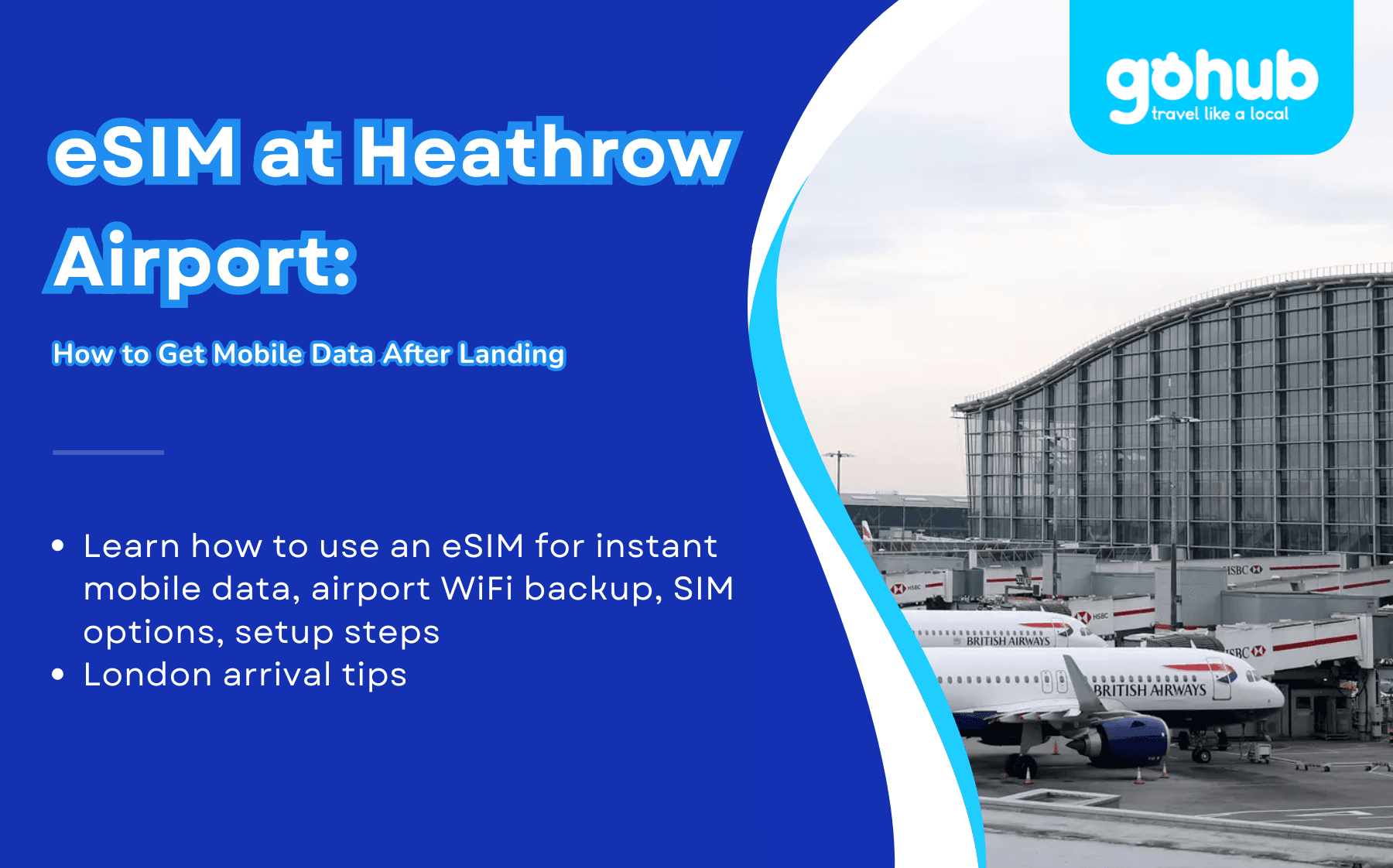
Landing at Heathrow? Learn how to use an eSIM for instant mobile data, airport WiFi backup, SIM options, setup steps, and London arrival tips.
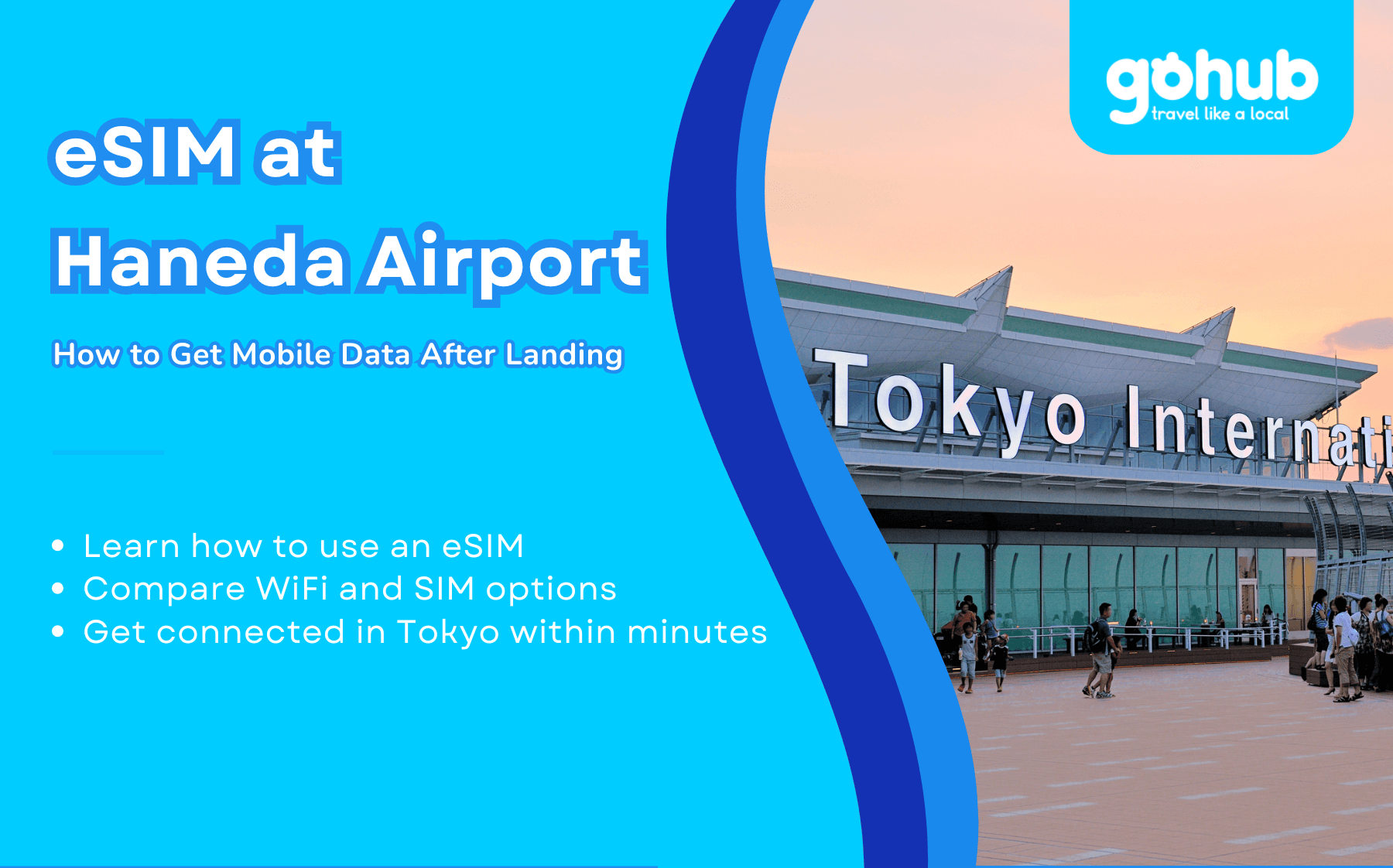
Need internet after landing at Haneda Airport? Learn how to use an eSIM, compare WiFi and SIM options, and get connected in Tokyo within minutes.
Need internet after landing at Dubai Airport DXB? Learn how to use an eSIM, compare WiFi and SIM options, and get connected in minutes.