

시카고 오헤어 공항 (ORD) eSIM: 2026년 도착 가이드

시카고 오헤어 국제공항(ORD)은 세계에서 가장 붐비는 허브 중 하나이며, 이곳을 통과하는 수많은 여행객들에게 연결성 질문은 동일합니다: 여권 심사 후 SIM 카드 카운터가 있나요, 무료 WiFi는 실제로 작동하나요, 그리고 이미 연결된 상태로 착륙하는 것이 더 빠를까요? 오헤어 공항에 대한 짧은 답변은 현장에서 현지 SIM을 구매하는 것이 가능하지만 불편하므로, 대부분의 국제선 도착객들은 탑승 전에 eSIM을 활성화하는 것이 더 낫다는 것입니다.
빠른 답변: 오헤어 공항에서 SIM 카드를 구매할 수 있나요?
네, 하지만 찾아야 할 곳이 몇 군데 있고, 눈에 띄는 단일 카운터는 없습니다. 최근 여행객 보고서에 따르면, 터미널 5 주변에 집중된 세 가지 현장 옵션이 있습니다:
터미널 5 B번 출구 바로 바깥, 맥도날드 건너편에 있는 Simtraveler SIM 자판기.
실물 SIM 카드를 판매하며 터미널 1, 3, 5에 위치한 InMotion 전자제품 매장.
터미널 5 M 콩코스와 터미널 5 국제선 도착 구역에 있는 Hudson News 지점들로, 가끔 선불 SIM 카드를 판매합니다.
이들 중 어느 곳도 전용 통신사 카운터가 아니므로, 재고, 가격, 직원 지식은 달라질 수 있습니다. 모바일 통신사와 직접 거래하고 싶다면, T-Mobile도 단기 방문객을 위한 관광객 요금제(Tourist Plan)를 제공하지만, 직접 설정하려면 공항 밖의 T-Mobile 매장을 찾아야 합니다.
자판기를 찾아 헤매거나, 세 가지 다른 유형의 매장을 확인하거나, 비행 전에 eSIM을 설치하는 것 중에서, eSIM은 터미널 5에서 보물찾기를 먼저 할 필요 없이 착륙하는 순간 온라인에 접속할 수 있음을 보장하는 유일한 옵션입니다.
오헤어 공항 무료 WiFi: 무엇을 기대할 수 있나요?
오헤어 공항은 보안 검색 전후 모든 터미널에서 무제한 무료 WiFi를 제공합니다. 기기에서 오헤어 무료 WiFi 프로그램 이름으로 된 네트워크를 찾고 화면의 지시를 따르세요. 일반적으로 짧은 광고를 시청하거나 이메일 주소를 입력하여 연결합니다. 시간 제한 없이 진정으로 무료이므로, 대기하는 동안 비행 상태를 확인하거나, 가족에게 메시지를 보내거나, 게이트 정보를 찾아보는 데 훌륭한 백업 역할을 합니다.
터미널 WiFi가 부족한 점은 실제로 건물을 떠나는 순간입니다. 무료 공항 WiFi는 CTA 기차 플랫폼, 차량 공유 픽업 구역, 또는 시카고를 탐험하는 동안 도시 전역으로 따라가지 않습니다. 터미널 밖의 모든 것을 위해서는 자신만의 데이터 연결이 필요하며, 바로 그곳에서 사전 활성화된 eSIM이 제 역할을 합니다.
터미널 5 및 국제선 도착
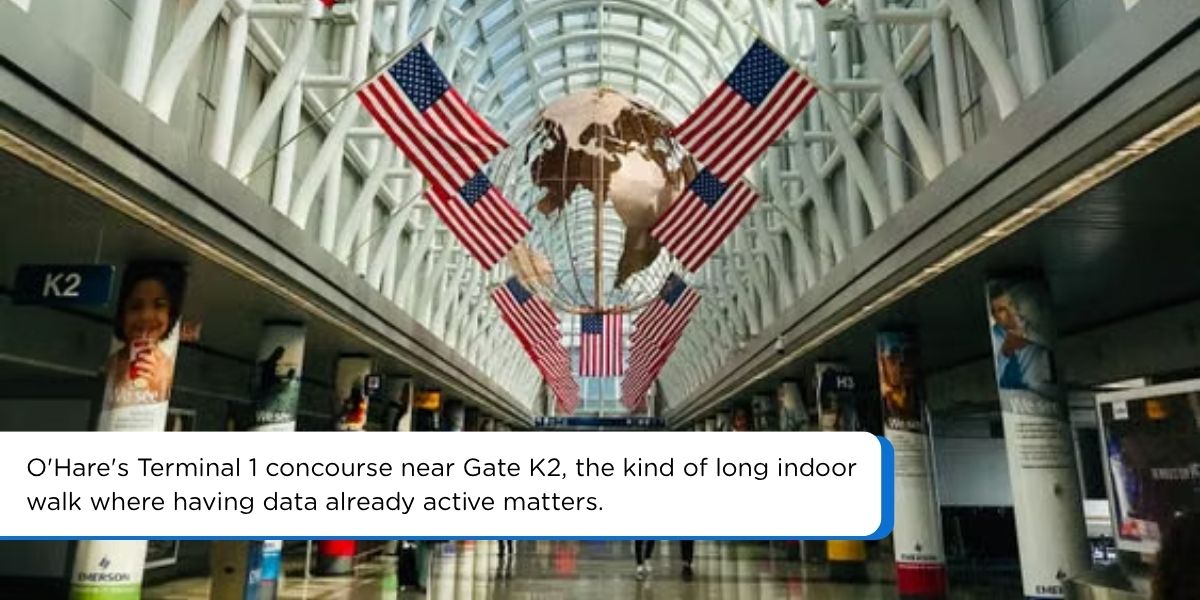
오헤어 공항의 국제선 도착은 주로 터미널 5에서 이루어지며, 터미널 1, 2, 3의 국내선 중심부에서 약 1마일 떨어져 있습니다. 미국 외 지역에서 비행하는 경우, 이곳은 미국 세관 및 국경 보호국을 통과하고, 위탁 수하물을 수령한 다음 지상 교통편으로 향하는 터미널입니다. 일반적인 국내선 환승보다 더 긴 도보 거리이며, 특히 시차로 피곤하거나 오헤어 공항을 처음 이용하는 경우, 탑승교에서부터 지도, 차량 호출 앱, 메시징 기능이 이미 작동하면 그 도보가 훨씬 덜 스트레스가 됩니다.
착륙 후 찾아다니며 구매해야 하는 eSIM이 아니라 도착 시 자동으로 활성화되는 eSIM은 이미 세관 줄과 낯선 표지판이 있는 여행에서 하나의 변수를 더 줄여줍니다.
착륙 후가 아닌 착륙 전에 활성화해야 하는 이유
세 가지 이유가 오헤어와 같은 허브에서 "먼저 활성화"하는 접근 방식이 훨씬 더 나은 이유를 설명합니다:
터미널 우회 없음. B번 출구 밖에서 자판기를 찾아 헤매거나, InMotion에 재고가 있는지 확인하거나, 시차로 피곤한 상태에서 선불 SIM 옵션을 비교할 필요가 없습니다. 휴대폰이 단순히 연결됩니다.
물리적 SIM 교체 없음. 미국 선불 SIM 카드는 여전히 본국 SIM을 제거하고, 작은 트레이를 보관하고, 여행이 끝날 때 원래 카드를 다시 삽입해야 합니다. eSIM은 디지털 프로필로 설치되므로, 원래 번호와 요금제는 그대로 유지되며 다시 전환할 준비가 되어 있습니다.
비행 전 예측 가능한 비용. 공항 SIM 가격은 명확하게 게시되는 경우가 드물며, 본국 통신사가 부과하는 국제 로밍 요금은 미국에서 데이터를 사용하는 가장 비싼 방법 중 하나일 수 있습니다. 데이터 요금제를 미리 구매하면 탑승 전에 지불할 금액을 이미 알 수 있습니다.
출발 전 오헤어 공항용 eSIM 설정 방법
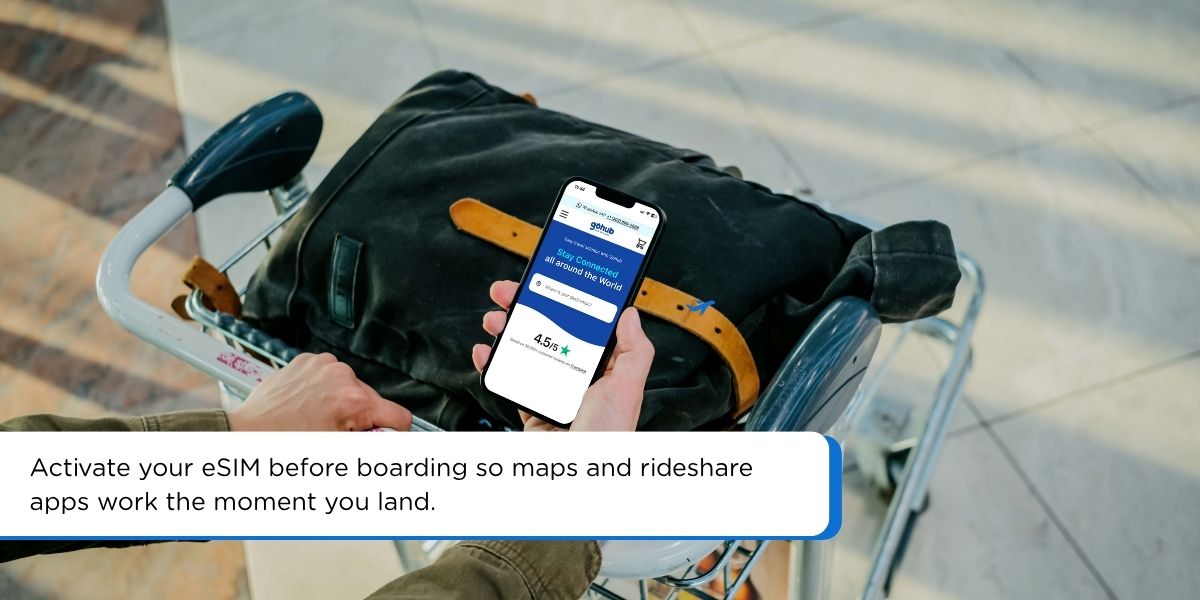
비행 전에 미국 eSIM을 온라인으로 구매하세요. Gohub의 미국 eSIM 요금제는 바로 이를 위해 만들어졌습니다: 집, 출발 라운지, 경유 공항 등 WiFi가 있는 어디에서든 프로필을 설치하세요.
WiFi가 있을 때 설치하세요. eSIM 설치에는 인터넷 연결이 필요하므로, 아직 신호가 없는 오헤어 공항에 착륙한 후가 아니라 탑승 전에 이 작업을 수행하세요.
착륙할 때까지 꺼두세요. 대부분의 eSIM 프로필은 미리 설치할 수 있으며, 비행기가 착륙한 후에만 켜지거나(또는 자동 활성화되도록 설정) 작동하므로, 데이터를 미리 소모하지 않습니다.
APN 및 데이터 설정을 확인하세요. Gohub의 설정 가이드는 iPhone 및 Android에 대한 정확한 단계를 안내하므로, 착륙 후 1~2분 이내에 데이터가 작동하기 시작합니다.
이는 터미널 내에서 SIM 카드 카운터를 찾으려는 사람보다 훨씬 앞서, 탑승교 문에 도착하기도 전에 지도, 차량 공유 앱, 메시지가 작동한다는 의미입니다.
오헤어 공항에서 시카고 시내로 이동하기
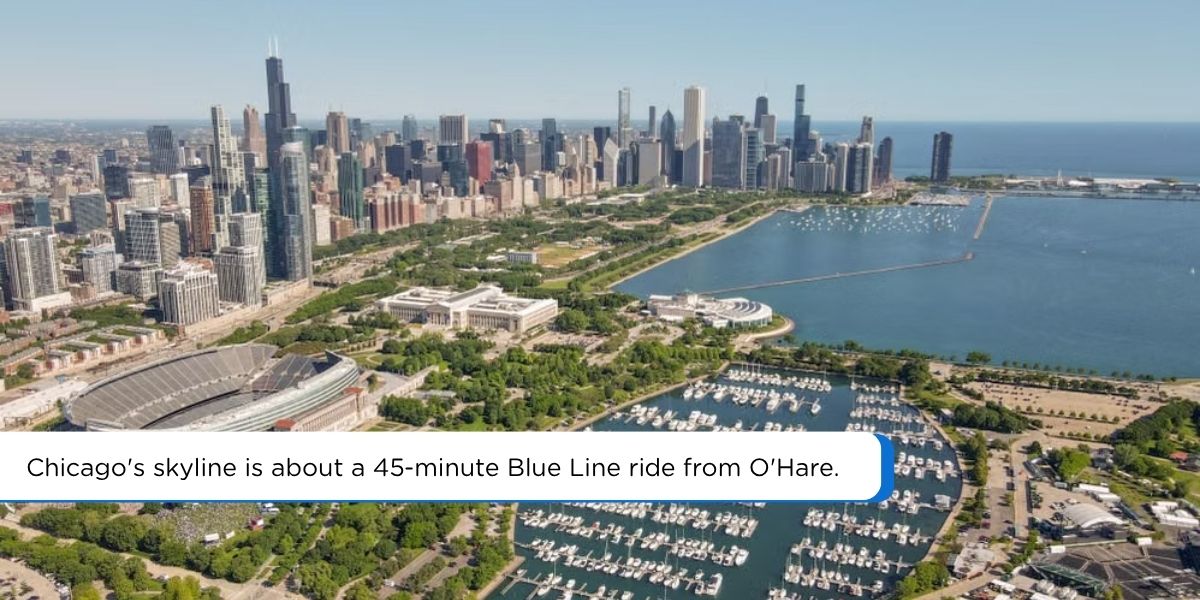
연결되면 시내로 가는 것은 간단합니다. CTA 블루 라인은 오헤어 터미널 역에서 시카고 루프까지 하루 24시간 운행하며, 약 45분이 소요됩니다. 오헤어 공항에서 탑승 시 정액 요금이 부과되며 (공항 역에서 태그인할 때 표준 요금에 소액의 공항 추가 요금이 붙습니다), 데이터를 사용할 수 있으면 벤타 카드 충전, 다음 열차 확인, 시내 호텔 또는 연결 항공편 정류장 확인이 용이합니다.
대신 차량 공유나 택시를 이용하는 경우, 착륙하는 순간부터 eSIM이 활성화되어 있으면 지정된 픽업 구역에 도착하는 즉시 픽업 앱이 실시간 위치를 파악할 수 있으므로, WiFi 신호를 찾은 후 다시 연결하려고 허둥댈 필요가 없습니다.
자주 묻는 질문
오헤어 공항의 모든 터미널에 무료 WiFi가 있나요? 네, 모든 터미널에서 육상 및 항공 구역 모두에서 무제한 무료 WiFi를 비용 없이 시간 제한 없이 제공합니다.
오헤어 공항에 착륙 후 SIM 카드를 구매할 수 있나요? 네, 터미널 5 주변에 몇 가지 옵션이 있습니다: B번 출구 밖의 Simtraveler 자판기, InMotion 전자제품 매장(터미널 1, 3에도 있음), 그리고 일부 Hudson News 지점입니다. 이들 중 어느 곳도 전용 통신사 카운터가 아니므로, 재고와 가격이 일정하지 않습니다.
오헤어 공항을 통한 미국 여행 시 eSIM이 국제 로밍보다 낫나요? 대부분의 여행객에게는 그렇습니다. 본국 통신사가 부과하는 로밍 요금은 일반적으로 미국 여행을 위해 특별히 고안된 선불 eSIM 데이터 요금제보다 훨씬 높으며, eSIM은 비행 전에 예측 가능한 선불 가격을 제공합니다.
오헤어 공항에서 eSIM을 사용하려면 미국 전화번호가 필요한가요? 아니요. 대부분의 여행 eSIM 요금제는 데이터 전용이며, 현지 전화번호 없이 지도, 메시징 앱, 차량 공유 사용을 지원합니다.
오헤어 공항에서 국제선 도착은 어느 터미널에서 처리하나요? 터미널 5는 오헤어 공항의 국제선 도착 및 미국 세관 및 국경 보호국 처리의 대부분을 담당합니다.
오헤어 공항에 연결된 상태로 착륙하세요
오헤어 공항은 장거리 비행 후 연결 계획을 즉흥적으로 세우고 싶은 공항이 아닙니다. 자판기나 InMotion 매장을 찾아 헤매거나 터미널 5에서 세관을 통과하는 것보다, 착륙하는 순간 이미 온라인에 접속되어 있는 것이 가장 원활한 방법입니다. Gohub의 미국 eSIM 요금제를 둘러보고 비행 전에 설정하여, 오헤어 공항이 SIM 카드 보물찾기가 아닌 지상 교통편으로의 단순한 이동이 되도록 하세요.

Hi! Mình là Lala Wren, một content creator yêu xê dịch và đam mê chia sẻ trải nghiệm thực tế cho cộng đồng Gohub. Trong nhiều năm qua, mình đã đặt chân đến Thái Lan, Hàn Quốc, Nhật Bản, Singapore, Malaysia, Bali và nhiều điểm đến thú vị khác trên khắp châu Á. Cùng mình tìm hiểu tất tần tật từ khâu chuẩn bị eSIM, Visa, lịch trình và địa điểm nổi bật cho chuyến đi sắp tới của bạn nhé!
모든 글 보기 →Related articles
2026년 미국 여행을 위한 최고의 eSIM: 5개 통신사 비교
2026년 미국 여행에 가장 적합한 eSIM은 무엇일까요? Gohub, Airalo, Holafly, Nomad, Ubigi를 가격, 네트워크, 핫스팟, 미국 번호를 기준으로 비교하고 설정 방법까지 안내합니다.
2026년 베트남 최고의 eSIM: 8가지 옵션 비교
2026년 베트남에 가장 적합한 eSIM은 무엇일까요? Gohub, Airalo, Holafly, Nomad, Ubigi 및 현지 SIM을 가격, 데이터, 커버리지, 등록 측면에서 비교합니다.
칸쿤 공항 (CUN) eSIM: 대기 없이 연결 유지 2026년
칸쿤 공항 터미널의 첫 번째 SIM 카드 판매대는 항상 가장 비쌉니다. CUN의 통신사 카운터가 실제로 어디에 있는지, 무료 Wi-Fi가 어떻게 작동하는지, 그리고 2026년에 멕시코 eSIM이 이 둘보다 나은 이유를 알아보세요.
아부다비 공항 (AUH) eSIM: 설정, 비용 및 2026년 최고의 요금제
자예드 국제공항에서 이제 24시간 동안 무료 10GB SIM을 제공합니다. 작동 방식, 단점, 그리고 UAE eSIM 요금제가 여전히 가치 있는 경우를 알아보세요.
태국 여행객을 위한 인터넷: 2026년 완벽 가이드
태국 여행을 계획 중이신가요? eSIM과 관광객 SIM, AIS, True, dtac를 비교하고 섬별 커버리지를 확인하여 연결 상태를 유지하는 올바른 방법을 선택하세요.
한국 여행객을 위한 인터넷: 2026년 완벽 가이드
한국으로 떠나시나요? eSIM, 관광객용 SIM 카드, 포켓 WiFi 렌탈을 비교하고, KTX와 서울 지하철이 왜 세계에서 가장 빠른 연결 속도를 자랑하는지 알아보세요.