
Loading page, please wait...
WhatsApp 24/7:+1 (302) 899-2888
Bali is one of the most popular travel destinations in Indonesia. For many international travelers, the first thing they need after landing is mobile internet. You may need to book a ride, contact your hotel, open Google Maps, or message your family to let them know you have arrived safely.
If you are flying into Bali Denpasar Airport, also known as Ngurah Rai International Airport, you may wonder whether an eSIM works immediately after landing or whether you still need to buy a physical SIM card at the airport.
The short answer is yes. In most cases, a travel eSIM for Indonesia can work at Bali Denpasar Airport shortly after you land, as long as your phone supports eSIM and the setup is done correctly.
This guide explains how eSIM works at Bali Denpasar Airport, what to prepare before your flight, and what travelers should know before using mobile data in Bali.
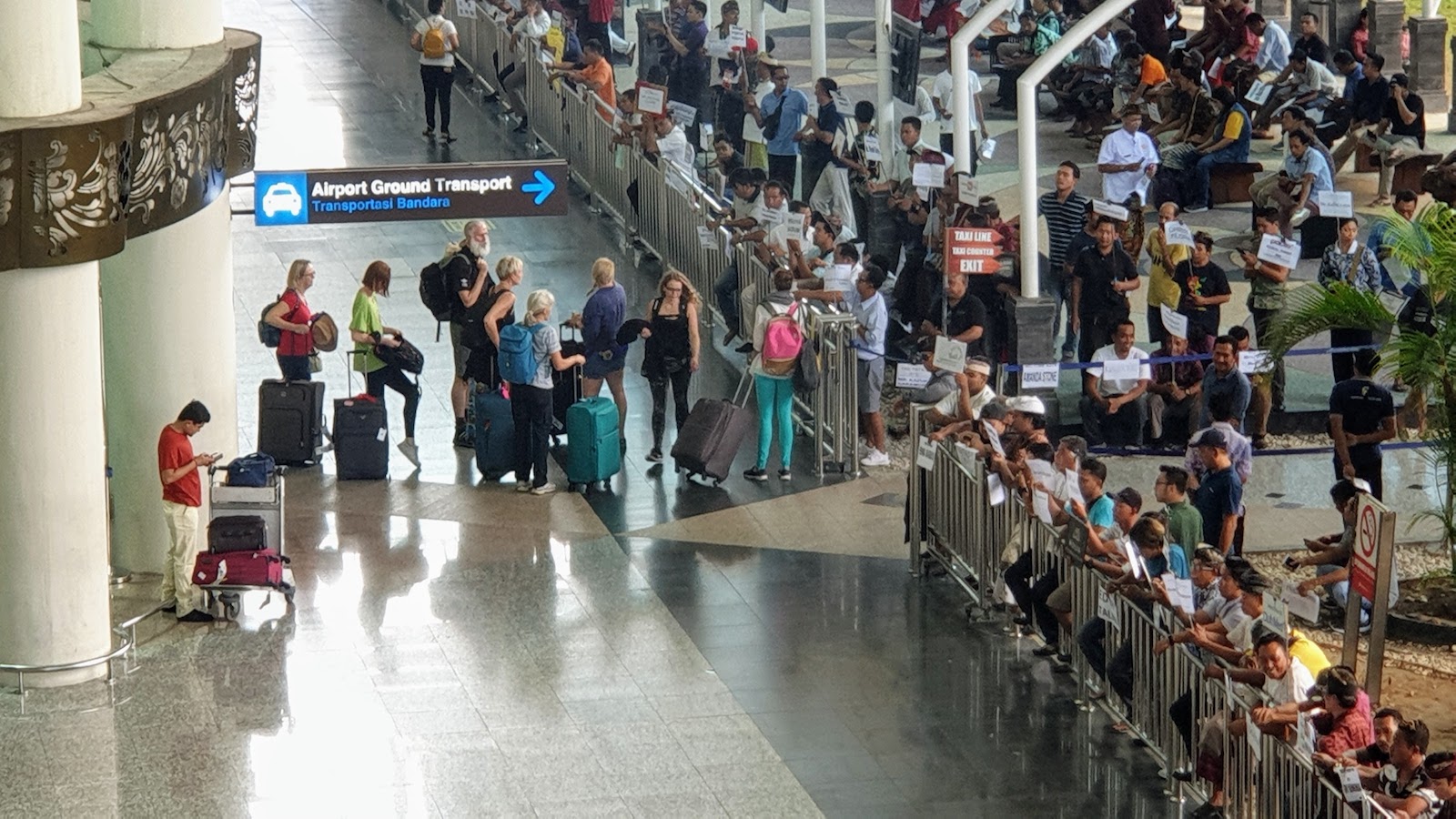
Traveler using eSIM at Bali Denpasar Airport after landing
Yes, you can usually use an eSIM immediately after landing at Bali Denpasar Airport. Once your plane lands, you only need to turn off airplane mode, enable your eSIM line, and turn on data roaming for the eSIM.
After that, your phone should automatically connect to a local network in Indonesia. This process usually takes a few minutes, depending on your phone model, network availability, and eSIM provider.
If you install your eSIM before departure, you can avoid waiting in line at the airport SIM card counters.
This is especially helpful if you arrive during busy hours, late at night, or after a long flight when you want to leave the airport quickly.
When you arrive at Bali Denpasar Airport, there are several ways to get internet access. Each option has its own pros and cons.
Option | Convenience | Setup Time | Best For |
|---|---|---|---|
Airport Wi-Fi | Medium | Immediate | Quick messages or checking basic information |
Physical SIM Card | Medium to Low | 20–40 minutes | Travelers who prefer a local SIM card |
Travel eSIM | High | A few minutes | Travelers who want internet right after landing |
Airport Wi-Fi can be useful, but it may not always be stable during peak travel hours. A physical SIM card can work well, but you may need to queue, show your passport, and wait for activation.
For most short-term travelers, eSIM is the most convenient option because it can be prepared before the trip and used shortly after arrival.

Using Google Maps and Grab with eSIM in Bali
Having mobile data right after landing can make your arrival much smoother. Bali is easy to travel around, but the first hour after landing can be busy and confusing, especially for first-time visitors.
With an active eSIM, you can:
Open Google Maps
Book a ride with Grab
Contact your hotel or villa
Check your airport transfer details
Message family or friends
Search for nearby restaurants or money exchange counters
This is why many travelers prefer to set up an eSIM before flying to Bali instead of buying a SIM card after landing.
Grab is widely used in Bali, especially for airport transfers, city rides, and short-distance trips. After landing, many travelers open Grab to compare prices or book a ride to their hotel.
Having mobile data immediately after landing makes it much easier to book Grab and communicate with your driver.
However, airport pickup points can sometimes be confusing. Make sure to check your exact pickup location in the app and follow airport signs carefully.
Google Maps is one of the most useful apps for traveling in Bali. You will likely use it to find your hotel, restaurants, beaches, temples, cafes, and tourist attractions.
It is a good idea to download offline maps before your trip, especially if you plan to visit quieter areas outside central Bali.
In popular areas like Kuta, Seminyak, Canggu, and Ubud, mobile data is usually convenient for navigation. In more remote areas, the signal may be weaker depending on location and network coverage.

Travel from Bali Denpasar Airport to Ubud with mobile data
Many travelers go directly from Bali Denpasar Airport to Ubud. The journey can take around 1.5 to 2.5 hours depending on traffic.
During this transfer, mobile data is useful for checking your route, contacting your hotel, and sharing your live location with someone you trust.
If Ubud is your first stop in Bali, having eSIM ready before arrival can make the airport-to-hotel transfer much easier.
Nusa Penida is one of the most popular day-trip destinations near Bali. Many travelers book boat tickets or tours after arriving in Bali.
With mobile internet, you can check boat schedules, compare tour options, read reviews, and contact local operators.
Keep in mind that some parts of Nusa Penida may have weaker signal than mainland Bali, especially around cliffs, beaches, and remote viewpoints.
To avoid problems after landing, you should prepare your eSIM before your flight. This only takes a few minutes, but it can save you time at the airport.
Before buying an eSIM, make sure your phone supports eSIM. Many newer iPhone, Samsung Galaxy, Google Pixel, and other flagship phones support eSIM, but not every model does.
Always check your phone compatibility before purchasing an eSIM.
You should buy your travel eSIM before leaving your home country. This gives you enough time to receive the QR code or installation instructions.
Buying before departure also means you do not need to rely on airport Wi-Fi to complete the setup.
The best time to install your eSIM is before your trip, while you still have stable Wi-Fi. Follow the installation instructions from your eSIM provider carefully.
Do not delete the eSIM profile after installation, because some eSIMs cannot be reinstalled using the same QR code.
After landing at Bali Denpasar Airport, turn off airplane mode and enable data roaming for your eSIM line.
This step is very important. Many travelers install the eSIM correctly but forget to turn on data roaming.
If your eSIM does not connect after landing, checking data roaming should be one of the first things you do.
Buying a physical SIM card at Bali Airport is still an option. Some travelers prefer it because they are used to local SIM cards or want help from staff during setup.
However, there are a few things to consider:
You may need to queue at the SIM card counter
Prices at the airport may be different from city stores
You may need to show your passport
Activation can take extra time
You may need to remove your home SIM card if your phone has only one SIM slot
If your phone supports eSIM, using a travel eSIM is usually faster and more convenient for short trips to Bali.
Feature | eSIM | Physical SIM Card |
|---|---|---|
Can be bought before arrival | Yes | No |
Requires airport queue | No | Usually yes |
Needs physical SIM swap | No | Yes |
Works shortly after landing | Yes | Only after purchase and activation |
Convenient for short trips | Very convenient | Moderate |
Both options can work, but they suit different types of travelers.
For travelers who want a smooth arrival experience, eSIM is often the better choice.
Yes. One of the biggest benefits of eSIM is that you can keep your home SIM active while using the eSIM for mobile data.
This is useful if you need to receive:
Banking OTPs
Important calls
SMS verification codes
Messages from your home country
You can set your eSIM as the mobile data line and keep your main SIM for calls and SMS.
Before traveling, check your phone settings and roaming charges from your home mobile carrier to avoid unexpected fees.
The amount of data you need depends on how you use your phone during the trip.
Travel Style | Estimated Data for 7 Days | Common Usage |
|---|---|---|
Light use | 3–5GB | Google Maps, messaging, light browsing |
Normal use | 5–10GB | Maps, Grab, social media, restaurant search |
Heavy use | 10GB or more | Video calls, Upload Story, TikTok, YouTube |
If you only use Google Maps, Grab, WhatsApp, and occasional browsing, 5–10GB is usually enough for a one-week Bali trip.
If you often upload videos, make Video Call, or use social media heavily, choose a larger data plan.
Most eSIM setup issues are simple and can be fixed quickly. If your eSIM does not work after landing at Bali Denpasar Airport, try the following steps.
Check whether airplane mode is turned off
Make sure the eSIM line is enabled
Turn on data roaming for the eSIM
Restart your phone
Manually select a local network if automatic connection does not work
Check whether your eSIM plan has started or expired
In many cases, turning on data roaming or restarting the phone is enough to fix the issue.
eSIM is a good option for many types of travelers visiting Bali.
First-time visitors who want a smooth arrival
Travelers arriving late at night
People who want to book Grab immediately
Travelers going directly to Ubud, Canggu, Seminyak, or Sanur
Visitors planning day trips to Nusa Penida
Anyone who wants to keep their home SIM active
If you want internet as soon as you land, eSIM is one of the most practical options.
Yes, eSIM is worth considering if you are arriving at Bali Denpasar Airport and want mobile data immediately after landing.
It helps you avoid airport SIM queues, keeps your home SIM active, and gives you quick access to Google Maps, Grab, hotel messages, and travel information.
For most short-term travelers, buying and installing an eSIM before flying to Bali is the easiest way to stay connected from the moment you arrive.
Before your trip, make sure your phone supports eSIM, install the eSIM while connected to stable Wi-Fi, and turn on data roaming after landing.
With the right setup, your Bali arrival can be much smoother, faster, and less stressful.
Yes. In most cases, an Indonesia travel eSIM can connect to a local network shortly after you land at Bali Denpasar Airport.
Yes. If your eSIM is active and mobile data is working, you can use Grab after landing to book a ride or check prices.
Airport Wi-Fi may be enough for quick messages, but it may not be ideal if you need stable internet for booking rides, navigation, or contacting your hotel.
You can buy a SIM card at the airport, but eSIM is usually more convenient if your phone supports it and you want to avoid waiting in line.
Yes. You can usually keep your home SIM active for calls or OTP messages while using the eSIM for mobile data.
Yes, eSIM usually works in Ubud. However, speed and signal strength may vary depending on your exact location and local network coverage.
eSIM can work in Nusa Penida, but some remote beaches, cliffs, or less developed areas may have weaker signal.
For normal travel use such as Google Maps, Grab, messaging, and social media, 5–10GB is usually enough for 7 days.
Yes, if you keep your home SIM active, you can usually receive banking OTPs while using your eSIM for mobile data.
Yes. It is better to install your eSIM before departure while you still have stable Wi-Fi. After landing, you only need to enable the eSIM and turn on data roaming.