
Loading page, please wait...
WhatsApp 24/7:+1 (302) 899-2888
Yes. You can use an eSIM at Kansai International Airport (KIX) immediately after landing if your phone supports eSIM technology and your plan has been installed before departure.
For many international travelers arriving in Osaka, Kyoto, Nara, or the wider Kansai region, an eSIM is one of the easiest ways to access mobile data without searching for a SIM card counter after arrival. Once you leave the aircraft, you can connect to maps, messaging apps, hotel bookings, transportation services, and travel documents within minutes.
According to the Kansai International Airport WiFi information page, free WiFi is available throughout the airport terminals. However, many travelers prefer mobile data because it continues working after leaving the airport.
Option | Best For | Main Benefit | Limitation |
|---|---|---|---|
Travel eSIM | Most international travelers | Mobile data immediately after arrival | Requires eSIM-compatible phone |
Airport WiFi | Short airport use | Free internet access | Limited to airport areas |
Airport SIM Purchase | Travelers wanting assistance | In-person support | May require waiting |
International Roaming | Convenience | Uses existing number | Often more expensive |
Local SIM Card | Longer stays | Local network service | Requires physical SIM |
Most travelers need internet access shortly after arriving in Japan.
Common tasks include:
Booking transportation
Contacting hotels or Airbnb hosts
Accessing digital travel documents
Using Google Maps
Checking train schedules
Managing business communications
Using translation apps
Staying connected with family
While airport WiFi can help temporarily, mobile data generally provides a more reliable experience throughout Japan.
Travelers visiting Japan can review available Japan eSIM plans
Installing an eSIM before departure can simplify the arrival process.
Benefits include:
No SIM card replacement
No waiting at airport telecom counters
Data access shortly after landing
Ability to keep your primary number on supported devices
Easier setup before travel
For travelers visiting multiple countries during the same trip, a regional plan may offer additional flexibility.

Traveler using eSIM after arriving at Kansai Airport
Yes. Most travelers can connect shortly after arrival if:
The eSIM was installed before departure.
The device is carrier-unlocked.
The plan includes Japan coverage.
Activation instructions have been completed correctly.
Typical process:
Turn off airplane mode.
Enable your travel eSIM.
Select it as the active mobile data line.
Enable data roaming if required by your provider.
Wait for network registration.
Coverage and speeds generally depend on:
Device compatibility
Network partner
Airport location
Temporary congestion
As with any mobile service, performance may vary depending on provider, device, network partner, and local network conditions.
Yes. Kansai International Airport offers telecom services and SIM-related retailers in the airport complex. Availability, terminal locations, service providers, and operating hours may change over time, so travelers should verify details through the official Kansai Airport services directory before departure.
Buying connectivity at the airport may be useful if:
Your device does not support eSIM.
You forgot to arrange a plan before travel.
You prefer face-to-face assistance.
However, many travelers choose to install an eSIM before departure to avoid delays after landing.
Feature | eSIM | Airport WiFi | Roaming | Local SIM |
|---|---|---|---|---|
Works After Landing | Yes | Inside airport | Yes | After purchase |
Physical SIM Required | No | No | No | Yes |
Keep Home Number | Usually | Yes | Yes | Usually No |
Queue Required | No | No | No | Often |
Cost Control | Generally Good | Free | Depends on carrier | Usually Good |
Works Outside Airport | Yes | No | Yes | Yes |
For a more detailed comparison, read our guide to international roaming vs eSIM
Traveler Type | Suggested Data |
|---|---|
Airport Layover | 1GB–3GB |
Weekend Visitor | 5GB–10GB |
One-Week Japan Trip | 10GB–20GB |
Business Traveler | 10GB–20GB |
Digital Nomad | 20GB+ |
Japan Multi-City Trip | 20GB+ |
Travelers continuing to other countries may benefit from a regional plan. Explore available Asia eSIM plans
Before departure:
Confirm your phone supports eSIM.
Ensure your device is unlocked.
Purchase and install your eSIM.
Save activation instructions offline.
Download offline maps.
Save accommodation details.
Store transportation information.
Review activation requirements.
If needed, check our guide to eSIM-compatible phones
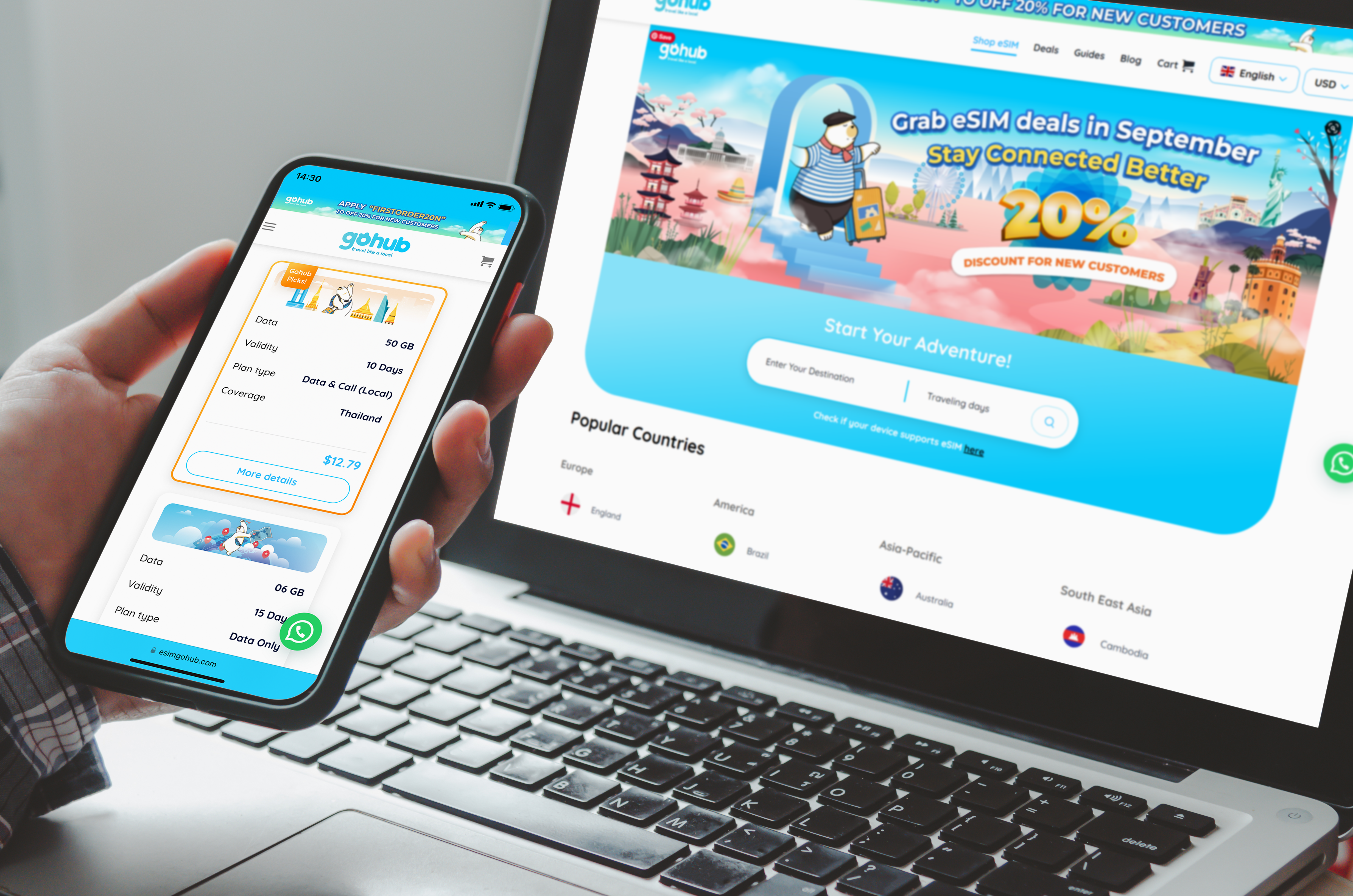
Installing an eSIM before flying to Japan
After arriving at Kansai Airport:
Turn off airplane mode.
Open mobile network settings.
Enable the travel eSIM.
Select it as your mobile data line.
Enable data roaming if required.
Wait for network registration.
Confirm internet access.
If your connection does not work immediately:
Restart the device.
Verify activation timing.
Check network settings.
Use airport WiFi temporarily while troubleshooting.
This article focuses on connectivity rather than transportation, but internet access becomes useful immediately after arrival.
Popular transportation options include:
JR Airport Express HARUKA
Nankai Airport Express
Airport limousine buses
Taxi services
Travelers should verify schedules and routes through the official Kansai Airport transportation guide before travel.
Having mobile data available allows you to check train schedules, access navigation apps, and contact accommodations in real time.

Traveler using mobile data after leaving Kansai Airport
Entry requirements vary depending on nationality, passport type, and travel purpose.
This article focuses on airport connectivity rather than immigration procedures. Travelers should verify current requirements through the Japan Ministry of Foreign Affairs travel information portal before departure.
Before leaving the airport:
Confirm your eSIM is connected.
Test internet access.
Open navigation apps.
Verify accommodation details.
Check transportation apps.
Test messaging services.
Save important addresses offline.
Disable unnecessary roaming on your primary SIM if needed.
Completing these steps before leaving the terminal can help prevent connectivity issues later.
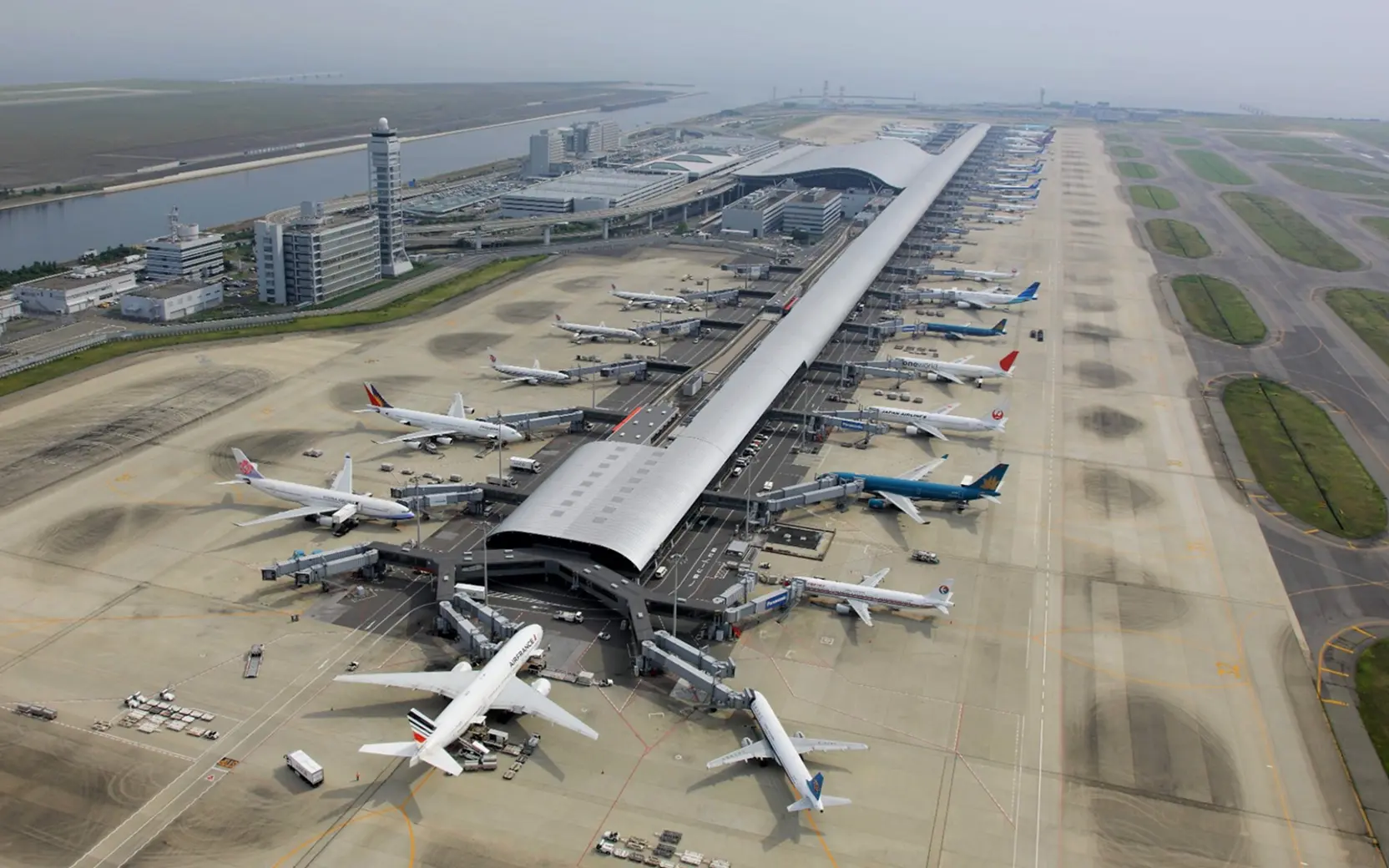
Kansai International Airport
If Japan is your primary destination, reviewing available Japan eSIM plans before departure can help simplify your arrival experience and reduce dependence on airport WiFi.
Travelers visiting multiple countries in Asia may prefer a regional plan for additional flexibility.
Using an eSIM at Kansai Airport is one of the easiest ways to get online shortly after landing.
While airport WiFi and local SIM retailers remain available, many travelers prefer the convenience of installing an eSIM before departure and activating it after arrival.
Whether you are visiting Osaka, Kyoto, Nara, or other destinations across Japan, having mobile data ready when you land can make the start of your trip significantly smoother.
Yes. Most travelers can connect within minutes after enabling their eSIM and turning off airplane mode.
SIM-related services are generally available at Kansai Airport, although locations and availability may change over time.
Yes. Free WiFi is generally available throughout Kansai International Airport terminals.
Yes. Installing your eSIM before departure is usually the easiest way to get connected immediately after landing.
Airport WiFi can be useful inside the terminal, but most travelers prefer mobile data once they leave the airport.
Most Japan eSIM plans provide nationwide coverage, depending on the provider and network partner.
Often yes, although actual savings depend on your carrier and travel habits.
Common causes include incorrect settings, delayed activation, airplane mode remaining enabled, or temporary network registration issues.
Yes. Many modern smartphones support dual SIM functionality.
Choose a Japan eSIM if Japan is your only destination. An Asia eSIM may be more convenient for multi-country travel.
Airport services, WiFi availability, telecom retailers, transportation schedules, entry requirements, and network performance may change over time. Always verify time-sensitive information through Kansai International Airport, transportation operators, government authorities, and your eSIM provider before travel.