

Loading page, please wait...
Yes. You can use an eSIM at Incheon Airport immediately after landing if your phone supports eSIM and your plan has been installed before departure.
For most international travelers, installing a South Korea eSIM before flying is the simplest way to get mobile data as soon as the aircraft lands. Instead of searching for a SIM counter or relying entirely on airport WiFi, you can access maps, ride-hailing apps, hotel reservations, messaging services, and travel documents within minutes.
According to the Incheon Airport WiFi information page, free WiFi is available throughout the airport terminals, making it useful as a backup connection during arrival.

Traveler using an eSIM after landing at Incheon Airport
Option | Best For | Main Benefit | Limitation |
|---|---|---|---|
Travel eSIM | Most travelers | Data immediately after landing | Requires eSIM-compatible phone |
Airport WiFi | Short-term airport use | Free internet access | Stops being useful after leaving airport |
Airport SIM/eSIM Counter | Travelers needing assistance | In-person support | May require waiting in line |
International Roaming | Minimal setup | Uses existing carrier | Can be expensive |
Local SIM Card | Longer stays | Local number available | Requires SIM replacement |
Most travelers need internet access before they even leave the arrivals hall.
Common reasons include:
Booking airport transportation
Contacting hotels or hosts
Accessing travel documents
Using Google Maps or Naver Map
Translating Korean signs and information
Checking train schedules
Accessing business emails
Communicating with family
While airport WiFi can help initially, having your own mobile data connection generally provides a smoother experience once you leave the terminal.
Travelers staying in South Korea can review available South Korea eSIM plans
Yes. Most travelers can connect shortly after arrival if:
The eSIM was installed before departure
The device is unlocked
The plan includes South Korea coverage
Mobile data settings are configured correctly
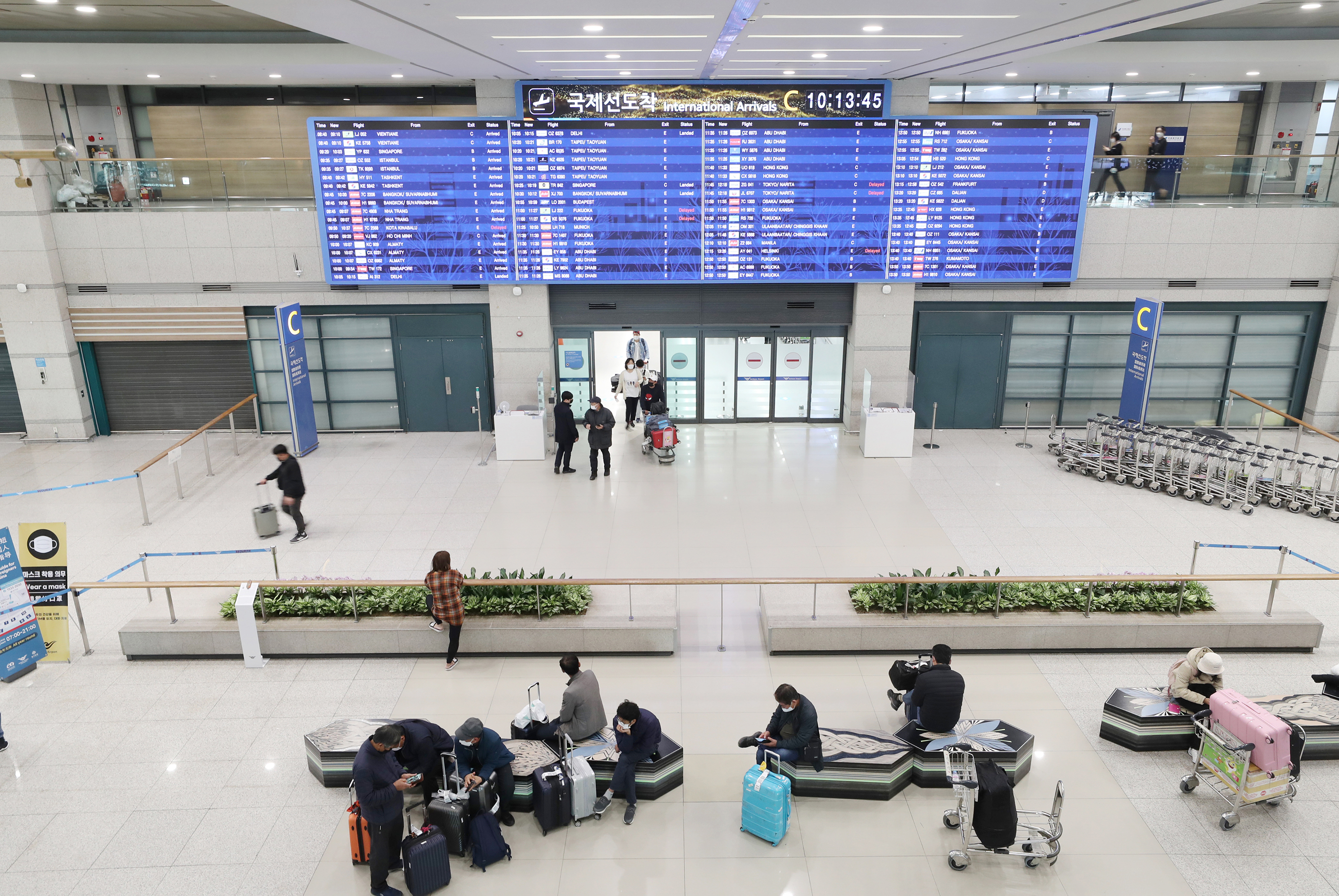
Activating an eSIM at Incheon International Airport
Typical activation process:
Turn off airplane mode.
Enable the travel eSIM.
Select it as the data line.
Enable data roaming if required by the provider.
Wait for network registration.
Connection quality generally depends on:
Device compatibility
Network partner
Terminal location
Temporary congestion
For this reason, coverage and speed can vary depending on provider, device, network partner, and local conditions.
Yes. Incheon International Airport has telecom counters and SIM-related services in the arrivals area. Availability, locations, operators, and opening hours may change over time, so travelers should verify details through the Incheon Airport telecommunications services directory before travel.
Buying at the airport may be appropriate if:
Your device does not support eSIM
You forgot to purchase a plan before departure
You prefer face-to-face assistance
However, many travelers prefer installing an eSIM before flying so they can connect immediately after landing.
Feature | eSIM | Airport WiFi | Roaming | Local SIM |
|---|---|---|---|---|
Works Immediately After Landing | Yes | Inside airport | Yes | After purchase |
Physical SIM Needed | No | No | No | Yes |
Keep Home Number | Usually | Yes | Yes | Usually No |
Queue Required | No | No | No | Often |
Cost Control | Generally Good | Free | Depends on carrier | Usually Good |
Works Outside Airport | Yes | No | Yes | Yes |
If you're evaluating costs and convenience, see our guide to international roaming vs eSIM
Traveler Type | Suggested Data |
|---|---|
Airport Layover | 1GB–3GB |
Weekend Traveler | 5GB–10GB |
One-Week Tourist | 10GB–20GB |
Business Traveler | 10GB–20GB |
Digital Nomad | 20GB+ |
Korea + Asia Trip | Regional Plan |
For trips extending beyond South Korea, a regional option may be more convenient than switching plans in every country.
Compare available Asia eSIM plans
Before departure:
Confirm your phone supports eSIM.
Ensure the device is unlocked.
Purchase the appropriate eSIM plan.
Install the eSIM using stable WiFi.
Save setup instructions offline.
Download offline maps.
Save hotel details.
Understand activation timing requirements.
If you're unsure about compatibility, review our guide to eSIM-compatible phones
After arriving at Incheon Airport:
Turn off airplane mode.
Open cellular settings.
Enable your travel eSIM.
Select it as the mobile data line.
Enable data roaming if required.
Wait for network registration.
Test internet access.
If connectivity does not work immediately:
Restart the device.
Verify APN settings if required.
Confirm activation instructions.
Connect to airport WiFi temporarily while troubleshooting.
This is not a transportation guide, but internet access becomes useful immediately after arrival.
Popular options include:
AREX Airport Railroad
Airport limousine buses
Taxi services
Ride-hailing applications
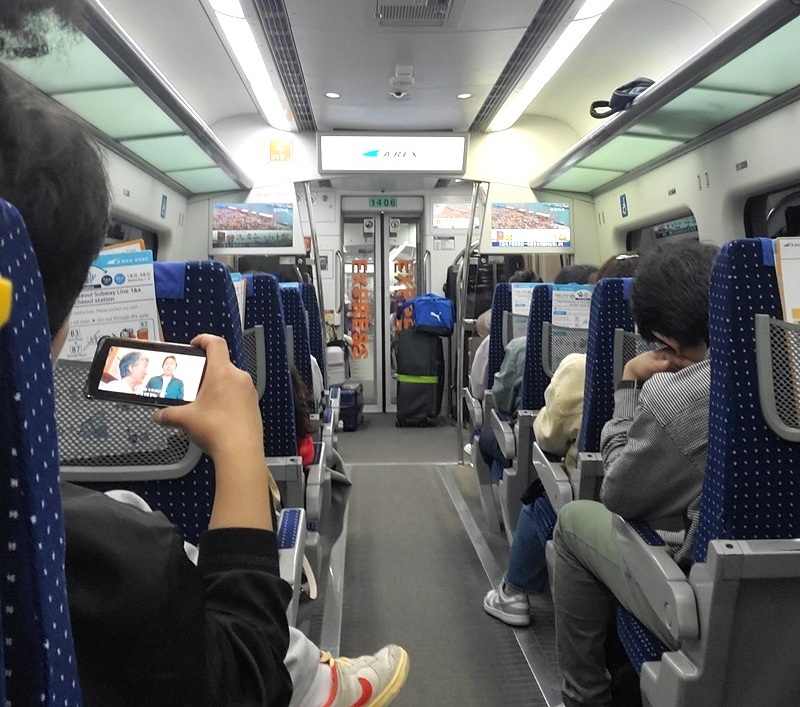
Traveler using mobile data on the AREX Airport Railroad from Incheon Airport
Travelers should verify schedules and operating information through the official Incheon Airport transportation guide before travel.
With mobile data available immediately after landing, you can compare routes, check arrival times, and communicate with hotels in real time.
Entry requirements can change depending on nationality, passport, and travel purpose.
This article focuses on airport connectivity rather than immigration advice. Travelers should verify requirements through the Korea Electronic Travel Authorization (K-ETA) information page or relevant government sources before departure.
Before leaving the airport:
Confirm your eSIM has signal.
Verify mobile data works.
Test maps and navigation.
Open your hotel booking.
Check transportation apps.
Ensure roaming is disabled on your home SIM if necessary.
Verify messaging apps function correctly.
Save important addresses offline.
Completing these checks before leaving the terminal can prevent connectivity issues later.
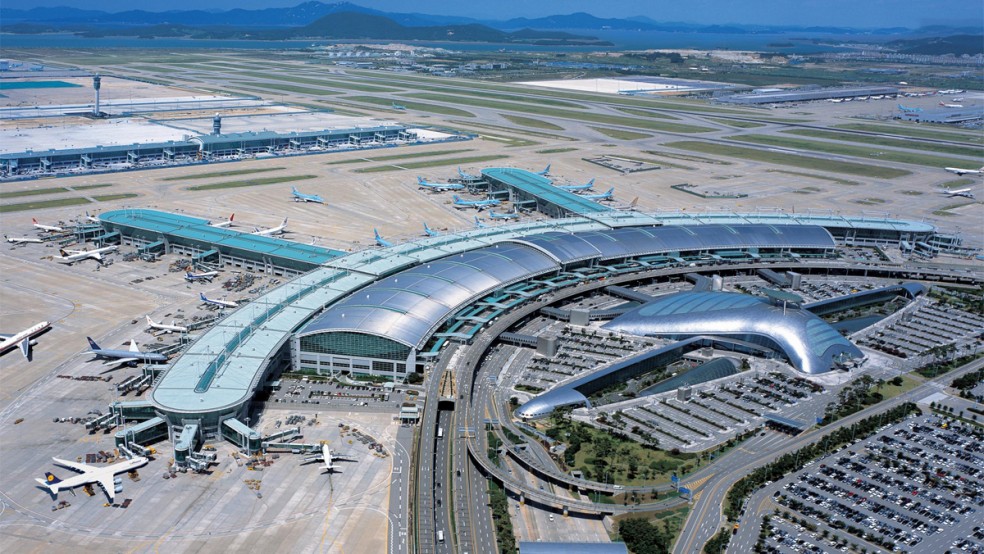
Seoul Incheon International Airport is a 5-Star Airport
If South Korea is your primary destination, reviewing available South Korea eSIM plans before departure can help simplify your arrival experience and reduce dependence on airport WiFi.
Travelers visiting multiple Asian countries may also prefer a regional plan that continues working beyond South Korea.
Using an eSIM at Incheon Airport is one of the easiest ways to get mobile data shortly after landing.
Although airport WiFi and local SIM counters remain available, installing an eSIM before departure can reduce arrival friction and help you connect faster once you reach South Korea.
Whether you're heading to Seoul, attending business meetings, or continuing across Asia, having mobile data available from the moment you land can make your trip significantly smoother.
Yes. Most travelers can connect within minutes after enabling their eSIM and turning off airplane mode.
SIM and eSIM-related services are generally available at the airport, although availability and opening hours may vary.
Yes. Free WiFi is available throughout the airport terminals.
Yes. Installing before departure is usually the easiest way to avoid delays after landing.
Airport WiFi can be useful inside the terminal, but most travelers prefer mobile data once they leave the airport.
Most South Korea eSIM plans provide nationwide coverage, depending on the provider and network partner.
Often yes, although actual savings depend on your home carrier and travel habits.
Common causes include airplane mode remaining enabled, incorrect settings, delayed activation, or temporary network registration issues.
Yes. Many modern devices support dual SIM functionality.
Choose a South Korea eSIM for Korea-only travel. Choose an Asia eSIM if your itinerary includes multiple countries.
Airport services, WiFi availability, telecom counters, transportation schedules, entry requirements, and network performance can change over time. Always verify time-sensitive information through Incheon International Airport, government authorities, transportation operators, and your eSIM provider before departure.
One eSIM, data in 200+ destinations. Activates in minutes.
Code applies to your first order.